Recording Issues

firefighterdude

New Member
Joined
Mar 6, 2022
Messages
17
Reaction score
1
Location
New York
Country
United States
Dash Cam
Viofo A119 V3
Good afternoon, everyone. I have recently purchased the Viofo A119 V3 to replace my defective 70Mai dash camera. I currently have it hooked up to the car's USB port as a source of power. I noticed that the camera only records for a short period of time (after I start the vehicle up) and then it stops (and the LED on the "Rec" button flashes). Then, I try to manually start recording by pressing the power button once, then click record. Although it records after I do that, it still only does so for a short period of time before the issue repeats. I have tried formatting the Micro SD card on multiple occasions, but that doesn't seem to fix it.

I would appreciate any information on how I could fix this issue. Thank you very much!
 
Car USB ports are notorious for creating problems ( underpowered ) it is a issue that have come up often in the past 10 years.
Dashcam issues with any anternative means of power and first order of the day should be to test with the provided power source.
 
Try powering the camera with the supplied power supply plugged into a 12V ciggy port just to rule out the possibility that your car's USB port might be causing the problem. Some cars don't supply enough current for running dash cams or the voltage can fluctuate. Also, check the cable connections to make sure they are secure.

Edit: @kamkar just beat me to posting but we are saying the same thing. 🙂
 
Change the power source. Use the one provided by Viofo through the cigarette socket.
 
Good afternoon, everyone. I have recently purchased the Viofo A119 V3 to replace my defective 70Mai dash camera. I currently have it hooked up to the car's USB port as a source of power. I noticed that the camera only records for a short period of time (after I start the vehicle up) and then it stops (and the LED on the "Rec" button flashes). Then, I try to manually start recording by pressing the power button once, then click record. Although it records after I do that, it still only does so for a short period of time before the issue repeats. I have tried formatting the Micro SD card on multiple occasions, but that doesn't seem to fix it.

I would appreciate any information on how I could fix this issue. Thank you very much!
First, reset the DVR to default settings. It looks like you have motion recording turned on.
A flashing LED on the "Record" button means waiting.
With insufficient power of the car USB port, the DVR is most often systematically rebooted.
 
I noticed that the camera only records for a short period of time (after I start the vehicle up) and then it stops (and the LED on the "Rec" button flashes).
I want to add that the LED also behaves if the memory card can not cope with the recording stream and if you have "All sounds" enabled in the menu, then the DVR will emit a sound signal.
 
  • Like
Reactions: gse
Hi all, thanks for the information. Here's an update on the situation. I have used the cigarette plug that came with the dash cam, plugged into the power supply in my center console.

First, reset the DVR to default settings. It looks like you have motion recording turned on.
A flashing LED on the "Record" button means waiting.
With insufficient power of the car USB port, the DVR is most often systematically rebooted.
I did not see an option in the menu for a DVR. I did check motion recording in the menu and I have that off.

I want to add that the LED also behaves if the memory card can not cope with the recording stream and if you have "All sounds" enabled in the menu, then the DVR will emit a sound signal.
I have turned the sounds off, but it sounds like I should turn it back on.

So... even using the cigarette plug and checking to make sure motion recording is off (which it is off), the issue is still happening. Any other advice? Thanks in advance.
 
Plug the V3 into a mobile phone charging wall adapter. It will/should powerup as though it is in the car and start recording. Check the phone brick is at least 1.5A

If it doesn't record then the SDCard is defective.
 
I did not see an option in the menu for a DVR. I did check motion recording in the menu and I have that off.
Turn on all sounds and you will most likely hear that the DVR will start beeping
just like when you press the file protect button, which means there is a problem with the memory card.
 
Plug the V3 into a mobile phone charging wall adapter. It will/should powerup as though it is in the car and start recording. Check the phone brick is at least 1.5A

If it doesn't record then the SDCard is defective.

Turn on all sounds and you will most likely hear that the DVR will start beeping
just like when you press the file protect button, which means there is a problem with the memory card.
I plugged it in to the phone brick (with more than 1.5A) in a wall outlet. I have also enabled the sounds. It beeps many many times when the recording ends, then beeps twice, every few seconds continuously. It sounds like the SD card is the problem here. Thank you all for the help!
 
I plugged it in to the phone brick (with more than 1.5A) in a wall outlet. I have also enabled the sounds. It beeps many many times when the recording ends, then beeps twice, every few seconds continuously. It sounds like the SD card is the problem here. Thank you all for the help!
Any particular recommendations of a good brand to purchase a Micro SD card from? Thanks in advance.
 
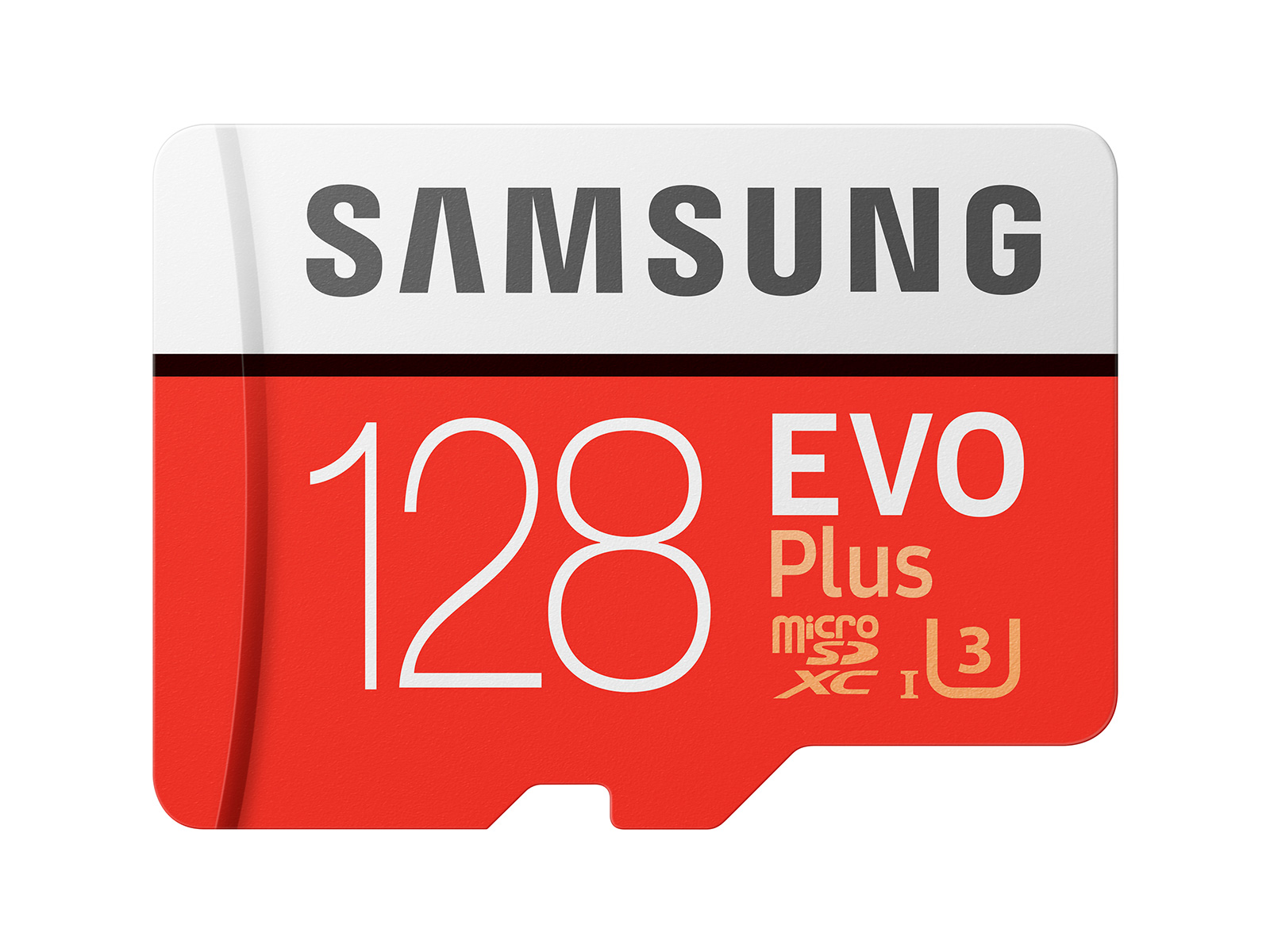
I've been running my 2 V3's without issue, one for many years since release, using 2 Samsung Evo Plus cards.

Neither dashcam has ever blipped. I've seen many posts here where endurance cards just haven't worked with the high write speeds demanded by some dashcams.

 
I've been running my 2 V3's without issue, one for many years since release, using 2 Samsung Evo Plus cards.

Neither dashcam has ever blipped. I've seen many posts here where endurance cards just haven't worked with the high write speeds demanded by some dashcams.

These are very good memory cards: MB-MC128GA/EU.
But they are not for sale. They are out of production.
 
These are very good memory cards: MB-MC128GA/EU.
But they are not for sale. They are out of production.

At least for now this card is still available on Amazon USA.

https://www.amazon.com/s/ref=nb_sb_noss?url=search-alias=aps&field-keywords=SAMSUNG+EVO+Plus++memory+card

These cards appear to be in the process of being replaced by the new Samsung EVO Plus (White) line of memory cards and the Samsung EVO Select (Blue) cards but it is not yet certain how well these new models perform for dash cam use.

Previously, the Samsung EVO Plus (Red) and the Samsung EVO Select (Green) were both the same card except the EVO Select (Green) was exclusively marketed and branded by Amazon. I believe this will now be the same for the EVO Plus White and EVO Select Blue cards.
 
Looks like this one is still available for purchase. Is that what you have?

Yes, that's the card @Karagandinez was referring to. MB-MC128GA is the model number for the old red version of the EVO Plus (100MB/s read - 60MB/s/ write) . The new white EVO Plus is A2 V30. Samsung claims 130 MB/s "transfer speed" for the white cards but seem a bit vague about what that means exactly in regard to read/write.
 
Endurance can be a problem for sure.
For instance i have the old WD purple card, that have a high write speed and have always worked in the systems i have out it in, but it was replaced by another purple card branded QD101, and these only have half the write speed of the old model and so would probably be a issue.

I got one of the new samsung evo plus cards ( all white ) it is not a plug and play card, so like my Adata endurance memory card i do call those 2 cards a bad investment, as they generally do not work in dashcams, even if both have substantial write speed.
So far the only camera the Adata endurance have worked in is the Vantrue E2 system. but 3 - 4 other systems i have tried it in have been a no go.

Mind you both of my problem cards, work just fine in my 4K/60 - 100 mbit action camera that hit the card much harder than any dashcam system do, even if they have more cameras.
 
Mind you both of my problem cards, work just fine in my 4K/60 - 100 mbit action camera that hit the card much harder than any dashcam system do, even if they have more cameras.

I wonder if this has anything to do with looping vs full time recording on an action camera?
 
Back
Top