
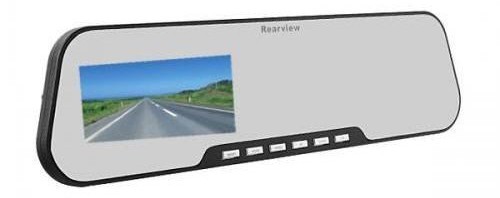
The Rearview Mirror DVR, is a high definition dash cam that records 720p at 30fps. Even though marketing material indicates this camera can record at 1080p at 15fps, this is not true. The 1080p video is actually interpolated. The video quality during the day is good but night video quality is poor.
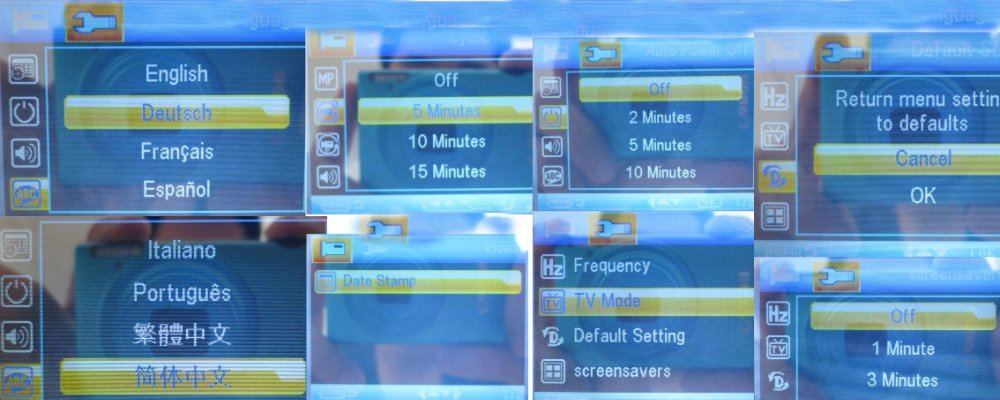
What makes this dash cam interesting is that, to the untrained eye, it looks like an oversized rearview mirror. It is 8cm tall and 31.5cm wide. Many people would not realize that this dash cam was installed in a vehicle. It has a 2.7″ screen built into the mirror. The default setting is to have the screen always on. This is not ideal for driving so you should set screen-saving mode to 1, 3 or 5 minutes. This turns off the screen automatically and leaves it just as a mirror.
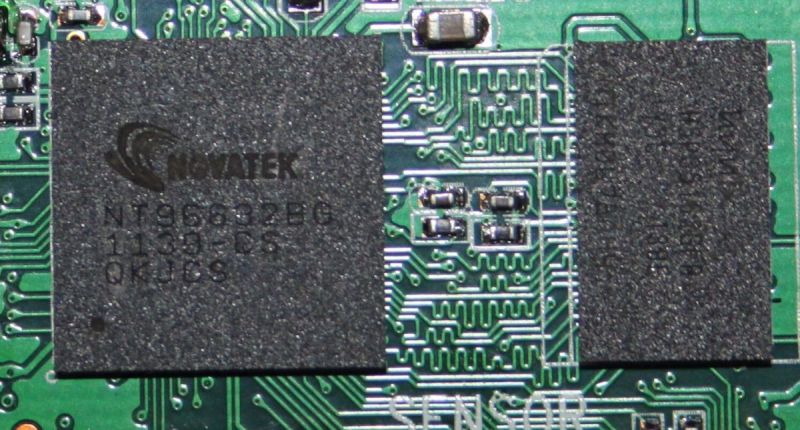
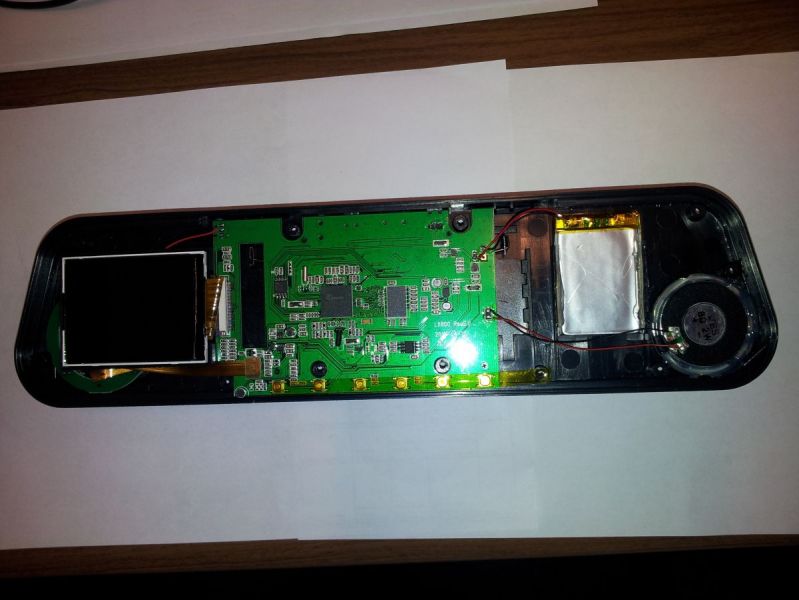
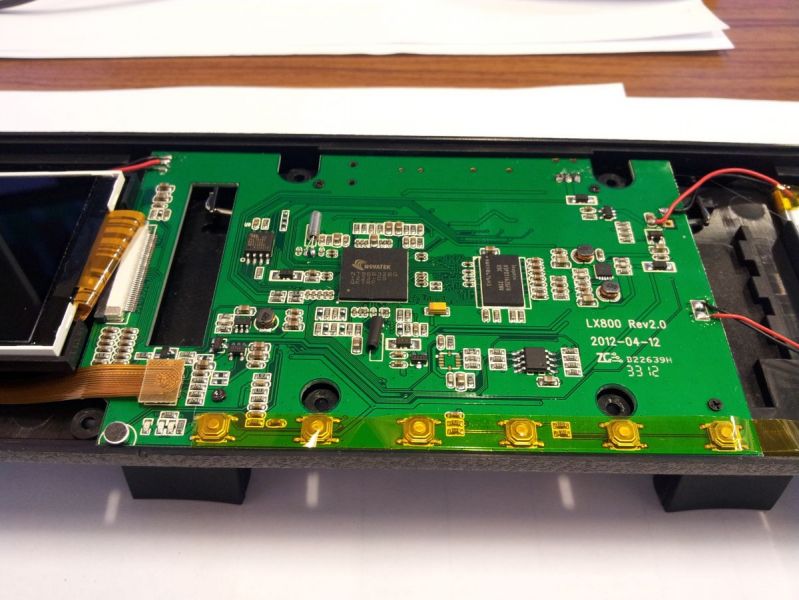
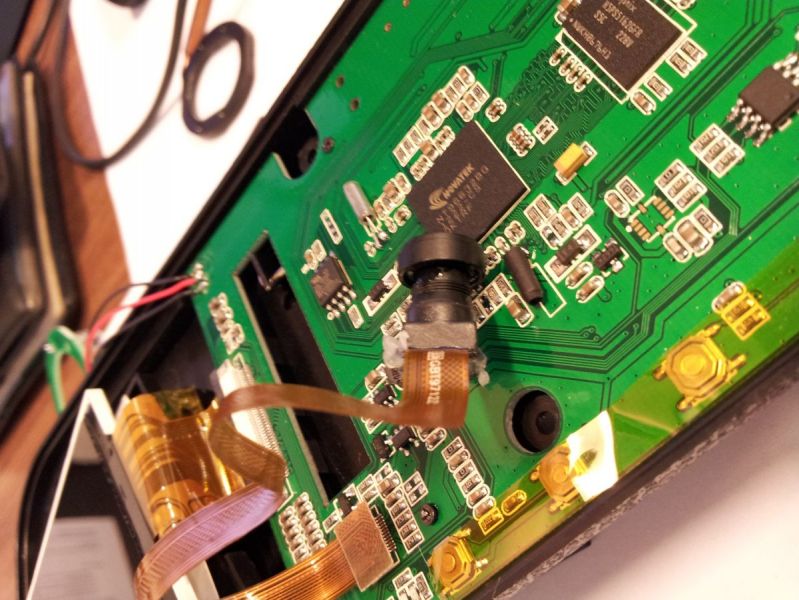
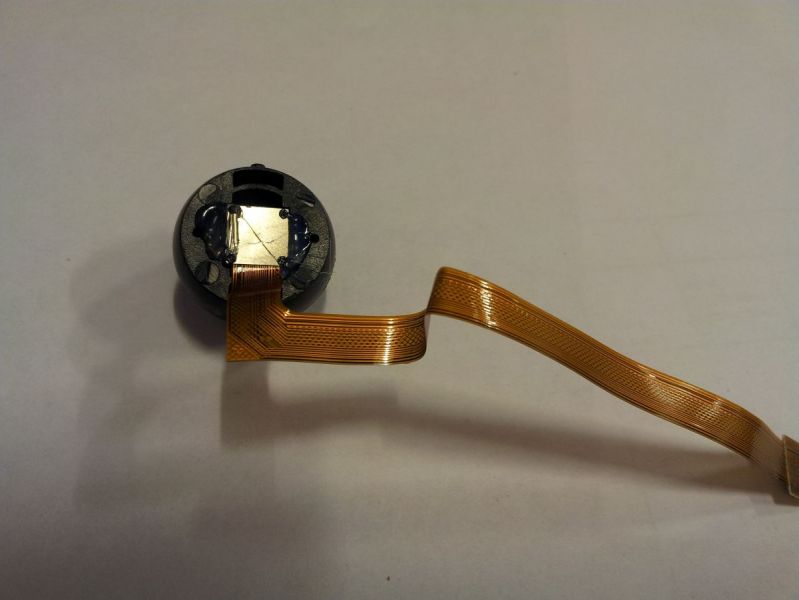
The internal components of this dashcam are identical to the Carcam K2000 DV Turnkey. Hence it is based on a Novatek processor (click picture to enlarge).
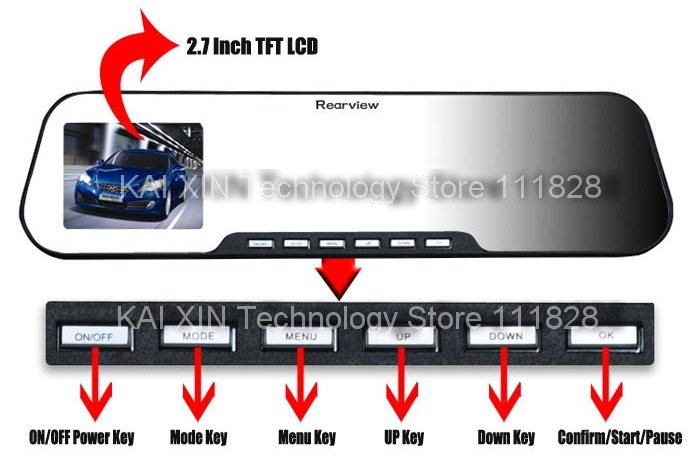
There are numerous rearview mirror camera versions available. To identify this particular model, look for the word Rearview on the top middle of the mirror and the following 6 buttons on the bottom.
Models
There are several names that this camera is called:
- Rearview Mirror DVR 720p
- Rearview Mirror DVR 1080p
- RM-I270
- X888B
- CR1051
- Jado D600
The easiest way to identify this rearview camera is from the 6 buttons on the bottom and the K2000 style menus.
Known problems
Poor sound quality
These dash cams are notorious for having crackling and hissing sounds when recording. In some cases the quality is so bad that you cannot hear conversations in the car. This is due to poor quality of the microphone used. The only solution is to replace the microphone but this is a relatively complex procedure.
Camera stops recording or freezes
There are many instances of cameras that stop recording or freezes.
Some potential solutions are:
- Reset camera and format the card in the camera
- Use a class 4, 8 to 16 gigs micro-SD card. Do not use class 10 micro-SD cards or micro-SD cards with capacity over 16GB
- Replace the camera
Video is out of focus or blurry
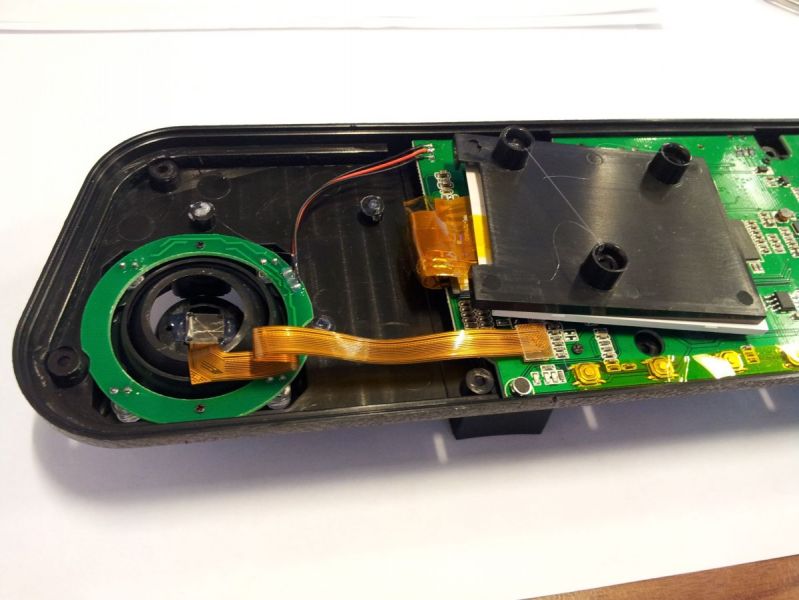
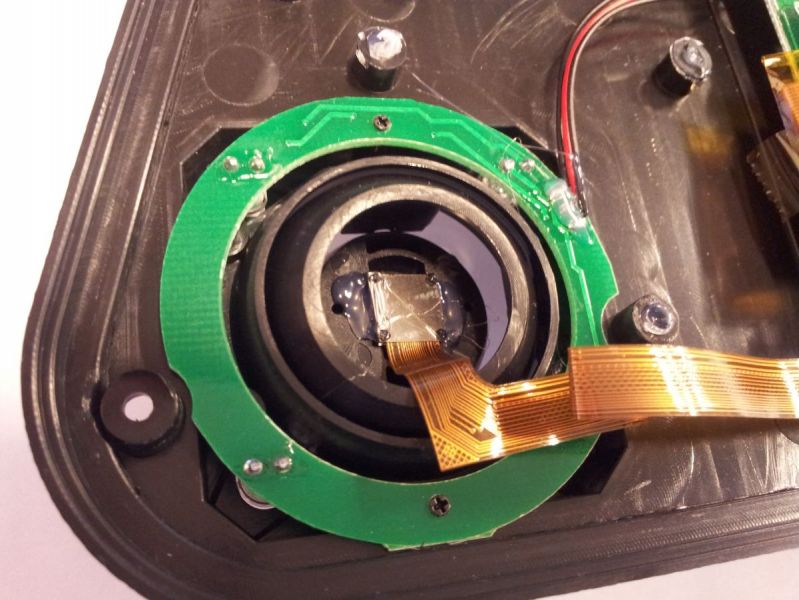
This is a very common problem. The lens of the dash cam is not adjusted properly and needs to be turned or twisted until it is in focus. Since the lens is exposed in this Rearview Mirror DVR, some people have adjusted the lens without disassembling the camera.
Mounting the camera
This camera mounts on top of your existing rear view mirror. There is no need to remove the existing mirror.
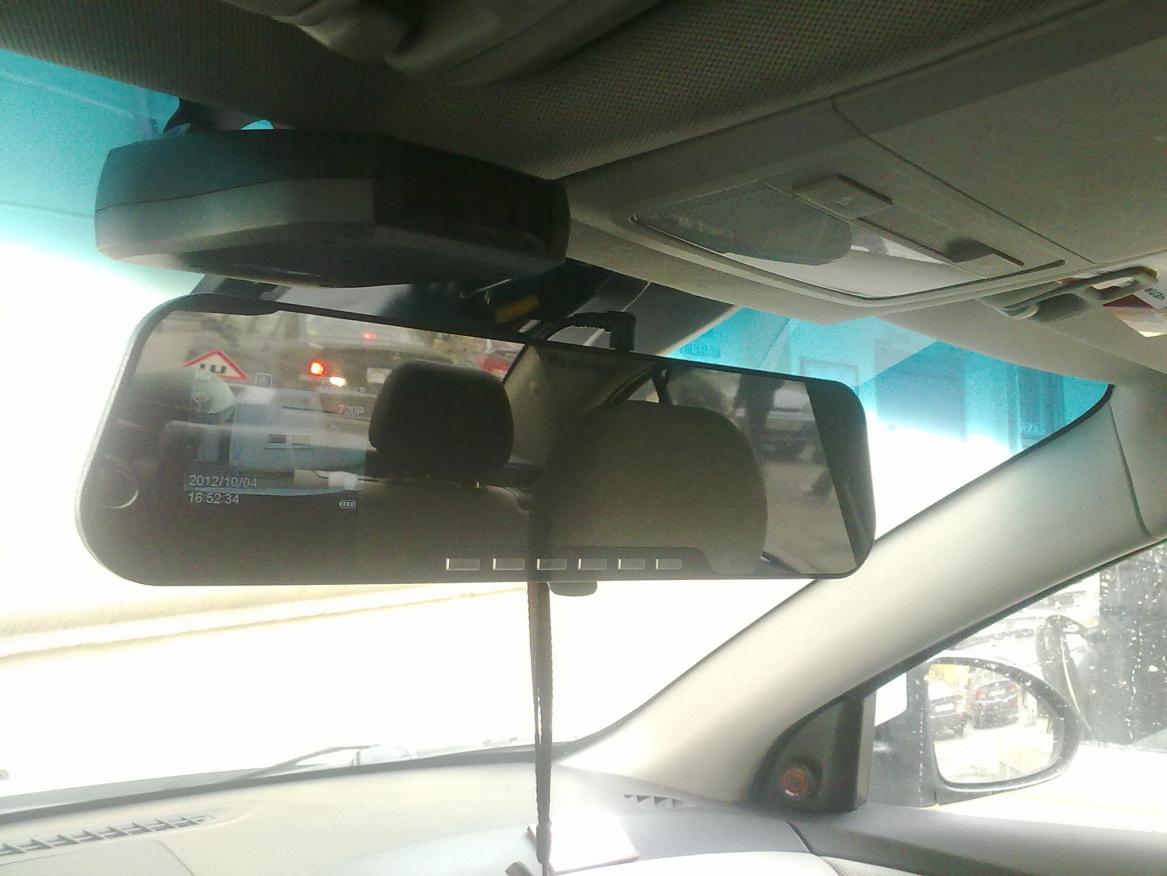
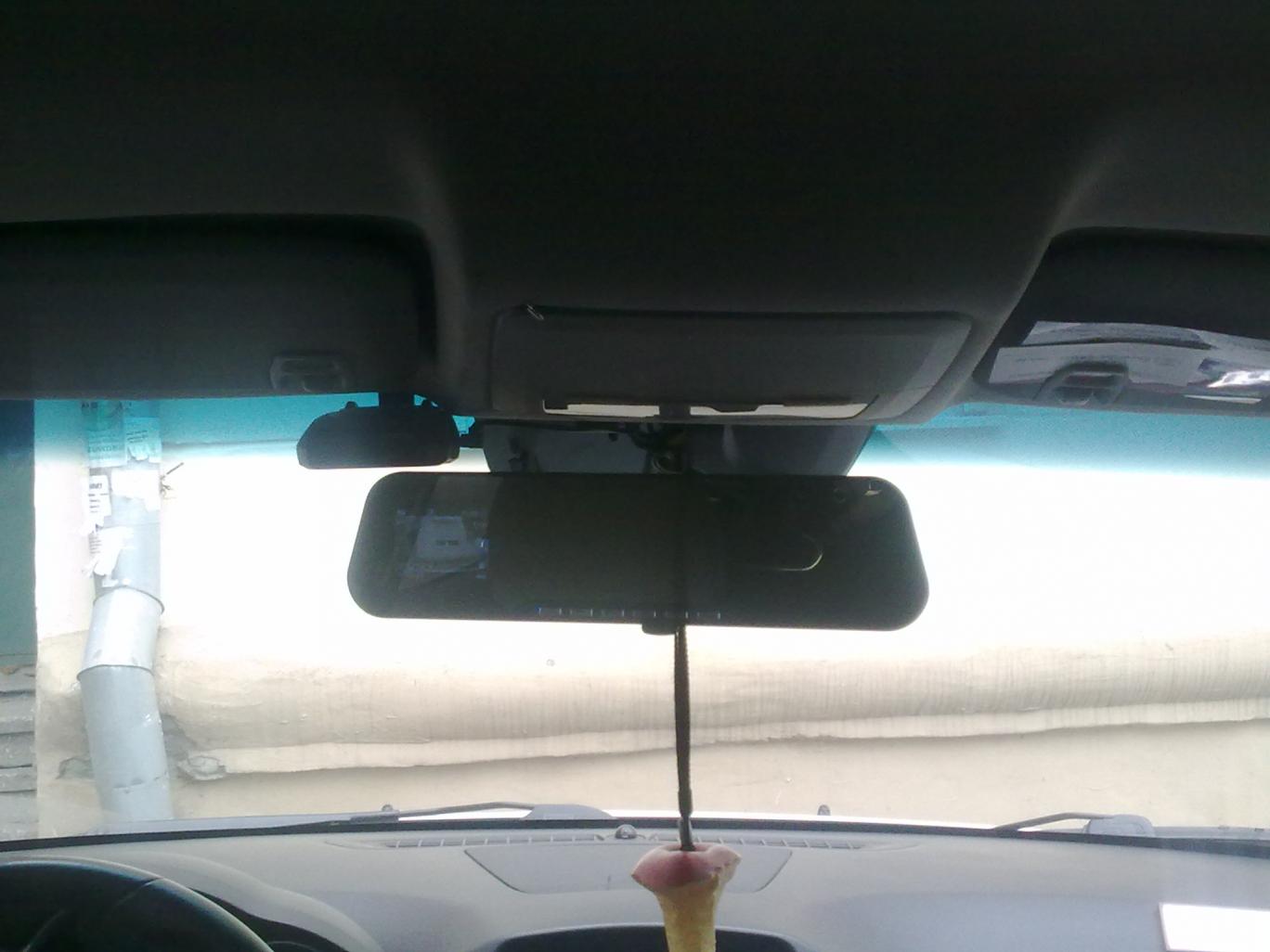
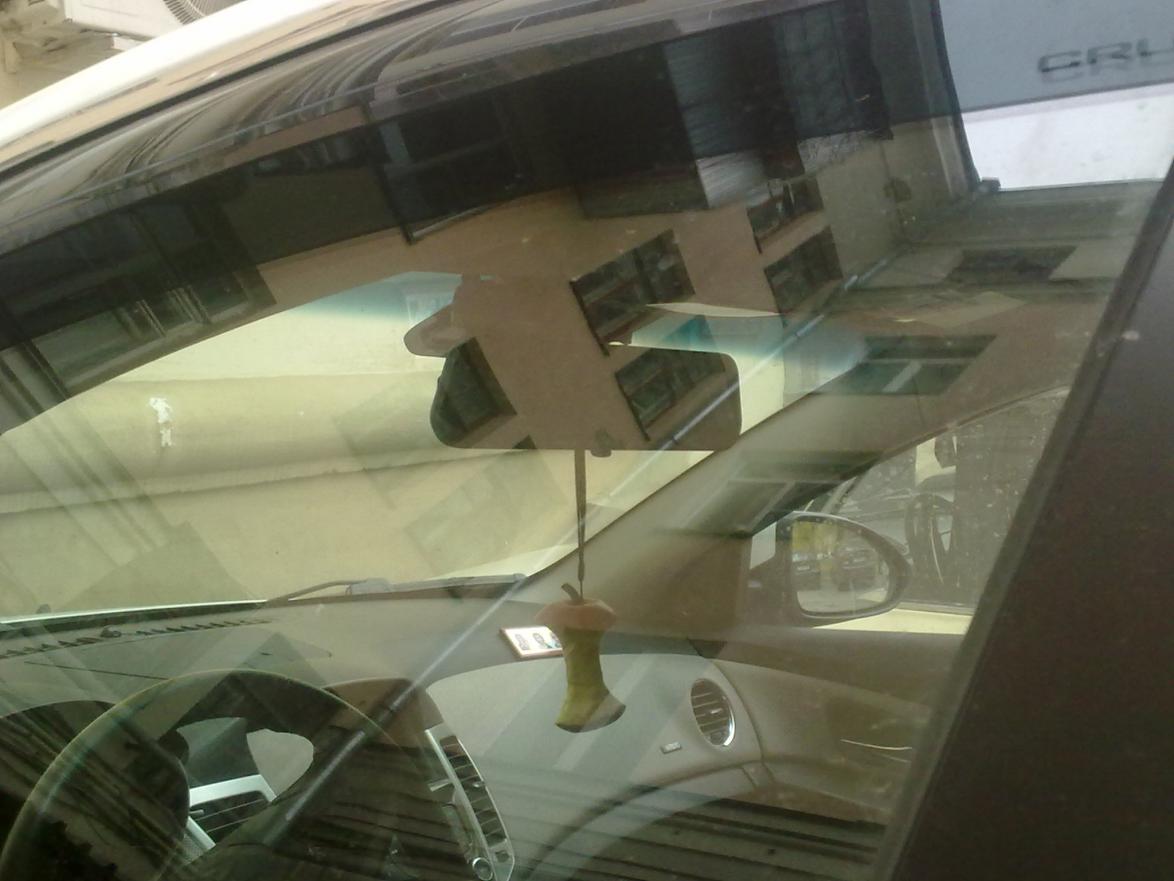
Here is a short video on how to install this camera (note that the camera in the video is a slightly different model).
Disassembling the Dash Cam
Sample Videos
Day Videos
Should I Purchase?
This camera’s design and low price make it an interesting option. If you are ok with the video quality and the known issues, this camera may be a viable option. For just a little bit more money than the K2000, this camera is a better choice due to its covertness.
Firmware
WARNING! MAKING CHANGES TO YOUR FIRMWARE ARE PERFORMED AT YOUR OWN RISK. WE ARE NOT RESPONSIBLE FOR ANY DAMAGE TO YOUR DASH CAM AS A RESULT OF THESE INSTRUCTIONS.
Firmware Backup
Before updating your firmware, it is highly recommended to backup your existing firmware. This can be easily done using the following method.
- Format a micro-SD card
- Create a blank DVPLS.txt file and copy to the micro-SD card
- Insert the card into the dash cam
- Hold down the “OK” button while holding down the “ON” key.
- The dash cam will go into the engineering menu (Calibration).
- Select the menu item number 8 ReadNorFlash and click “OK.” The dash cam will create a backup
- When finished, you will see “ReadAllNorFlash OK”
- Press the button “OK” in the menu
- Select the item number 7 to Exit
- The backed up firmware is on the card
Firmware Update
Any updates you perform are at your own risk.
- You must use an micro SD-Card reader to perform this operation. Do not attempt to do this directly on the dash cam.
- Download the desired firmware from the section below.
- Copy the firmware file to a micro SD-card using a card reader.
- Insert the card into the dash cam and turn it on. Do not press any other buttons until the firmware is updated
- Once updated, remove the micro SD card and delete the firmware file from the micro SD Card
Firmware File
There is only one publicly available firmware at this time.
Specifications
Data Sheet No specs match that search. Hardware Layout ScoresTechnical Specs
Spec Rearview Mirror DVR Model Rearview Mirror DVR Channels 1 Channel Setup Front Form Factor Rearview Mirror Release Date Nov 2012 Country China Warranty 12 months Spec Rearview Mirror DVR Processor Novatek NT96220 Video Format AVI Compression H.264 Screen Size 2.7" Touchscreen No Mount Clip on to mirror Power Supply 5V Battery Type 500mAh Spec Rearview Mirror DVR Parking Mode No Wi-Fi No GPS No Cloud Connectivity No Voice Commands No Spec Rearview Mirror DVR SD Card Type MicroSD Max Card Size 32GB Operating Temperature 0°C to 40°C Swivel No Error Notification No Camera Units
CMOS Unknown Max Resolution 1280 x 720p FPS 30 Bitrate 6.5 Mbps Viewing Angle 140° Dimensions 315 x 80 HDR No Ratings