Vantrue P2 Unboxing / Impression

runtohell121

Well-Known Member
Joined
Jul 10, 2013
Messages
1,045
Reaction score
470
Country
United States
Dash Cam
Viofo & Vantrue - too many to list
My Vantrue P2 has arrived, thanks to Wendy at Vantrue. Definitely looking forward to finishing up the installation and testing the thermal camera feature of this unit.

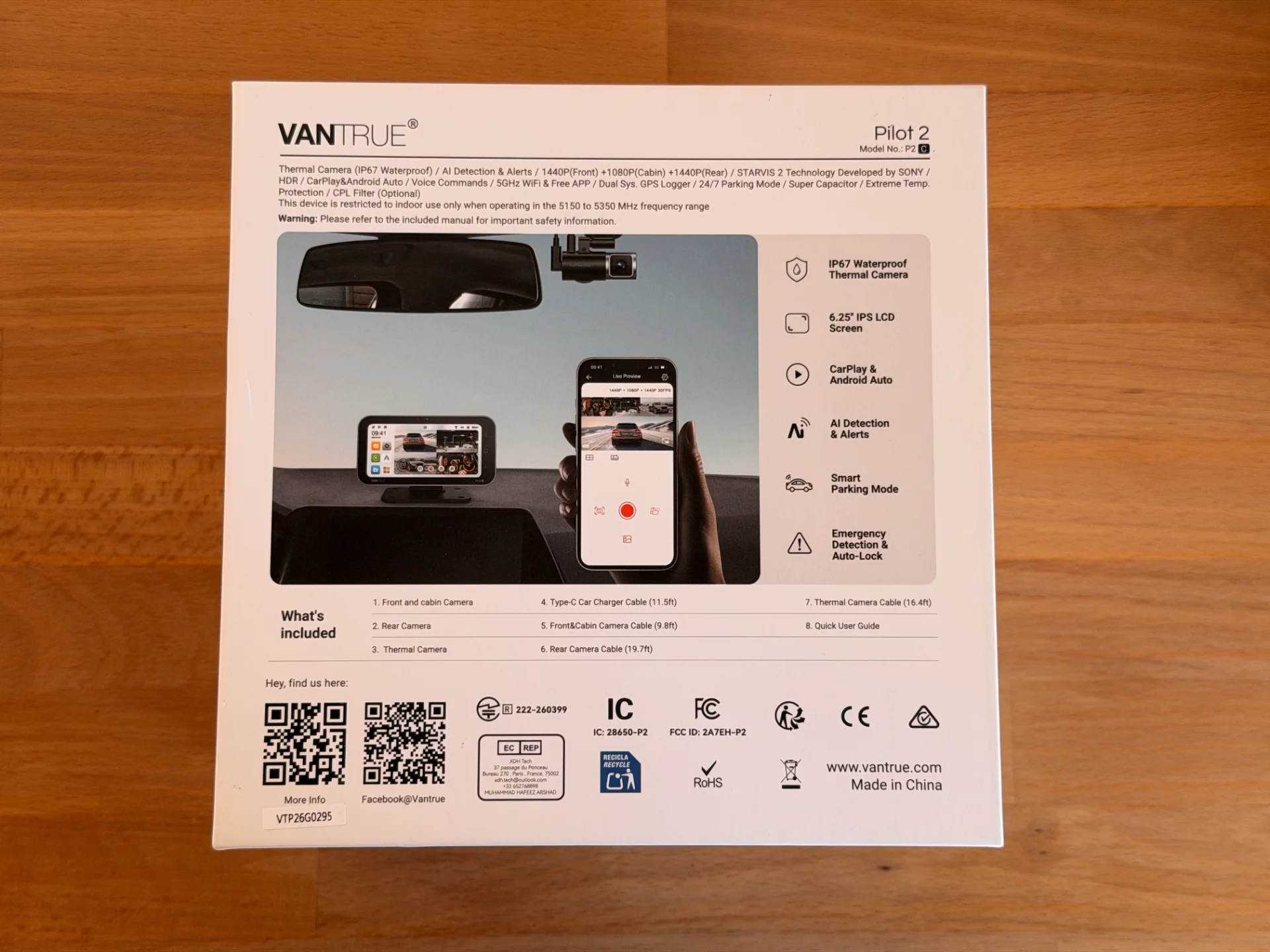
As for initial impression, the packaging is nice and hefty, mainly due to having a large display that functions as a viewing monitor + CarPlay / Android Auto.

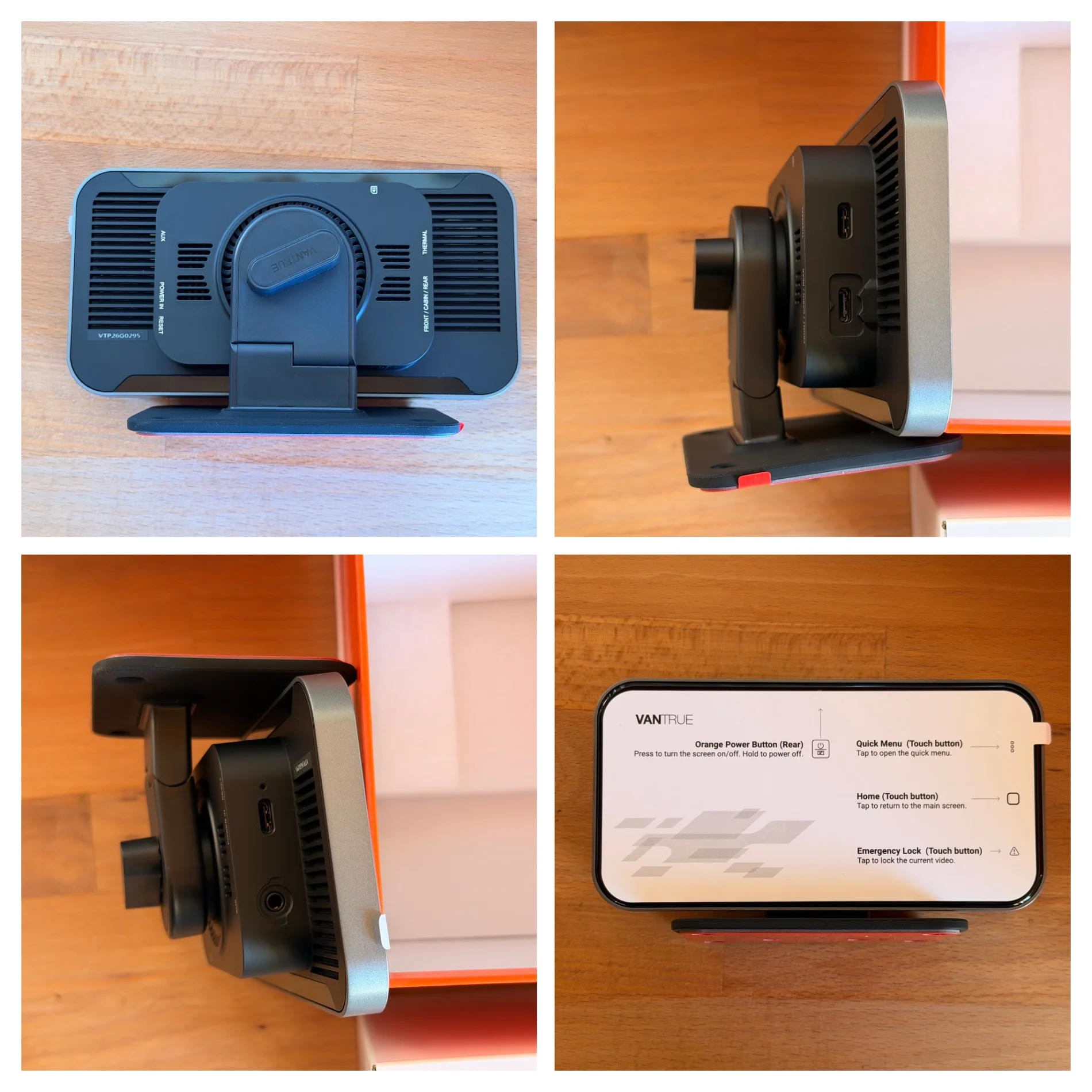
With that said, the display mounting option seems a little limited when it includes a base / stand. It's nice that it is removable and maybe some can get creative on making a different mounting solution for the display / head unit.

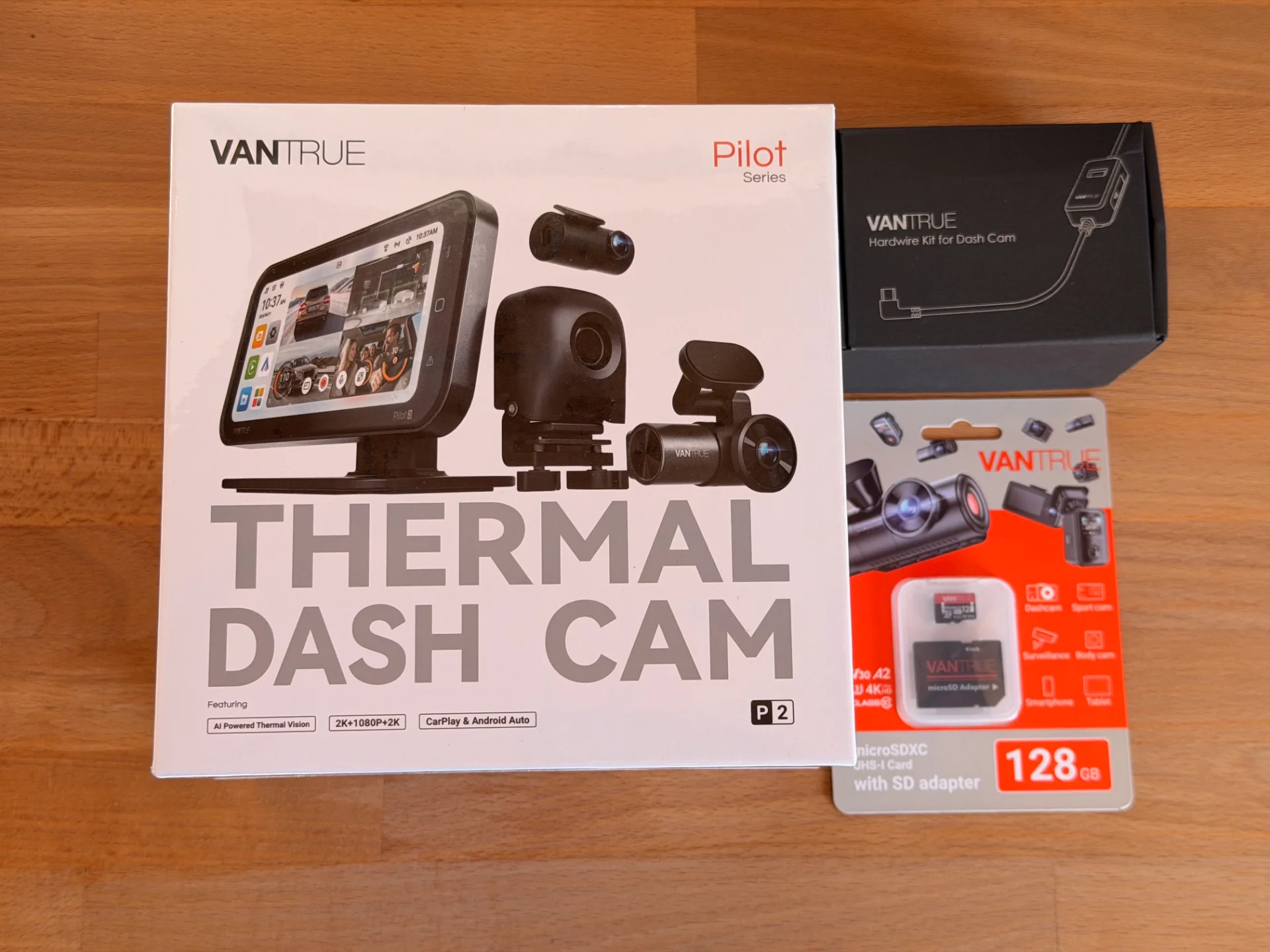
Package from Vantrue, which they sent me a hardwire kit and 128gb memory card.
Vantrue P2 01.webp
Vantrue P2 02.webp


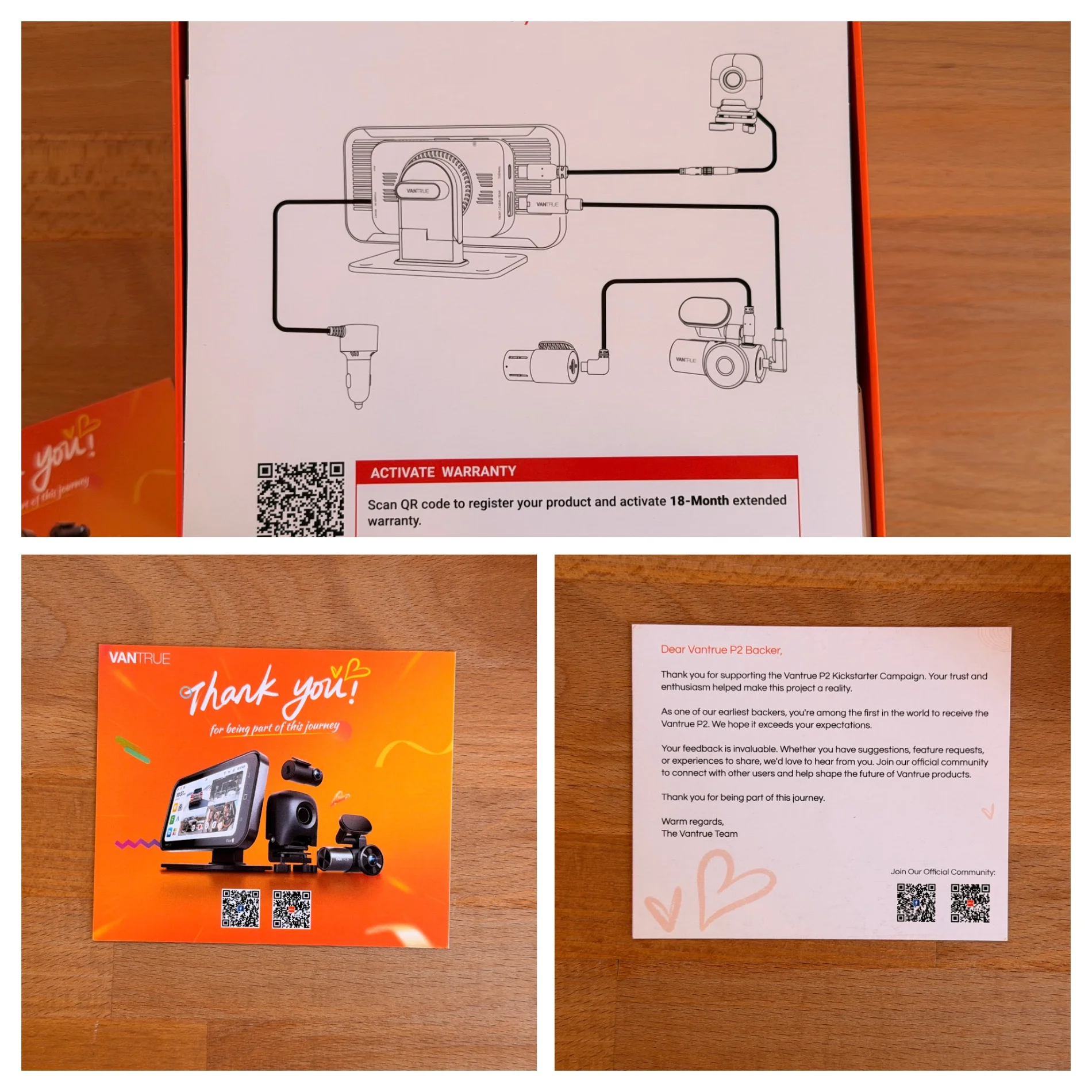
Simple quick start guide + the backer letter:
Vantrue P2 03.webp


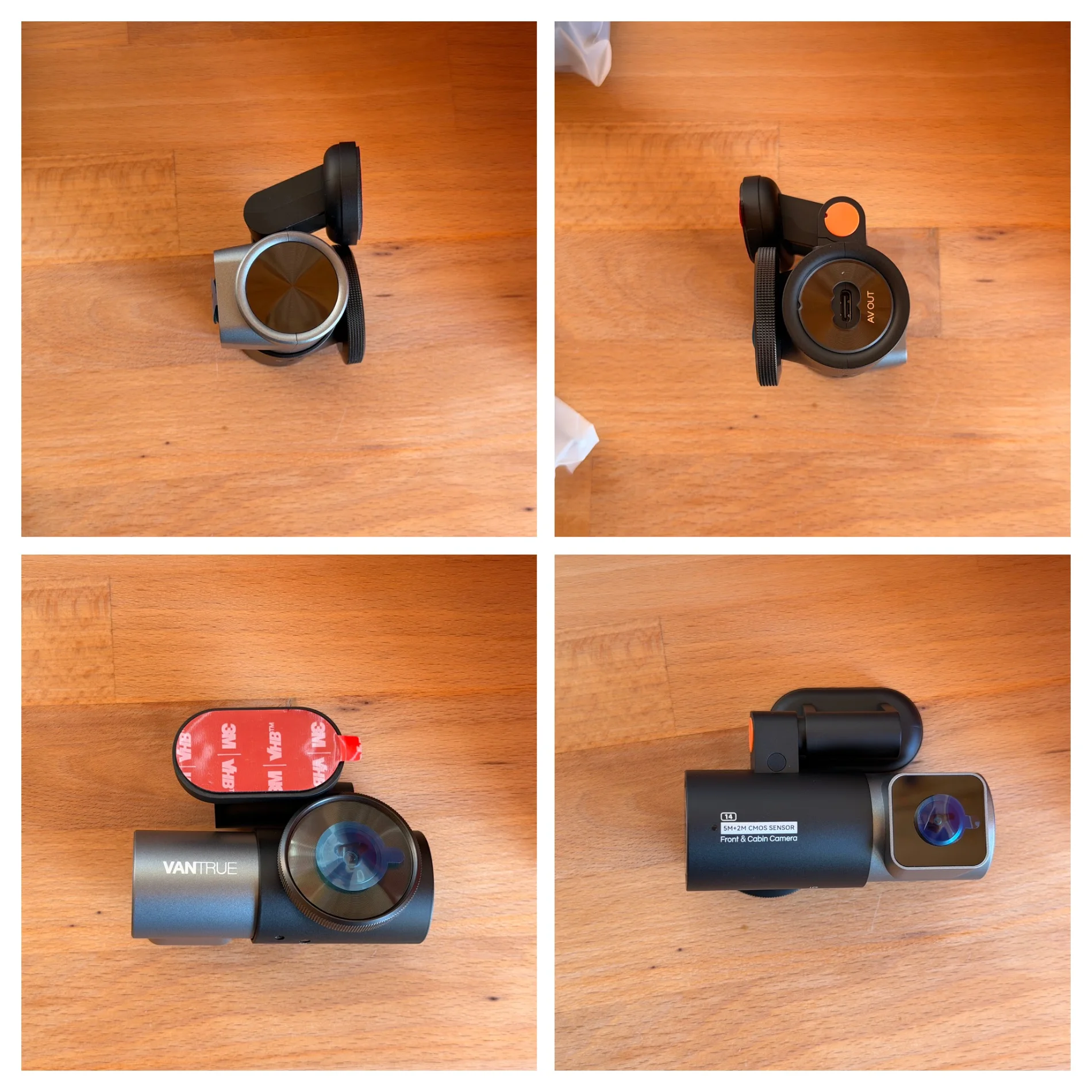
Front / interior camera:
Vantrue P2 05.webp


Thermal camera:
Vantrue P2 06.webp


Rear camera:
Vantrue P2 07.webp


Display / head unit:
Vantrue P2 08.webp
 
Install in my Tesla Model Y - still need to figure out the thermal camera, as I couldn't find a place to mount at the lower bumper where the radiator/vents are. I took apart the frunk but couldn't get the cable through. Will have to revisit on where can I mount and route the cables... Bigger tasks than I wanted to do towards end of day.

Front / interior camera mounted in the driver side top:
Vantrue P2 12.webp


Display / head unit put on the phone wireless charger spot - will need to figure out a more permanent solution or at least a little more steady; but for now, it'll do.
Vantrue P2 11.webp


Rear camera - didn't do a complete clean install, but it'll do as it doesn't bother me with the wire hanging.
Vantrue P2 13.webp
 
Install in my Tesla Model Y - still need to figure out the thermal camera, as I couldn't find a place to mount at the lower bumper where the radiator/vents are. I took apart the frunk but couldn't get the cable through. Will have to revisit on where can I mount and route the cables... Bigger tasks than I wanted to do towards end of day.

Front / interior camera mounted in the driver side top:
View attachment 92609

Display / head unit put on the phone wireless charger spot - will need to figure out a more permanent solution or at least a little more steady; but for now, it'll do.
View attachment 92608

Rear camera - didn't do a complete clean install, but it'll do as it doesn't bother me with the wire hanging.
View attachment 92610

Screen needs a suction mount as an option (stated in my post).

I had issues getting cable inside my vehicle. Very thick dash padding after taking apart my vehicle. I couldn't get wire through and decided since this isn't a permanent install, I did a "work around" for moment. Not the best, but it'll suffice, given I don't plan to keep this camera in my vehicle on indefinitely.

Other issue is the cable from the Front / Rear Camera to Screen is just WAY TOO LONG. It needs to be a meter at best or shorter.
 
Screen needs a suction mount as an option (stated in my post).

I had issues getting cable inside my vehicle. Very thick dash padding after taking apart my vehicle. I couldn't get wire through and decided since this isn't a permanent install, I did a "work around" for moment. Not the best, but it'll suffice, given I don't plan to keep this camera in my vehicle on indefinitely.

Other issue is the cable from the Front / Rear Camera to Screen is just WAY TOO LONG. It needs to be a meter at best or shorter.

Screen needs more mounting option... Maybe even a magnetic/magsafe option or mountable bracket of sort.

Getting the thermal camera install for most vehicles will be the challenge as routing cable from outside the vehicle have mainly different routes and options and how permanent one wants it.

I find the front / interior camera to screen just to be sufficient for my current solution, if anything I need a little extra length since the screen isn't on the 'dash'. If you're talking about the front to rear camera cable, that is about the same length as other dash cams I've had, but I would prefer even a little longer as I didn't have enough length for my usual routing.
 
Screen needs more mounting option... Maybe even a magnetic/magsafe option or mountable bracket of sort.

Getting the thermal camera install for most vehicles will be the challenge as routing cable from outside the vehicle have mainly different routes and options and how permanent one wants it.

I find the front / interior camera to screen just to be sufficient for my current solution, if anything I need a little extra length since the screen isn't on the 'dash'. If you're talking about the front to rear camera cable, that is about the same length as other dash cams I've had, but I would prefer even a little longer as I didn't have enough length for my usual routing.

100% agree on better mounting options. Suction Cup or Magnetic work, but only providing a strong adhesive to the dash doesn't seem like the best choice. Some People have leather dashboards and others may not want the screen "stuck on their dash".

The wire from the Front to screen is abnormally long? You're saying this isn't an issue for you?

1785083769023.webp


1785083751010.webp
 
100% agree on better mounting options. Suction Cup or Magnetic work, but only providing a strong adhesive to the dash doesn't seem like the best choice. Some People have leather dashboards and others may not want the screen "stuck on their dash".

The wire from the Front to screen is abnormally long? You're saying this isn't an issue for you?

View attachment 92616

View attachment 92615

The front camera to screen is not an issue to me. I ran it down my A-pillar, towards the floor, under the carpet, towards the wireless charger/center console area of my Tesla, which I do not enough length/cable slack to be comfortable.

As for the cable being attached to the cable itself, I did wish it was a little 'smaller' angle connector as it might be pushing against the windshield itself.
 
The front camera to screen is not an issue to me. I ran it down my A-pillar, towards the floor, under the carpet, towards the wireless charger/center console area of my Tesla, which I do not enough length/cable slack to be comfortable.

As for the cable being attached to the cable itself, I did wish it was a little 'smaller' angle connector as it might be pushing against the windshield itself.

Ya true. If you run down the floor then you do need the length. Point noted. However, Vantrue shows tucking wire into the dashboard in their installation video below:

https://vantrue-app.vantruecam.com/files/manuals/p2/P2-EN.mp4

I modified my review to say:

1. The Cord from the Front Camera + Rear Camera that connects to the screen is too long if opting to tuck the cable into the dash. There needs to be another option where this cord is maybe a Meter / 3 Feet at maximum.

Note: If running the cable along the Headliner --> A-Pillar -> Floor ---> Dash then a long Cable is necessary.
 
Last edited:
Back
Top