Vantrue E360 Ace 5.2k 360° Dashcam

Julian23

Well-Known Member
Joined
Nov 16, 2016
Messages
1,317
Reaction score
1,917
Country
Germany
Dash Cam
Several brands :)
Vantrue got in touch with me and asked if I was interested in getting my hands on the new E360. Since I never had a 360 camera, I decided why not give it a try.

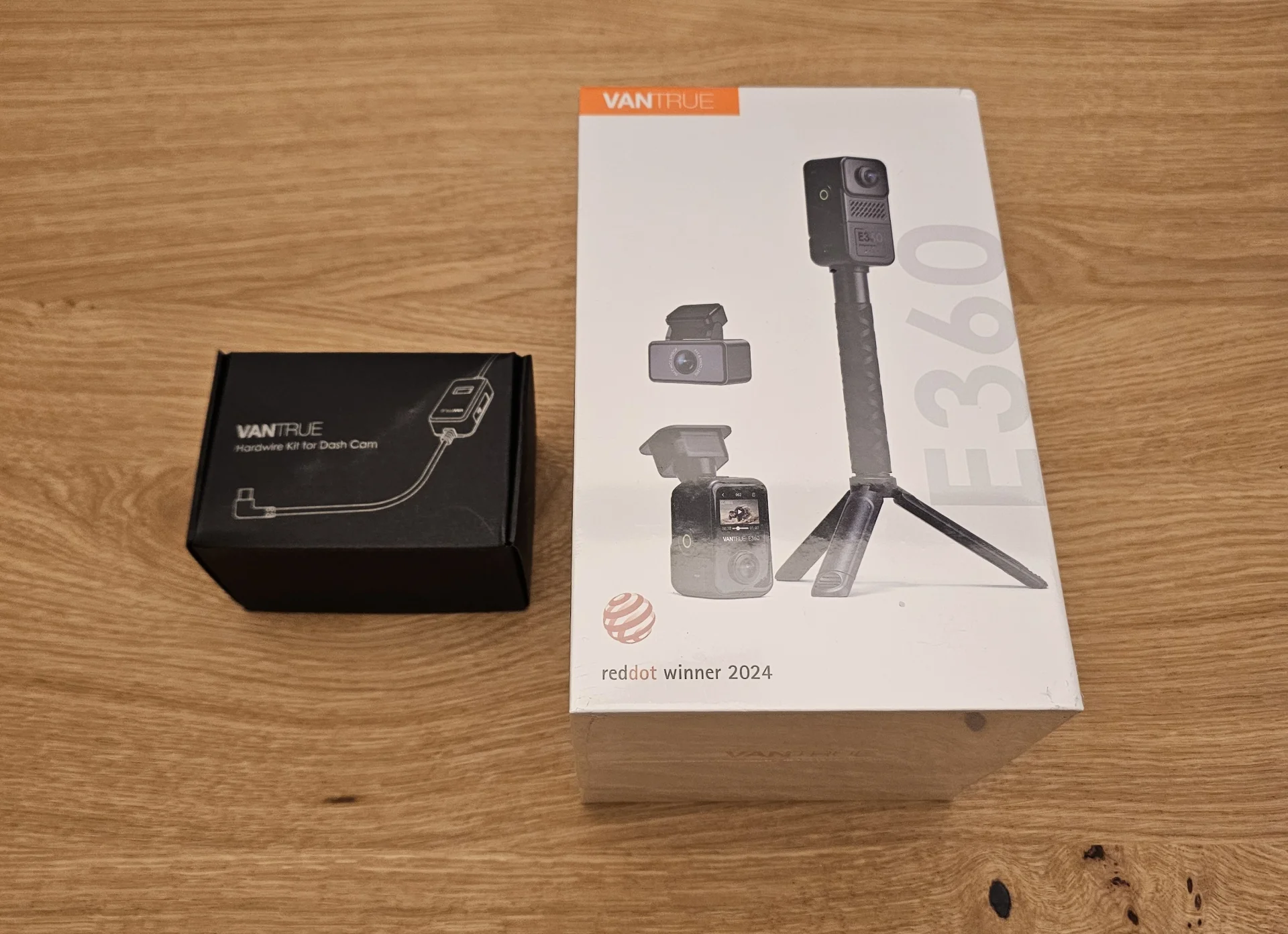
Here are some pictures of the E360 Ace bundle.
20241212_170010.webp


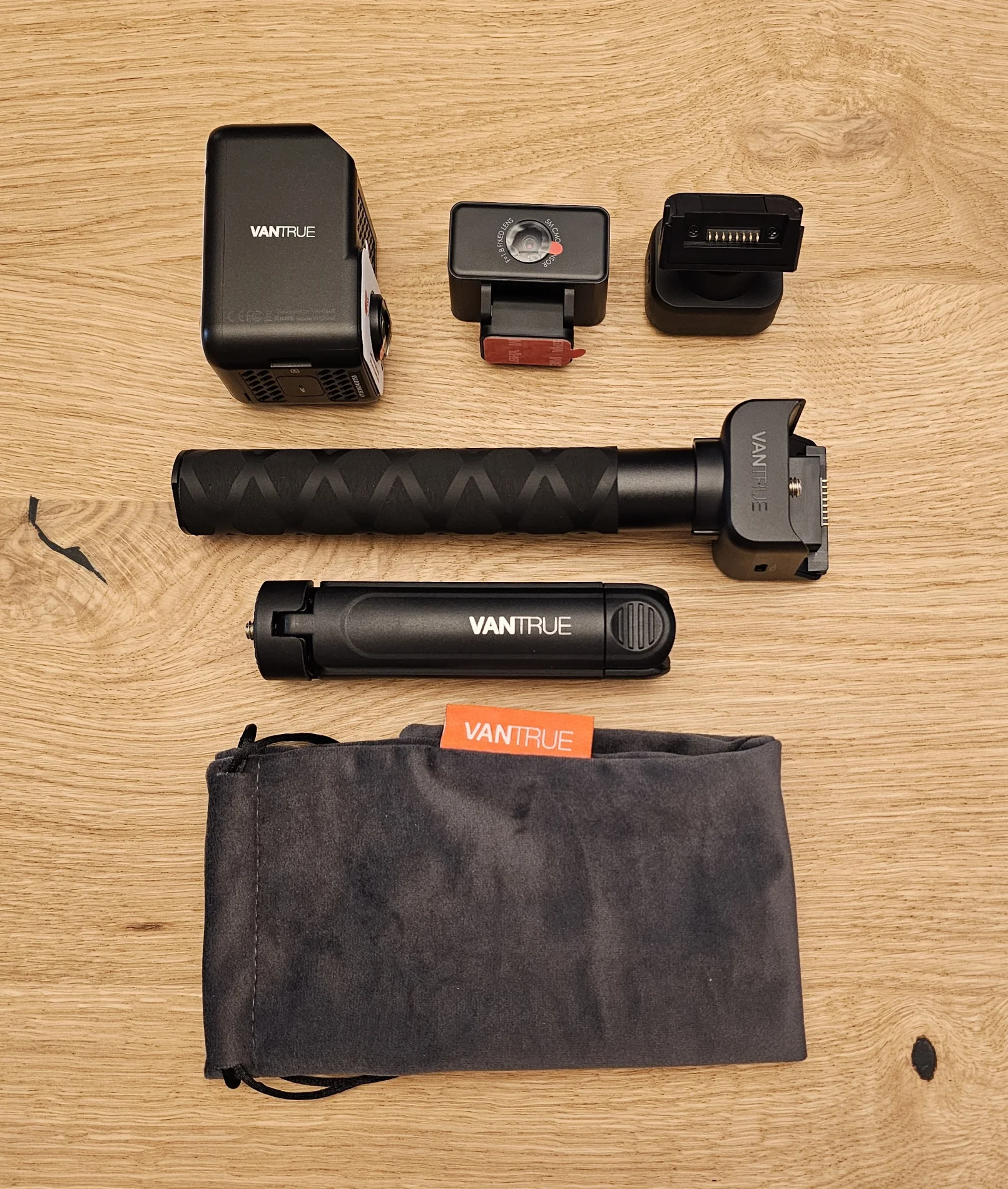
The Ace bundle comes with the handle, the small tripod, and a small bag to neatly take it with you for traveling.
The rear camera of the N4 Pro is not compatible with the E360.
There is a thread on the handle to easily mount the camera to the handle. It seems sturdy and does not have any play once tightened.
20241212_173948.webp


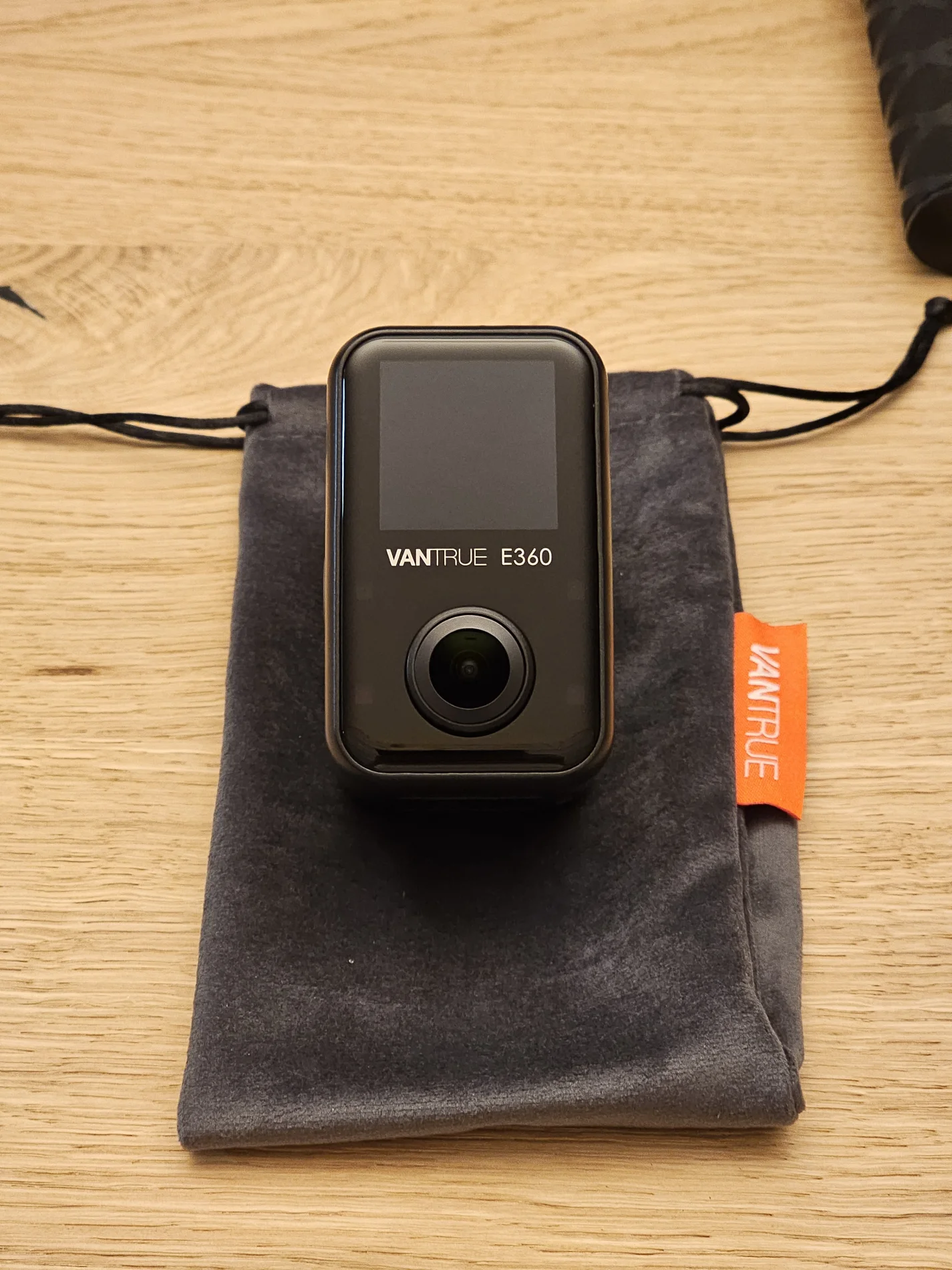
There isn't much to say about the front of the camera with the touchscreen. It's the typical Vantrue design language. Similar to the N4 Pro.
The touchscreen and menus are very quick to react.
20241212_174543.webp


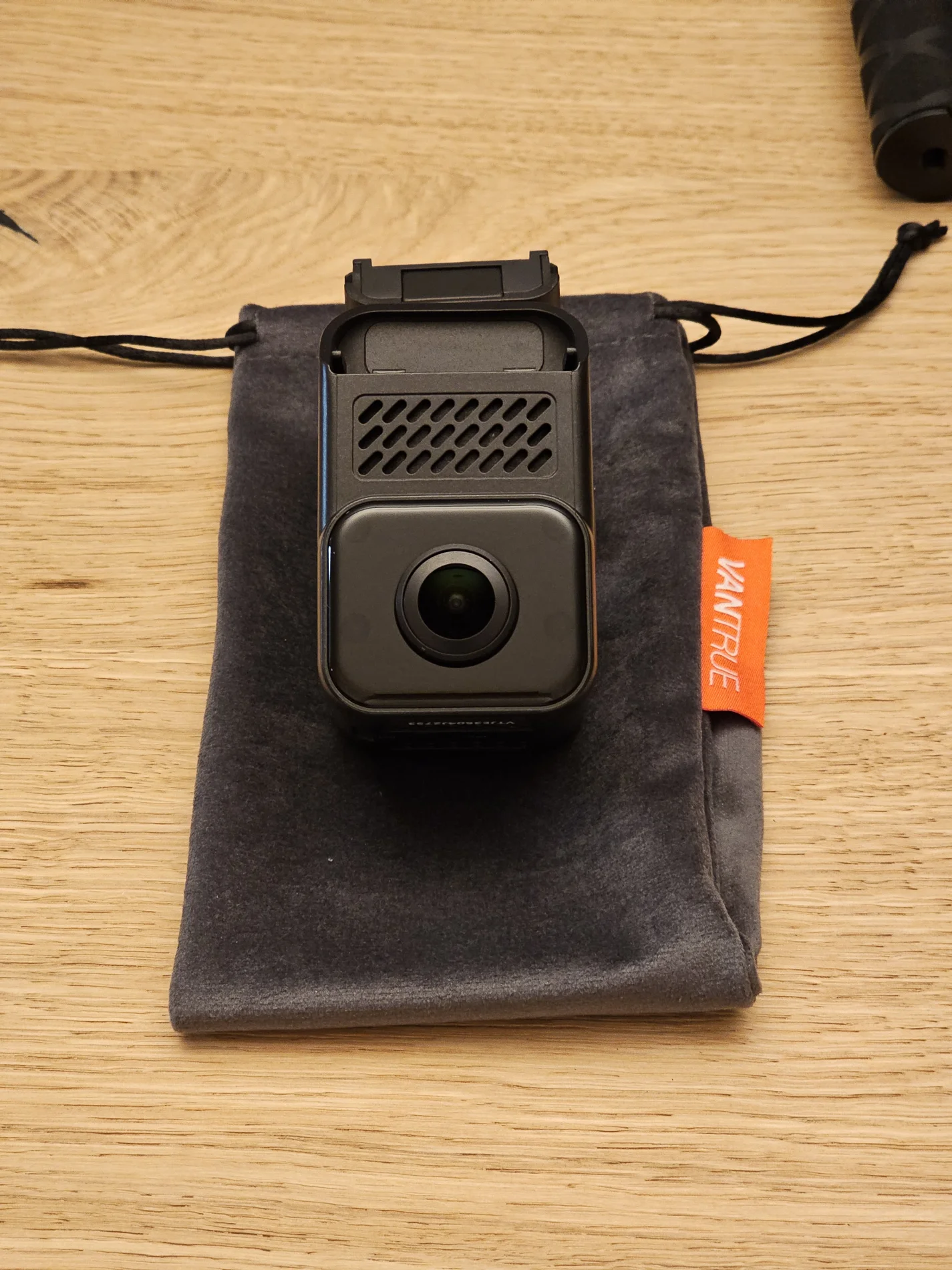
It does feature an active IR filter. It can be heard when the IR LEDs are enabled.
20241212_174601.webp


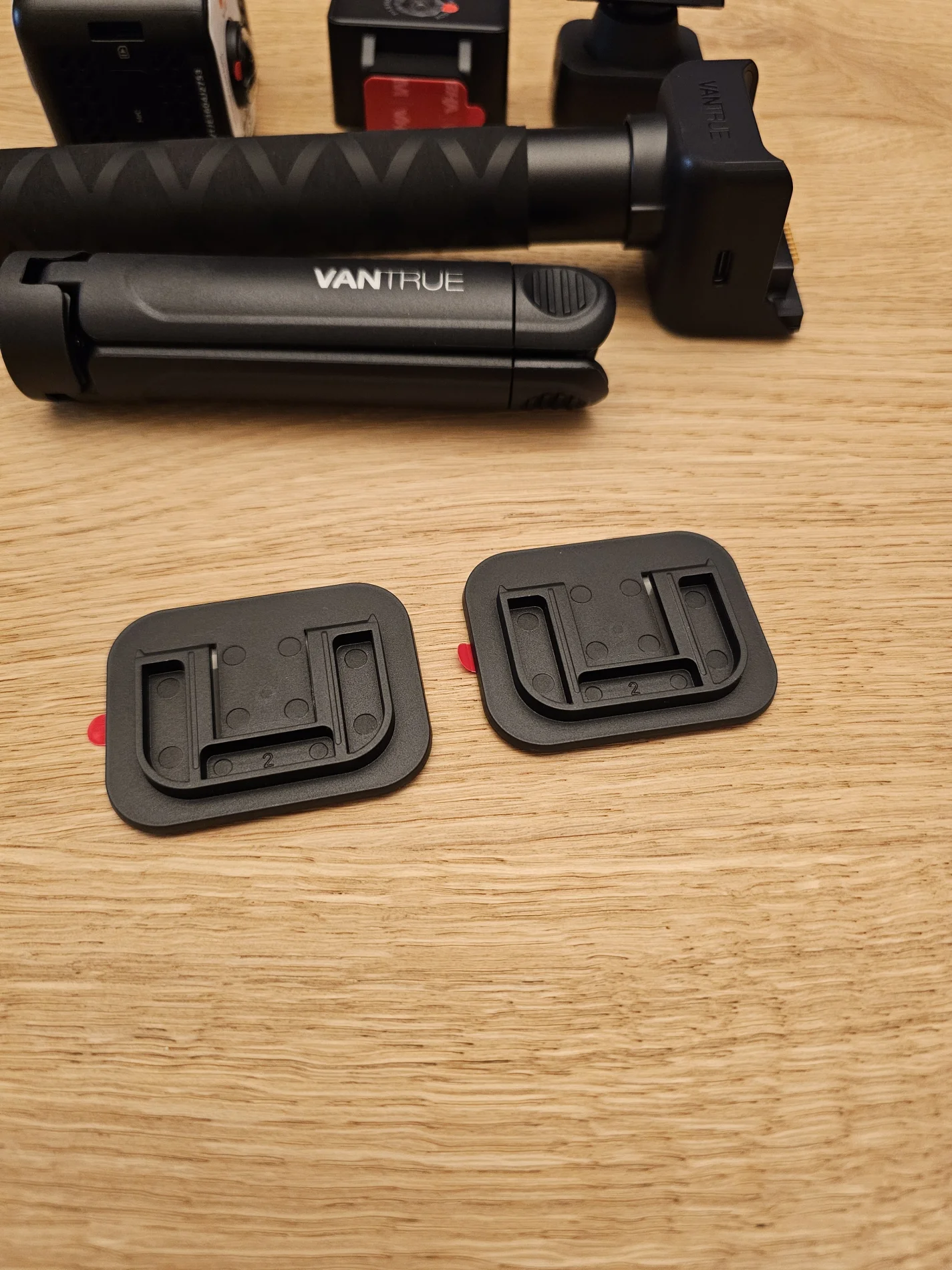
There are two sticky mounts included for the GPS module.
A suction cup mount would be awesome for rental cars and to allow a quick swap. Apparently the suction cup mount is in development.
20241212_174037.webp


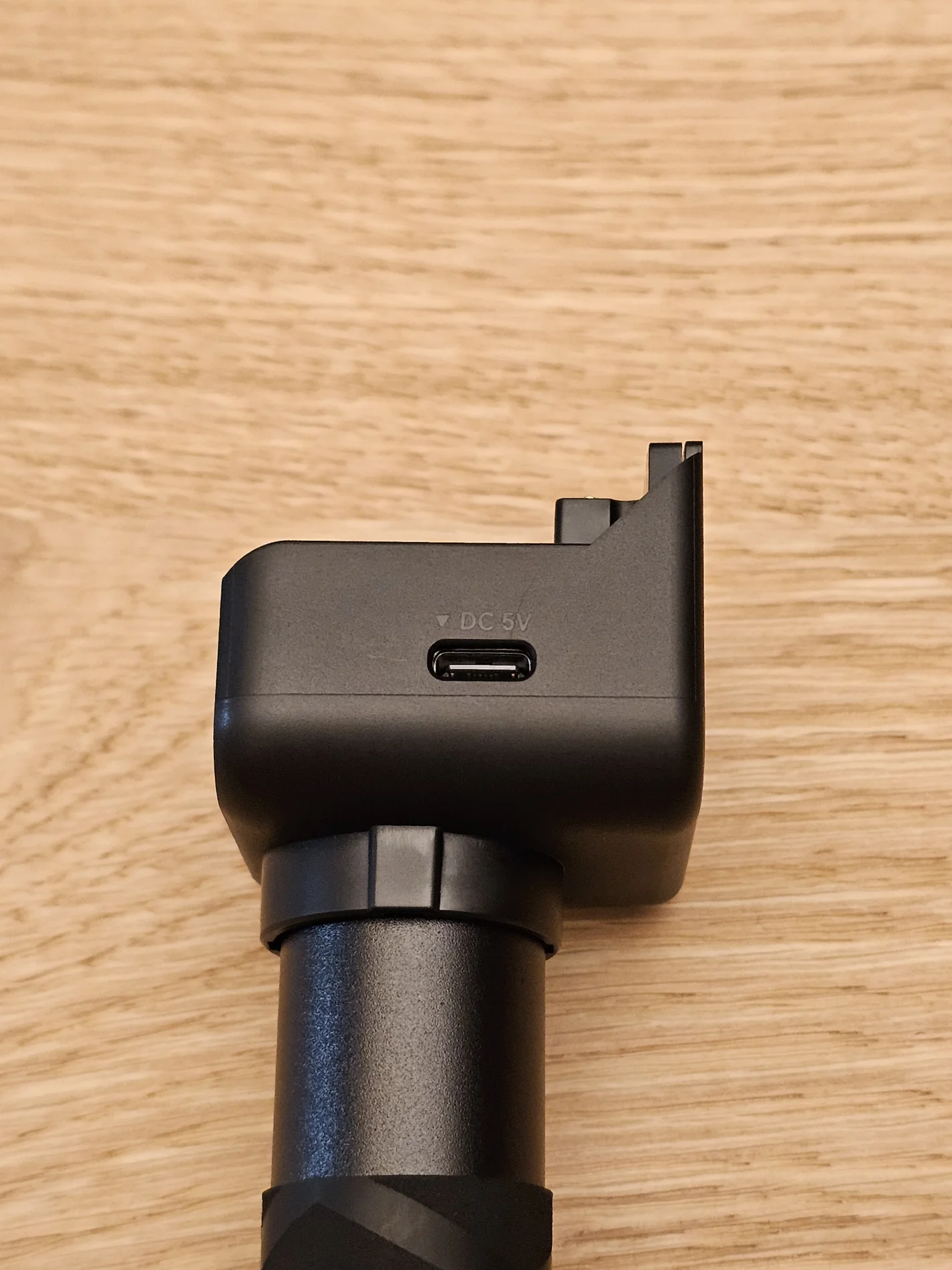
USB-C charging on the handle.
20241212_174642.webp


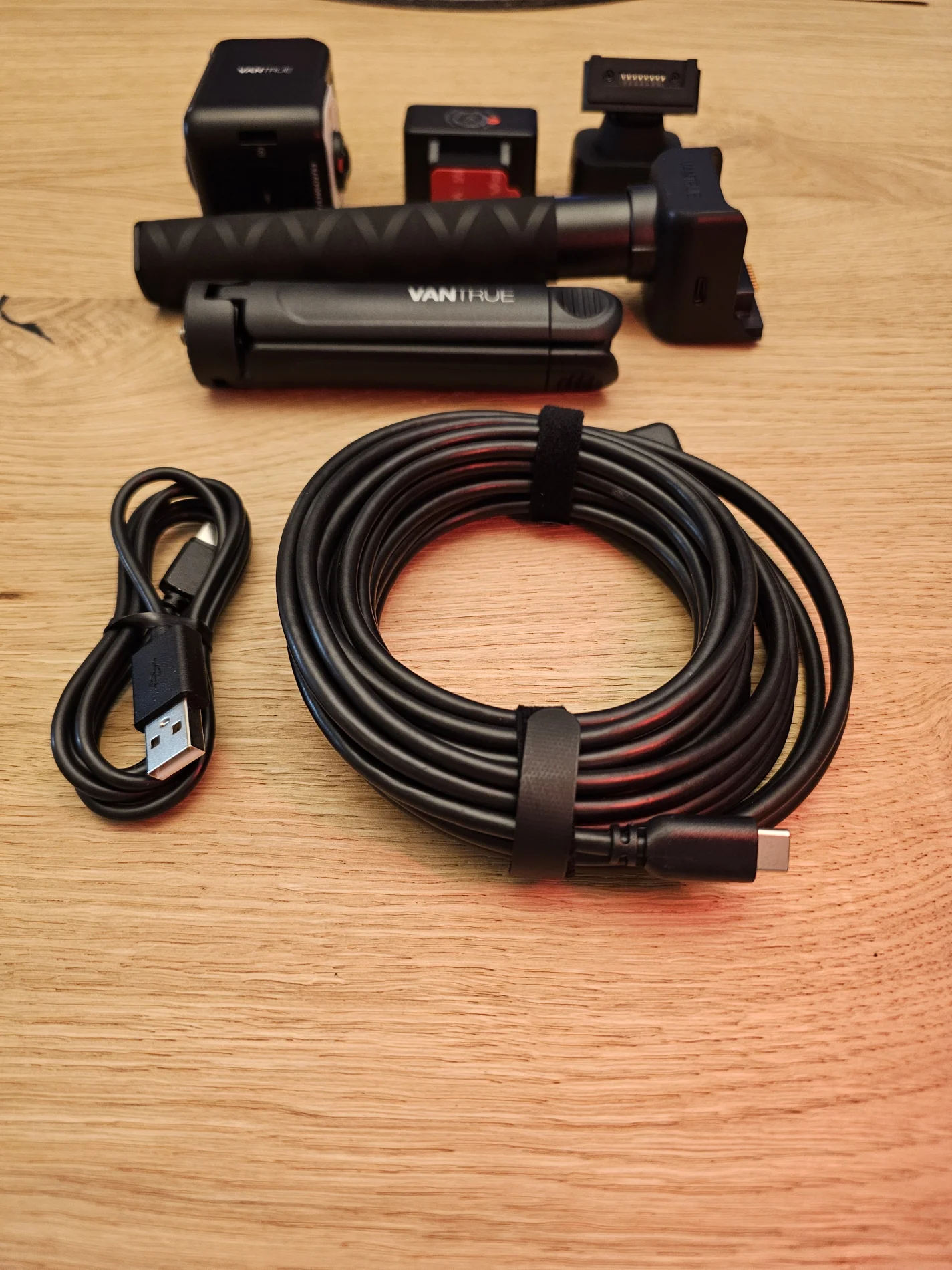
One thing I really like, are these velcro cable ties that can be found on the cable of the rear camera.
A simple USB A to USB C cable is also included.
20241212_174141.webp


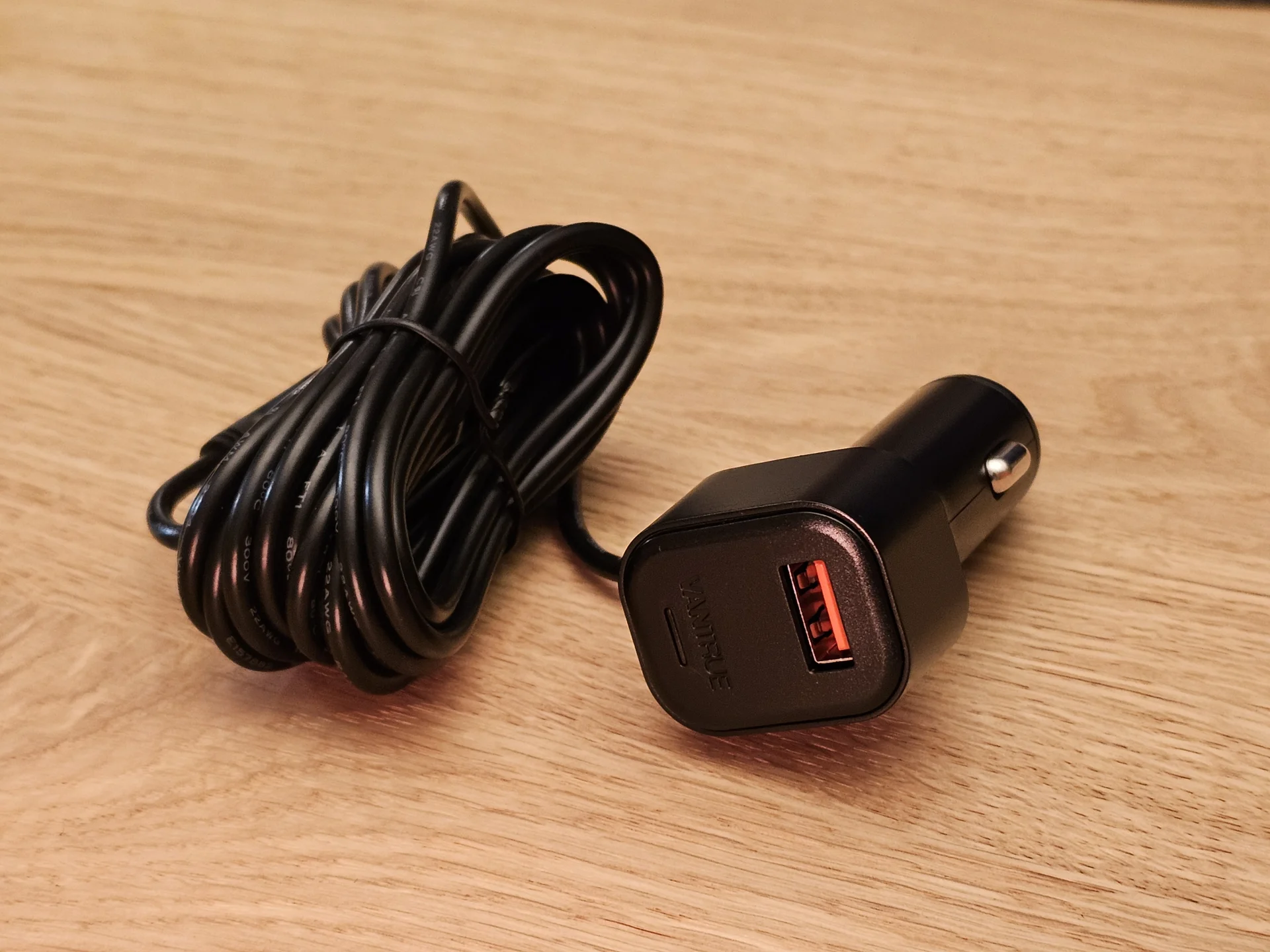
I did however expect USB-C instead of USB-A on the Charger. We have 2024, nearly 2025... Please change this to USB-C in the future.
20241212_172249.webp


The feet of the tripod have rubber pads.
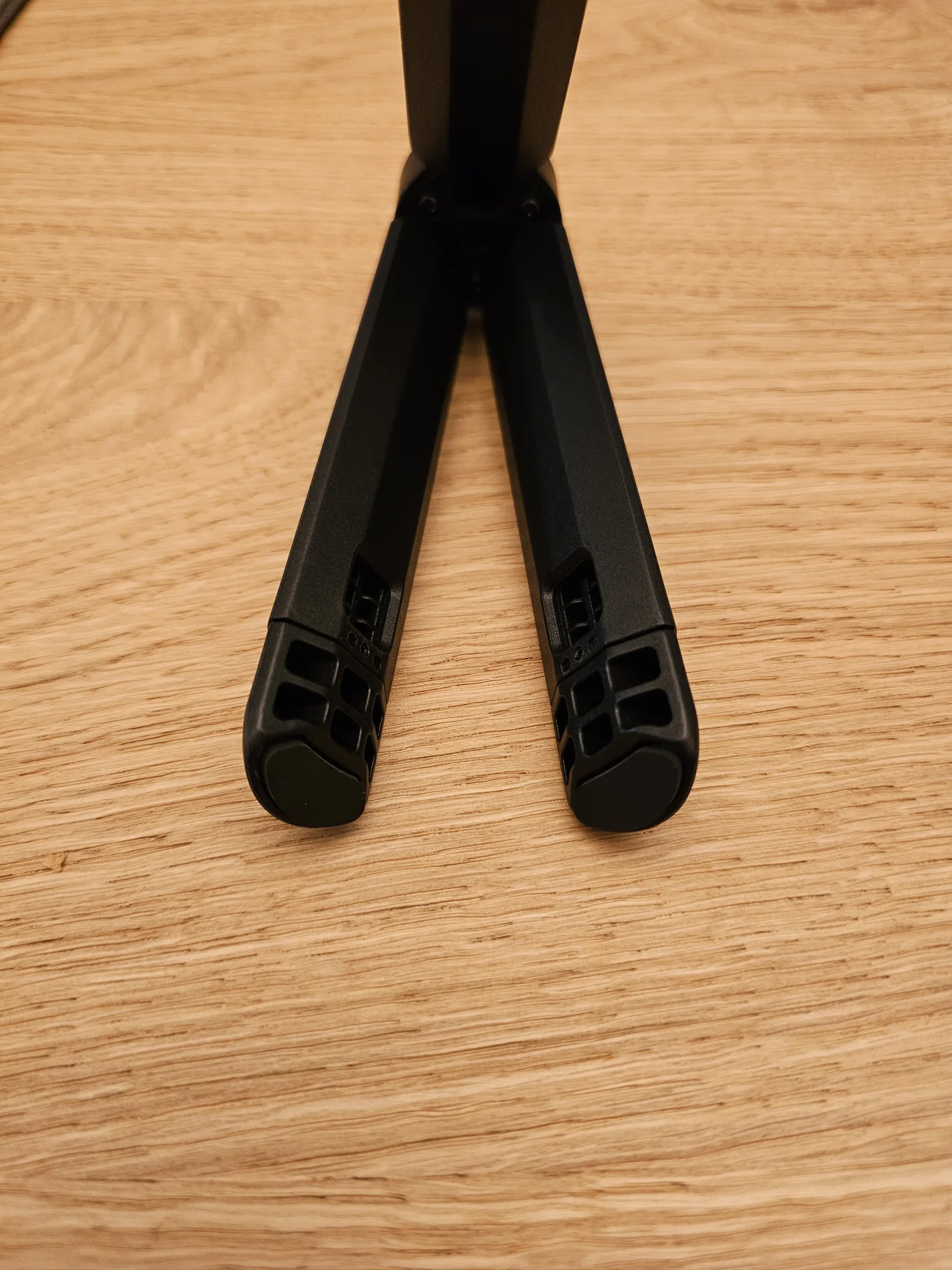
20241212_174801.webp


And are also able to extend to make it more stable and higher.
20241212_174843.webp


Keep in mind that this camera is NOT waterproof. There is no IPXX certification.
 
Last edited:
The whole handheld unit fits into the small bag.
20241212_175704.webp


Even the tripod has a small pocket to fit in without scratching anything.
20241212_175749.webp
 
The available resolutions for drive recording mode with Front + Cabin + Rear are:
  • 5.2K Panoramic View+1440P 30FPS
  • Dual Fisheye Lens+1944P 30FPS (one file for the front camera that has the cabin view on the left and the front view on the right)
  • Dual Fisheye Lens+1440P 30FPS (one file for the front camera that has the cabin view on the left and the front view on the right)
  • Fisheye+Fisheye+1944P 30FPS (two files for the front camera. The front and cabin cameras have their own files)
  • Fisheye+Fisheye+1440P 30FPS (two files for the front camera. The front and cabin cameras have their own files)
  • 1944P+1944P+1944P 30FPS
  • 1440P+1440P+1440P 30FPS
  • 1440P+1440P+1080P 30FPS
  • 1080P+1080P+1080P 30FPS
According to the manual, there should also be a 1440PX2 60FPS+1440P 30FPS setting. This is not available to me in the camera.
The camera is not yet installed in my car but I tested the bitrate in drive recording mode.
Firmware: E360_VT-EDK271, 12/06/2024

There is no setting to change the bitrate or PlatePix setting.

I have tested all the resolutions that make sense to use.

5.2K Panoramic View+1440P 30FPS:
  • Front+Cabin: 28568kBit/s or 28,5Mbps
  • Rear: 14448kBit/s or 14,4Mbps
Dual Fisheye Lens+1944P 30FPS:
  • Front+Cabin: 28499kBit/s or 28,4Mbps
  • Rear: 16109kBit/s or 16,1Mbps
Dual Fisheye Lens+1440P 30FPS
  • Front+Cabin: 29124kBit/s or 29,1Mbps
  • Rear: 14780kBit/s or 14,8Mbps
Fisheye+Fisheye+1944P 30FPS
  • Front: 15899kBit/s or 15,9Mbps
  • Cabin: 16141kBit/s or 16,1Mbps
  • Rear: 15938kBit/s or 15,9Mbps
Fisheye+Fisheye+1440P 30FPS
  • Front: 16107kBit/s or 16,1Mbps
  • Cabin: 16272kBit/s or 16,2Mbps
  • Rear: 14670kBit/s or 14,7Mbps
1944P+1944P+1944P 30FPS
  • Front: 14359kBit/s or 14,3Mbps
  • Cabin: 14497kBit/s or 14,4Mbps
  • Rear: 14621kBit/s or 14,6Mbps

Camera Angle (values from the user manual):
  • Front: 210°wide angle
  • Cabin: 210°wide angle
  • Rear: 165°wide angle
Aperture (values from the user manual):
  • Front: F2.2
  • Cabin: F2.2
  • Rear: F1.8
Image sensors:
  • Front: Sony STARVIS 2 IMX675
  • Interior: Sony STARVIS 2 IMX675
  • Rear: Sony STARVIS 1 IMX335
 
Last edited:
Here are screenshots of the different recording resolutions when in dashcam mode.
As with the bitrate, I have tested all the resolutions that make sense to use.
These are with the Firmware: E360_VT-EDK271, 12/06/2024.
HDR is off.
The images are straight from the camera and not edited.

5.2K Panoramic View 30FPS:

20241225_162356_00008_N_A.webp


On the left side of the image is a noticeable stitch. The steering wheels is also affected but not that bad.

Dual Fisheye Lens 30FPS:

20241225_162416_00009_N_A.webp


Fisheye+Fisheye 30FPS (two individual files)

20241225_162446_00011_N_A.webp
20241225_162446_00011_N_B.webp


1944P+1944P 30FPS

20241225_162511_00013_N_A.webp
20241225_162511_00013_N_B.webp
 
The camera does seem to struggle to find the correct position to stitch the image.
Here are some examples where the image does not add up correctly.


vlcsnap-2024-12-25-17h08m16s218.webp


The car is parked. See the difference between the trees next to the A-Pillar? (click on the image and the cycle between both to better see the differences)

vlcsnap-2024-12-25-17h08m35s532.webp
vlcsnap-2024-12-25-17h08m38s595.webp


The same thing again, the stitching changes noticeably within one second. (click on the image and the cycle between both to better see the differences)

vlcsnap-2024-12-25-17h09m31s173.webp
vlcsnap-2024-12-25-17h09m34s573.webp


I did notice however that the front facing camera is not entirely centered in my unit.
The edge of the lens is much more visible on the left side than on the right side.

20241225_162446_00011_N_A.webp


Would someone else who also has the E360 please check if this applies to their unit as well?
 
Another change that could be implemented would be a change of the logic from the LED.
In dashcam mode the LED flashes green while recording.
In my opinion the LED is too bright for being used like this. Especially at night it is distracting.
Why not change it to constantly on when recording and blinking when it doesn't record but is on like Viofo does?
Also reduce the brightness when it's in dashcam mode and dark outside. Since the IR LEDs turn on when it's dark, why not use this as a trigger.

For handheld mode there is nothing wrong with the flashing of the LED while recording.
 
Hello Julian, Thank you for your suggestion about the LED light. I have forwarded it to our team for consideration. If you find the light distracting, you can turn it off temporarily by going to Drive Record Setup > REC Status Light and disabling it.
Another change that could be implemented would be a change of the logic from the LED.
In dashcam mode the LED flashes green while recording.
In my opinion the LED is too bright for being used like this. Especially at night it is distracting.
Why not change it to constantly on when recording and blinking when it doesn't record but is on like Viofo does?
Also reduce the brightness when it's in dashcam mode and dark outside. Since the IR LEDs turn on when it's dark, why not use this as a trigger.

For handheld mode there is nothing wrong with the flashing of the LED while recording.
 
I saw a Danish guy on youtube test the E360, he had issues with the ability to capture plates.
I was sort of thinking this myself i have to admit, i mean with the wider angle lenses ASO

Mind you plate capture is not everything, the E360 seem to be able to capture everything that happen around your car
 
I have forwarded it to our team for consideration. If you find the light distracting, you can turn it off temporarily by going to Drive Record Setup > REC Status Light and disabling it.
Thank you.
Yes I saw that option.
 
I saw a Danish guy on youtube test the E360, he had issues with the ability to capture plates.
I was sort of thinking this myself i have to admit, i mean with the wider angle lenses ASO

Mind you plate capture is not everything, the E360 seem to be able to capture everything that happen around your car
I have to gather more footage and maybe try a different mounting location to see how it performs compared to the A329 and A229 Pro at day and night.

It does absolutely capture much more than other traditional dashcams. With the rear camera installed there shouldn't be many blind spots.
 
Danish guy was also out on a pretty bleak day judging from his footage.

 
Some more thoughts after a bit of use.
The good parts:
  • The menu is very responsive and intuitive. Without having to manually stop the recording, I am able to quickly change the resolution or other settings. Very user friendly.
  • The interior camera is seeing everything. If I would mount it a little bit higher it could even see properly out of the back window.
The bad parts:
  • So far I have not been able to identify plates in the dark or in difficult situations. I have not yet changed the mounting location. I will swap it for testing to make sure the results are not because of this. Currently the E360 is mounted very far to the right.
  • With loud low bass the audio is unusable. It distorts very much. At moderate volume the audio is good.
 
Here are screenshots of the different recording resolutions when in dashcam mode.

The images are straight from the camera and not edited.

5.2K Panoramic View 30FPS:

View attachment 76153

Dual Fisheye Lens 30FPS:

View attachment 76154
I notice that the exposure of the interior camera is badly affected when it is merged with the front camera. This seems to happen in many of the examples I have seen.
 
I notice that the exposure of the interior camera is badly affected when it is merged with the front camera. This seems to happen in many of the examples I have seen.
The question where is the over exposure on the interior camera? Out of the side and rear windows or the interior of the car?

The interior camera seems to prioritize the exposure of the interior rather than the view out of the windows.
 
It seems like the front camera struggles with bright areas.
Firmware: E360_VT-EDK271, 12/06/2024.
HDR is off. (HDR Timer is enabled)

vlcsnap-2024-12-30-13h19m19s877.webp


vlcsnap-2024-12-30-13h19m27s852.webp


vlcsnap-2024-12-30-13h20m15s4501.webp


Plate capture was not possible with these cars.

vlcsnap-2024-12-30-13h26m38s675.webp


vlcsnap-2024-12-30-13h26m41s594.webp


vlcsnap-2024-12-30-13h26m43s549.webp


vlcsnap-2024-12-30-13h26m46s182.webp


vlcsnap-2024-12-30-13h26m48s119.webp


vlcsnap-2024-12-30-13h27m00s899.webp


vlcsnap-2024-12-30-13h27m02s786.webp
 
Firmware: E360_VT-EDK271, 12/06/2024.
HDR is off. (HDR Timer is enabled)

Plate of the car in front can be read.
Oncoming BMW not. I tried every frame.

vlcsnap-2024-12-30-13h35m02s204.webp


Plate capture of the car on the side and in front is possible.
Also a nice view out of the side mirror.
vlcsnap-2024-12-30-13h35m54s600.webp
 
The new Suction Cup GPS Mount for the E360 is now available on the Vantrue Website.

View attachment 76323
In addition to the option to remove the mount and relocate it within the car or in another car, it looks like this suction cup mount will position the camera further down from the glass than the adhesive mount. That could be useful in some situations, perhaps to mount the camera behind the rear view mirror and have the interior lens visible below the bottom edge of the mirror.
 
I was thinking with something like this, or say 70mai omni, maybe make a spacer to get the thing low enough that it could see below the mirror when it is facing backwards, and to some degree the sides.
At least that is the direction my brain would go if i had either as the only system in my car.

I think here in Denmark where stuff on the windscreen are not really legal, such a setup will still be OK as it would only be what little of the camera are below mirror that would impede visibility, and where it is mounted is way up high on the dotted area.

After all you can often not put a suction cup on the dotted area and have it stick good.
 
Back
Top