

Julian23
Well-Known Member
- Joined
- Nov 16, 2016
- Messages
- 1,312
- Reaction score
- 1,909
- Country
- Germany
- Dash Cam
- Several brands :)
Vantrue recently released a new product called the TS2, which is a portable thermal camera. I’ve been invited to give it a try, so I’ll share some initial info before getting into proper testing.
I was mainly interested in something like this for automotive diagnostics, checking electrical components (for example dashcams), but also for general use, like inspecting houses, finding heat leaks, or even PC troubleshooting. So overall quite a versatile tool if it performs well.
This post is just a first look and specs overview. I already did a quick check, but full testing will follow.
Key Specifications
Thermal Resolution: 256×192 (native)
Upscaled Resolution: 512×384
Temperature Range: -20°C to 550°C
Accuracy: ±2°C or ±2%
Lens: 4.3 mm adjustable macro lens
Field of View: 56° × 42°
NETD: <40 mK
Digital Zoom: up to 15x
Refresh Rate: 25 Hz
Color Palettes: 12
Compatibility: Android, iOS, PC
Interface: USB-C
Protection Rating: IP65
Important to note: the real sensor resolution is 256×192. The 512×384 output is digital upscaling.
That said, from a quick test, the upscaling actually works surprisingly well and the image looks quite detailed.
Unboxing
For those familiar with my dashcam reviews, here are some usual unboxing shots of the TS2.
The outer packaging is solid and well made, similar to other Vantrue products. Everything is packed securely and nothing feels cheap.
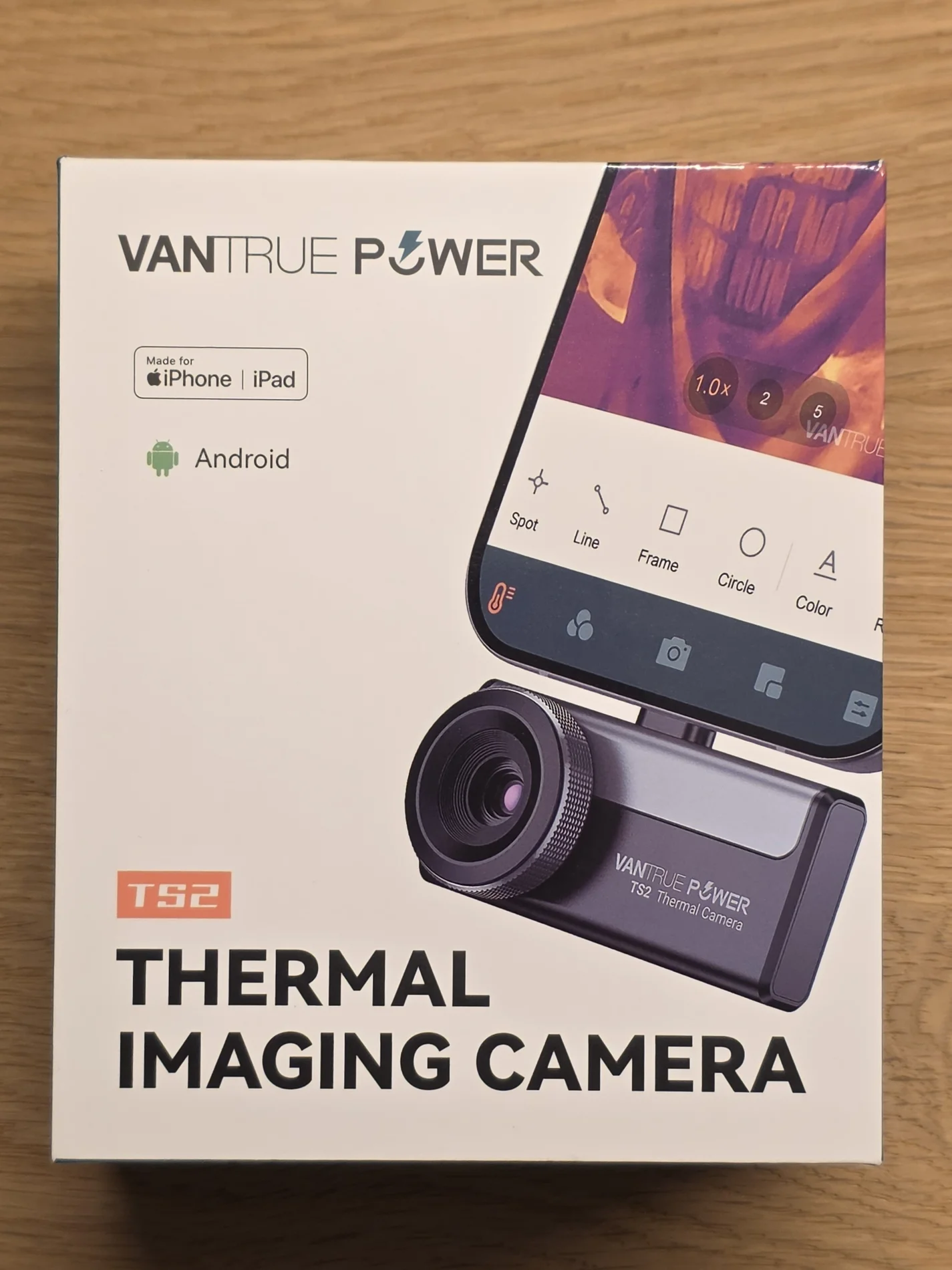

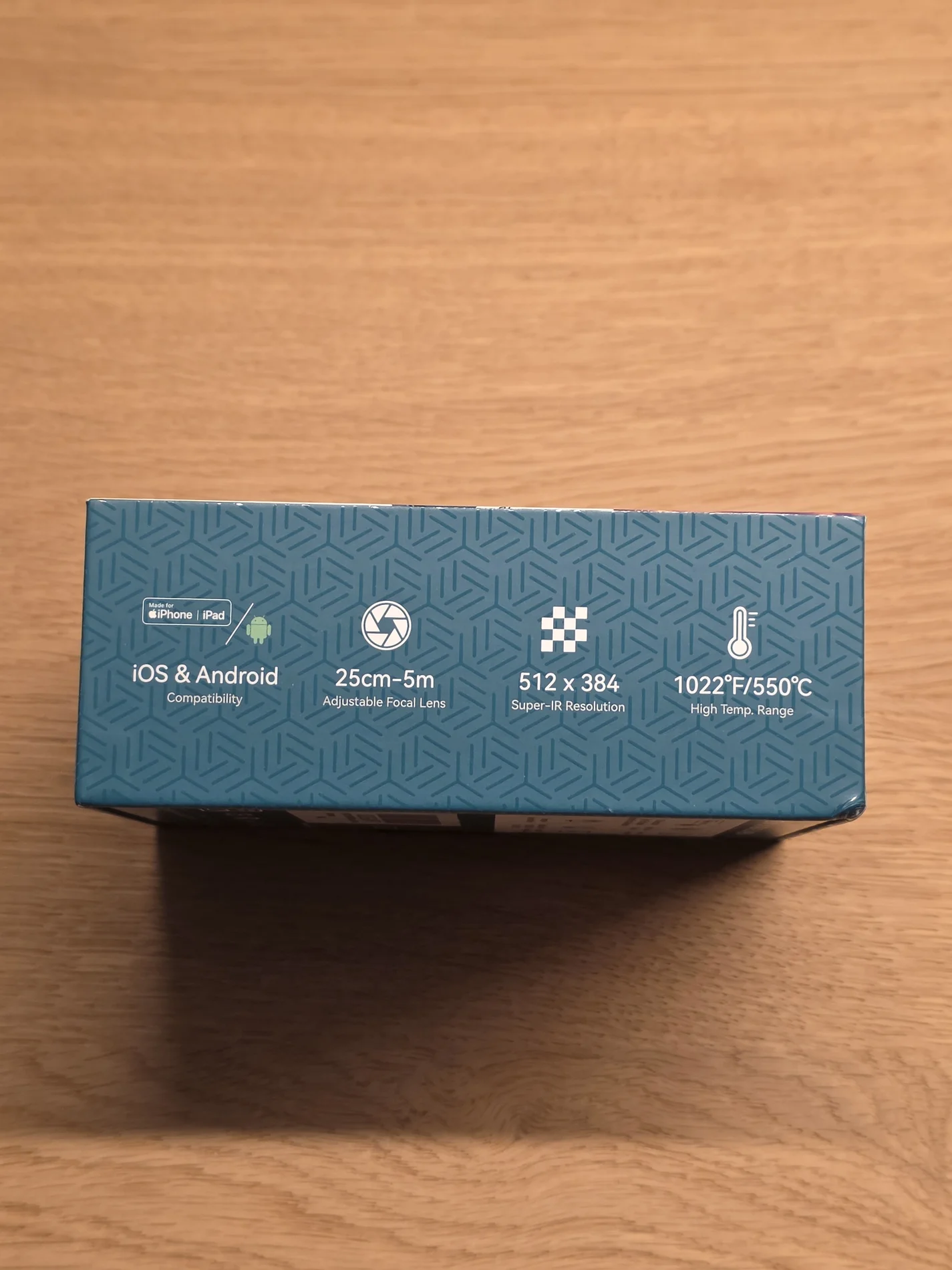
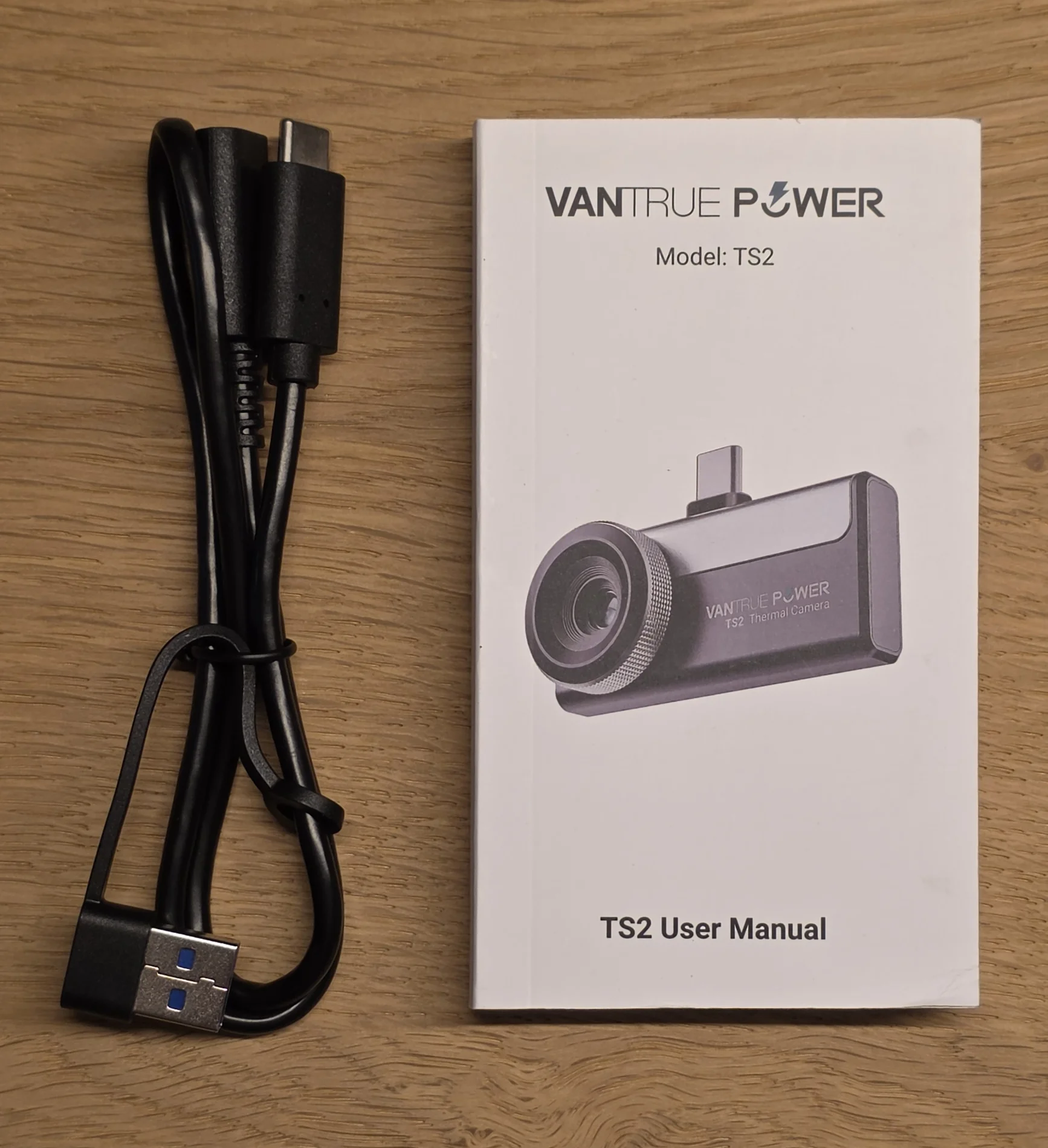
Inside the box you get two smaller black boxes along with the main unit.

The black boxes contain the manual and a male-to-female USB-C extension cord with a USB-C to USB-A adapter plug.
Underneath that sits the carrying case, which already gives a hint at how compact the camera is.

The included case is actually quite nice. It’s compact, rigid, and feels like it will protect the device well.


First Impressions
The TS2 itself is very compact. Smaller than expected once you see it in person. It easily fits into a pocket or small tool bag.


Build quality feels solid. The housing does not feel cheap and the lens assembly is the most prominent part on the front. The focus ring is smooth and gives good feedback when adjusting.
The adjustable macro lens is a nice touch, especially for close-up work like electronics or detailed inspections.
Overall, the first impression is positive. Specs look strong on paper and the upscaling seems to be done properly, but real performance will matter.
I was mainly interested in something like this for automotive diagnostics, checking electrical components (for example dashcams), but also for general use, like inspecting houses, finding heat leaks, or even PC troubleshooting. So overall quite a versatile tool if it performs well.
This post is just a first look and specs overview. I already did a quick check, but full testing will follow.
Key Specifications
Thermal Resolution: 256×192 (native)
Upscaled Resolution: 512×384
Temperature Range: -20°C to 550°C
Accuracy: ±2°C or ±2%
Lens: 4.3 mm adjustable macro lens
Field of View: 56° × 42°
NETD: <40 mK
Digital Zoom: up to 15x
Refresh Rate: 25 Hz
Color Palettes: 12
Compatibility: Android, iOS, PC
Interface: USB-C
Protection Rating: IP65
Important to note: the real sensor resolution is 256×192. The 512×384 output is digital upscaling.
That said, from a quick test, the upscaling actually works surprisingly well and the image looks quite detailed.
Unboxing
For those familiar with my dashcam reviews, here are some usual unboxing shots of the TS2.
The outer packaging is solid and well made, similar to other Vantrue products. Everything is packed securely and nothing feels cheap.
Inside the box you get two smaller black boxes along with the main unit.
The black boxes contain the manual and a male-to-female USB-C extension cord with a USB-C to USB-A adapter plug.
Underneath that sits the carrying case, which already gives a hint at how compact the camera is.
The included case is actually quite nice. It’s compact, rigid, and feels like it will protect the device well.
First Impressions
The TS2 itself is very compact. Smaller than expected once you see it in person. It easily fits into a pocket or small tool bag.
Build quality feels solid. The housing does not feel cheap and the lens assembly is the most prominent part on the front. The focus ring is smooth and gives good feedback when adjusting.
The adjustable macro lens is a nice touch, especially for close-up work like electronics or detailed inspections.
Overall, the first impression is positive. Specs look strong on paper and the upscaling seems to be done properly, but real performance will matter.
Last edited: