

TonyM
Well-Known Member
- Joined
- Jul 30, 2013
- Messages
- 6,705
- Reaction score
- 6,759
- Country
- United Kingdom
- Dash Cam
- Many dashcams over many years
Vantrue invited me to take a look at their TS2 Thermal Imaging Camera, part of their growing Vantrue Power series of electronic devices. Its primary function is to record and display the temperature of objects, using a scale to provide a visual representation of hot vs cold areas within the image. Apart from the novelty aspect of being able to ‘see’ something that is beyond the visible spectrum, it has practical applications in identifying faulty electronics, water leaks, draughty doors and windows etc.

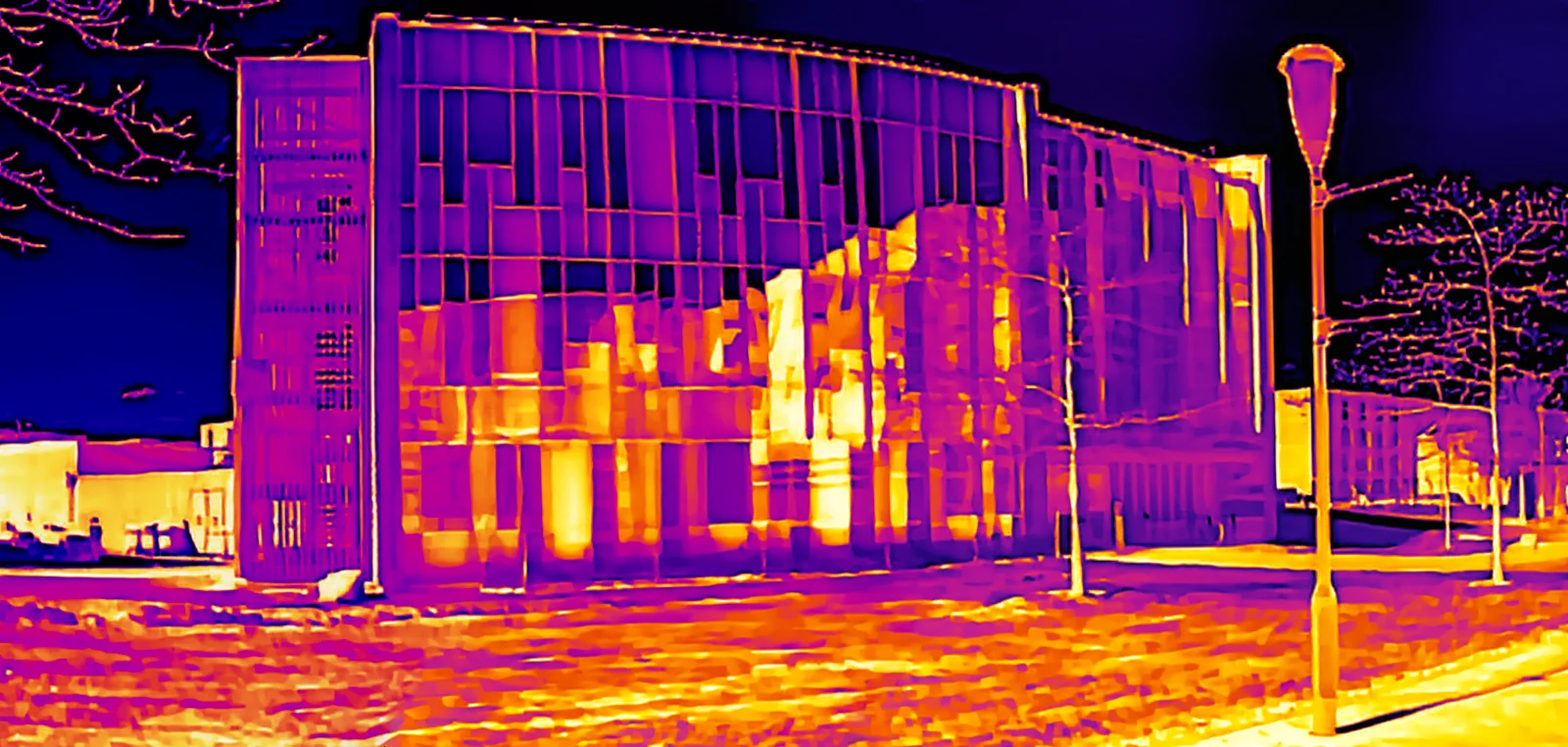
I have been an amateur photographer for many years and have experimented with near-infrared photography, so I was curious to investigate the creative imaging potential of the TS2 in addition to its more usual practical uses. This is a 6-image panorama of my office building. The TS2 has a fairly low resolution of 256x192, upscaled to 512x384, combined with a narrow field of view. When combined into a panorama the resulting image has greater resolution and appears sharp, if viewed at an appropriate size.
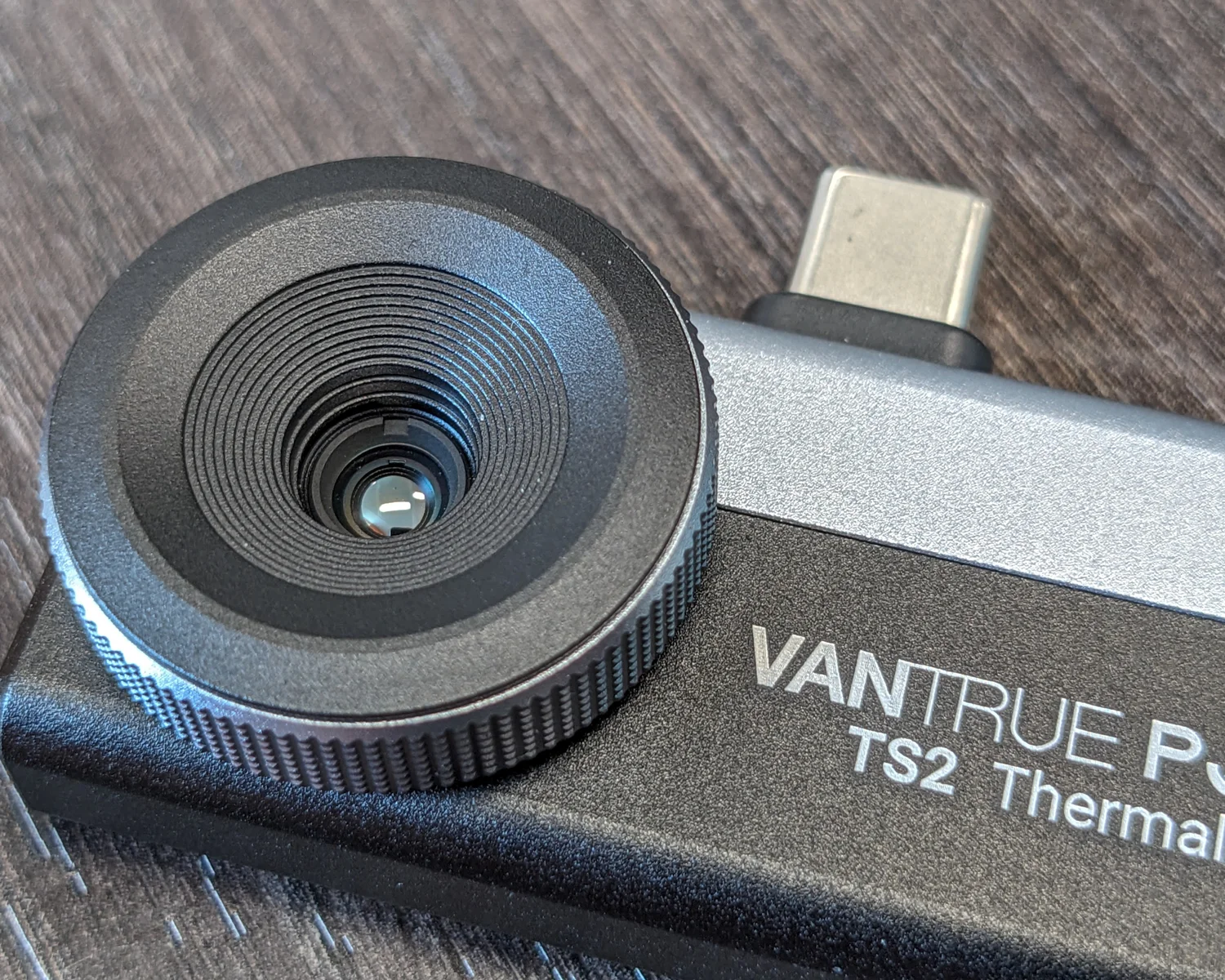
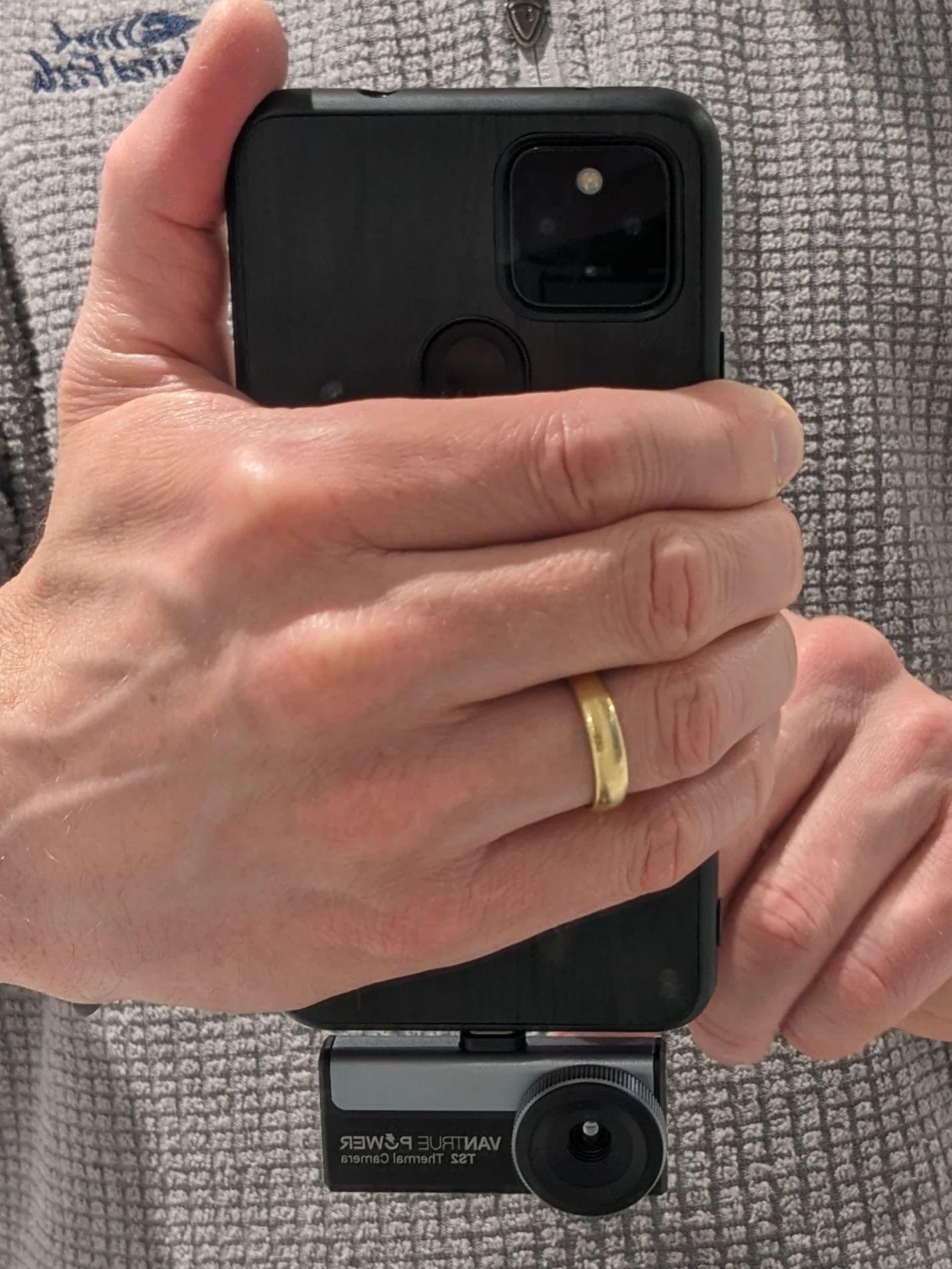
The TS2 is not a standalone camera - it is a plug-in accessory designed to be used with a mobile phone, connected via the male USB-C plug on top that is inserted into the phone’s charging port. The phone provides power to the TS2 and uses the touch screen to see the live view, access the menu and change settings. Photos and videos captured by the TS2 are also stored directly on the phone, so no microSD card is required.
Some thermal cameras such as the Vantrue TS1 have a fixed-focus lens. The TS2 has a manual focus lens which is adjusted by rotating the large ring around the lens. The adjustment is smooth and the ring has enough stiffness to resist accidental movement. It is easier to focus on objects with clearly-defined edges, so on occasion I focused on a nearby object if the actual subject had poor thermal definition.
Ergonomically, I found the TS2’s position at the base of the phone to be a bit awkward. I normally hold my phone at the base whilst using an app, or whilst taking photos in either portrait or landscape orientation. The phone’s own cameras are located towards the top of the body for good reason. When using the TS2 I found myself constantly having to think about how to hold the phone securely and interact with the screen without getting my fingers in front of the lens. This was accentuated by manual focus requiring a free finger and thumb to rotate the lens ring. It's worth noting that the orientation of the TS2 photo (landscape or portrait) is opposite that of the phone.
Holding phone in landscape orientation - taking portrait orientation photo with TS2
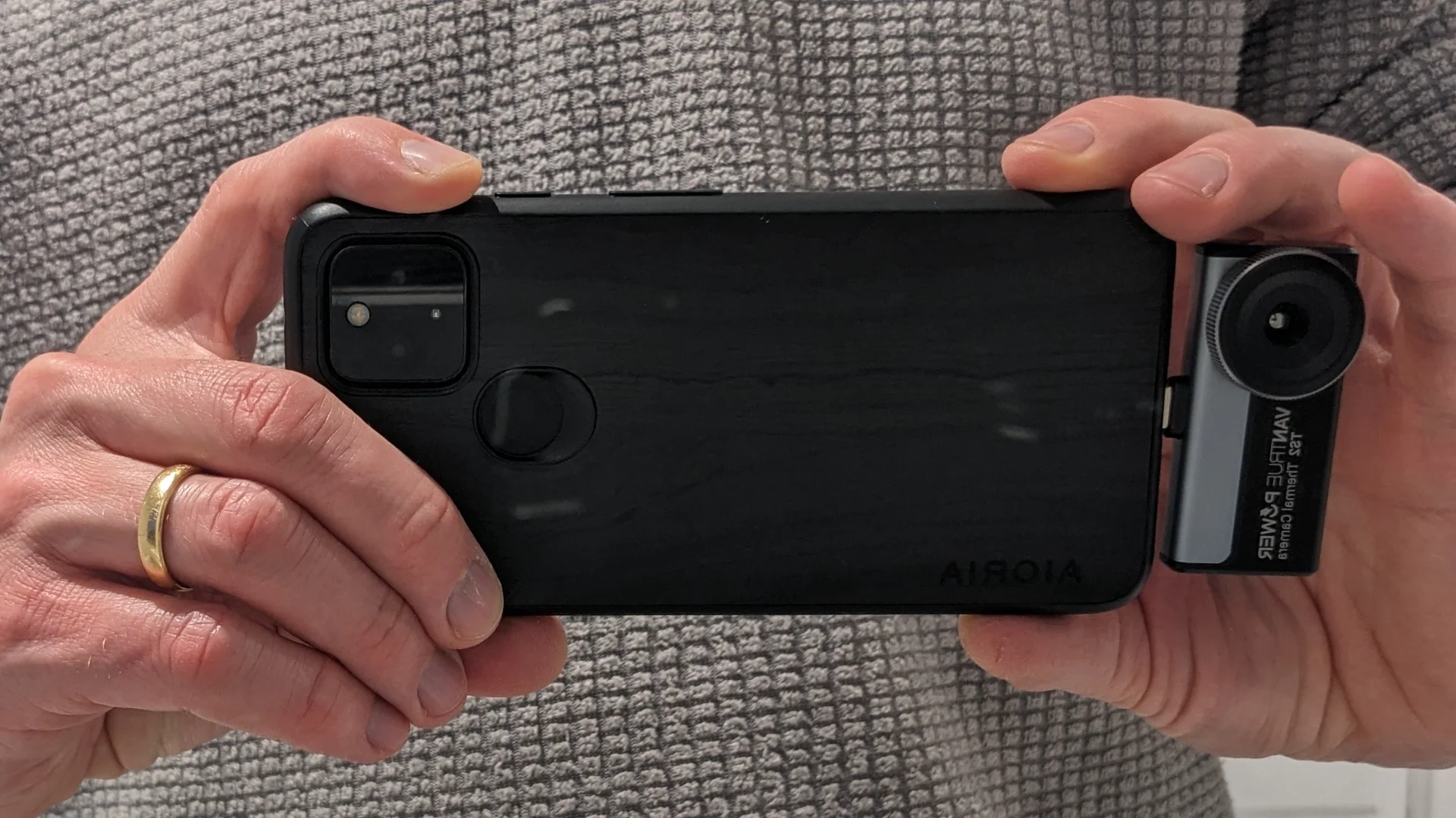
Holding phone in landscape orientation - adjusting manual focus
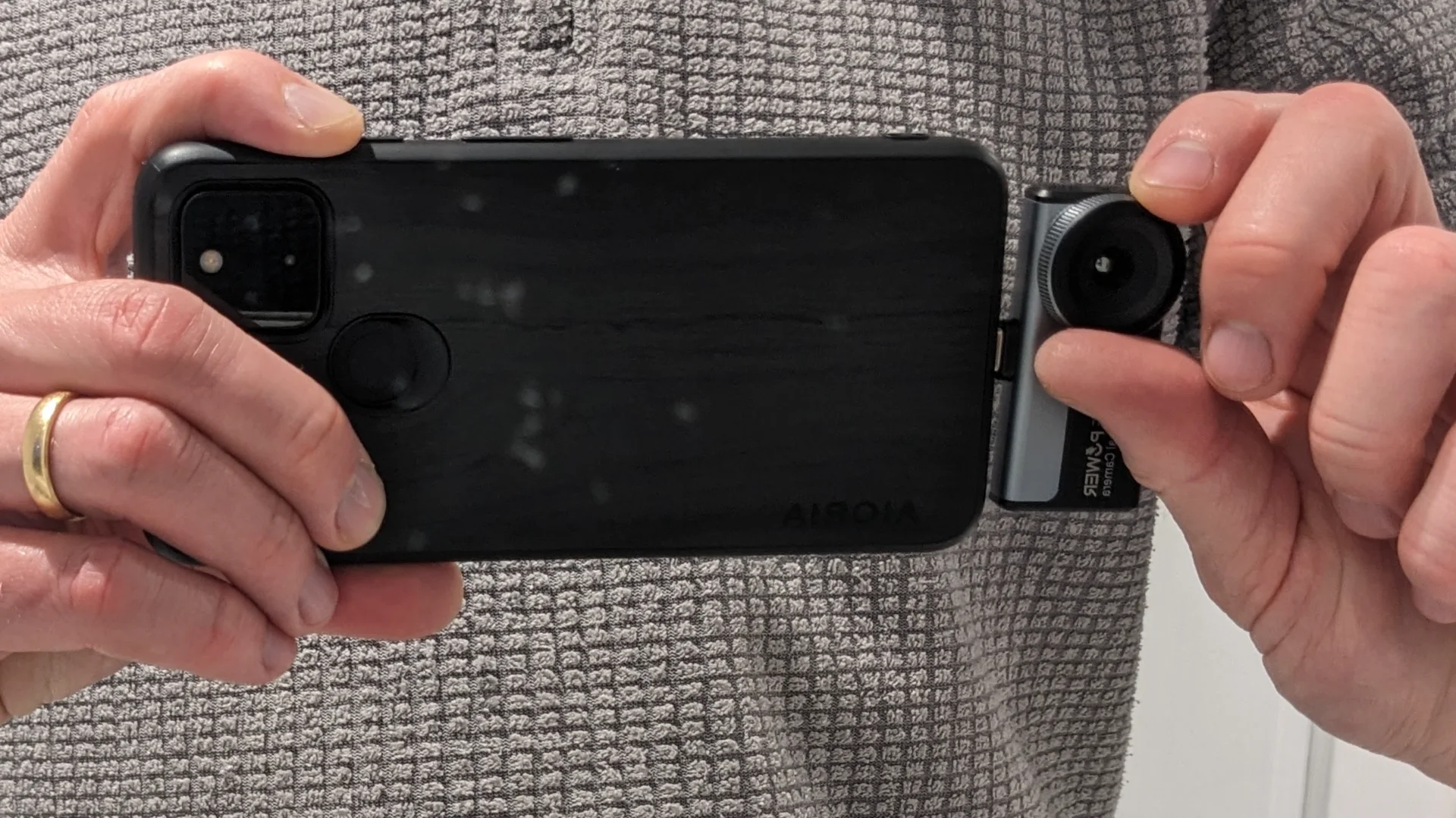
Holding phone in vertical orientation - taking landscape orientation photo with the TS2
I have been an amateur photographer for many years and have experimented with near-infrared photography, so I was curious to investigate the creative imaging potential of the TS2 in addition to its more usual practical uses. This is a 6-image panorama of my office building. The TS2 has a fairly low resolution of 256x192, upscaled to 512x384, combined with a narrow field of view. When combined into a panorama the resulting image has greater resolution and appears sharp, if viewed at an appropriate size.
The TS2 is not a standalone camera - it is a plug-in accessory designed to be used with a mobile phone, connected via the male USB-C plug on top that is inserted into the phone’s charging port. The phone provides power to the TS2 and uses the touch screen to see the live view, access the menu and change settings. Photos and videos captured by the TS2 are also stored directly on the phone, so no microSD card is required.
Some thermal cameras such as the Vantrue TS1 have a fixed-focus lens. The TS2 has a manual focus lens which is adjusted by rotating the large ring around the lens. The adjustment is smooth and the ring has enough stiffness to resist accidental movement. It is easier to focus on objects with clearly-defined edges, so on occasion I focused on a nearby object if the actual subject had poor thermal definition.
Ergonomically, I found the TS2’s position at the base of the phone to be a bit awkward. I normally hold my phone at the base whilst using an app, or whilst taking photos in either portrait or landscape orientation. The phone’s own cameras are located towards the top of the body for good reason. When using the TS2 I found myself constantly having to think about how to hold the phone securely and interact with the screen without getting my fingers in front of the lens. This was accentuated by manual focus requiring a free finger and thumb to rotate the lens ring. It's worth noting that the orientation of the TS2 photo (landscape or portrait) is opposite that of the phone.
Holding phone in landscape orientation - taking portrait orientation photo with TS2
Holding phone in landscape orientation - adjusting manual focus
Holding phone in vertical orientation - taking landscape orientation photo with the TS2
