
Dashcamuser567
Active Member
- Joined
- Jul 2, 2018
- Messages
- 167
- Reaction score
- 87
- Country
- United States
I recently installed my Elite 9 and wanted to share initial videos, my current settings, and impressions coming from a U1000 in an informal post.
Initial impressions of the Elite 9 from the U1000 in no order:
App Impressions: The app has some features that are better or worse than Thinkware.
App Feedback in no order:
Screenshots:
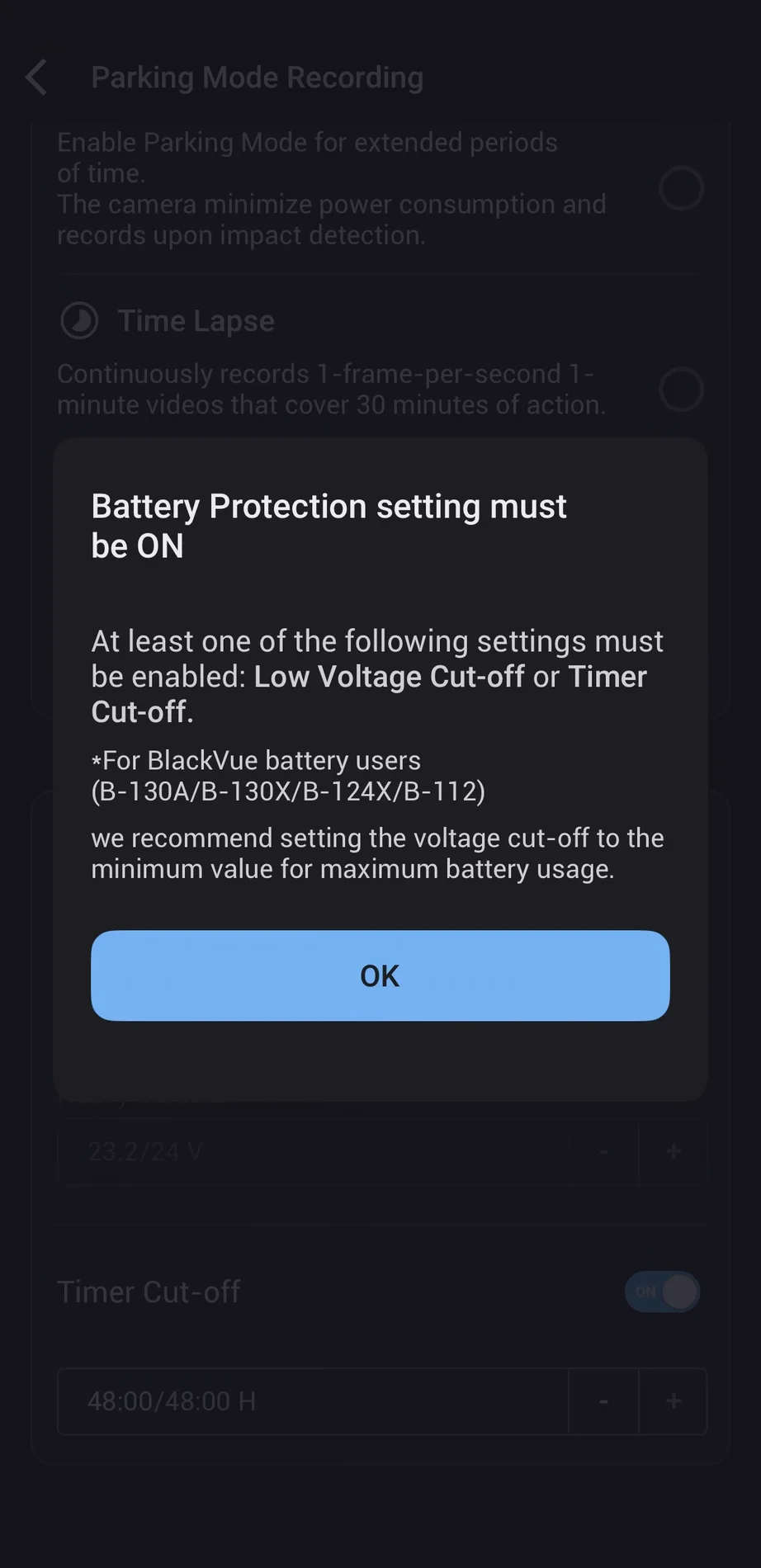
Cannot disable battery protection.
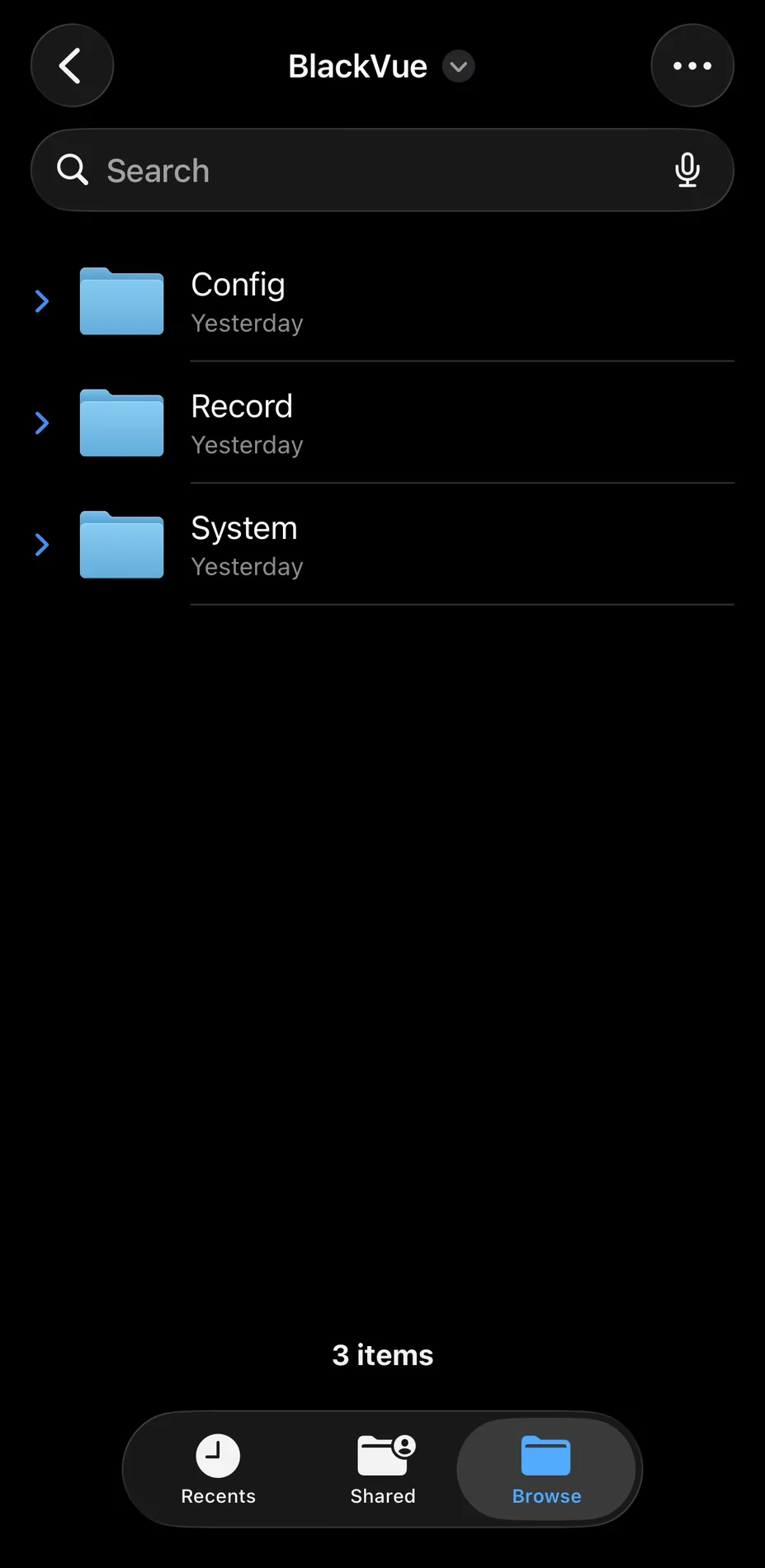
SD card structure

Event File Protection feature mentioned above.
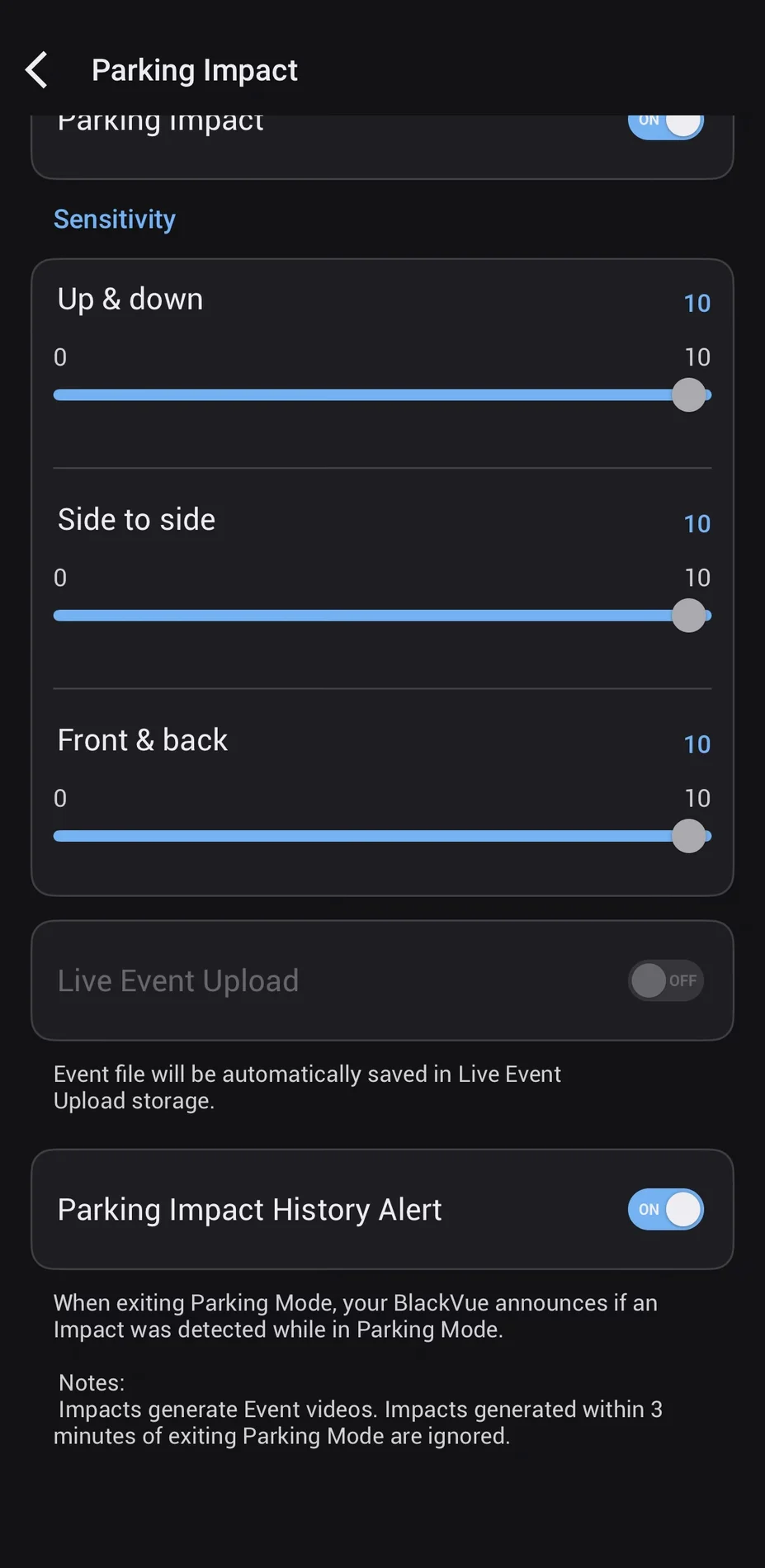
Parking impact settings. Also mentions that impacts within 3 minutes of exiting parking mode are ignored. Which I don't think matches my experience?
Initial impressions of the Elite 9 from the U1000 in no order:
- I prefer the wedge style that Thinkware uses. The Elite 9 was a bit more annoying to get installed and cables arent super hidden compared to the U1000 where I could hide them behind the rear mirror. It is also really close to my R8 I have installed behind the rear mirror due to this.
- Video quality is noticeably better than the U1000, which is no surprise. Everything seems more clear and colors are less dull. Plates are easier to read in the daylight or overcast conditions.
- WiFi seems slower than my U1000, but the Elite 9 does have larger clips than the U1000, so it makes sense, but sometimes it will hang for a couple seconds, start working, then hang for a sec, then keep going, and repeat.
- I cannot seem to remove the BlackVue watermark on the top left of videos unless I missed a setting. Big negative IMO. If you want the advertising, put the brand name out of the way in the date overlay area, like the U1000.
- I think the Elite 9 causes my Uniden R8 to MRCD false when downloading videos? Anyone notice this?
- I love that the BlackVue is quieter booting up from parking mode compared to the U1000. I hated the whole "2 events, and 10 motion events in parking mode, GPS CONNECTED" thing that the U1000 does every single time you turn it on.
- Speaking of parking mode, you cannot turn off the battery cutoff feature. I wish you could completely turn this off since I use an external battery and don't need it on. Its either voltage cutoff or timer cutoff. I opted for the timer cutoff since 48 hours should be long enough, but it would be better if they could let us power users disable it completely.
- On my U1000, the partitions were set up with separate folders per incident type (continuous, parking, motion, manual, etc.), which allowed for longer retention for certain types of videos. For example, on my 256 GB SD card, I had parking events from months ago that didn't get overwritten by the motion recording or any other recording type. It seemed every partition on the U1000 had its own retention period based on the SD card size. This proved useful when I noticed a small dent on my car and found the video from weeks ago. However, as mentioned before, BlackVue stores everything in a single timeline with an optional setting for "Event File Protection" which is disabled by default but seems useful. It only stores 50 events, which hopefully should be enough, but it would be nice if this value could be customized, considering it supports up to 1 TB cards.
App Impressions: The app has some features that are better or worse than Thinkware.
App Feedback in no order:
- You need to create an account, which, for the Thinkware Cloud app, was optional.
- The BlackVue app shows the GPS location and speed in the video clip; the U1000 didn't do this. Nice feature.
- The BlackVue app sometimes hangs, so I have to force close and reopen it.
- BlackVue app seems to be online-first (or at least prefers online). This is a huge downgrade IMO since the Thinkware app could be used without an internet connection for downloading clips and changing settings. BlackVue does allow an offline mode if there is no internet but it would be nice if it didn't need a network to start.
- The app shows all the events in a single timeline. I really like this compared to the U1000 where you needed to go to different folders to find the clip you might need. It may also help in getting the whole story in an incident.
- I don't think you can select multiple clips to download at once like the U1000. Unless I missed it in the app.
Screenshots:
Cannot disable battery protection.
SD card structure
Event File Protection feature mentioned above.
Parking impact settings. Also mentions that impacts within 3 minutes of exiting parking mode are ignored. Which I don't think matches my experience?
Last edited:


