VIOFO A329 Testing & Review Europe

Julian23

Well-Known Member
Joined
Nov 16, 2016
Messages
1,317
Reaction score
1,917
Country
Germany
Dash Cam
Several brands :)
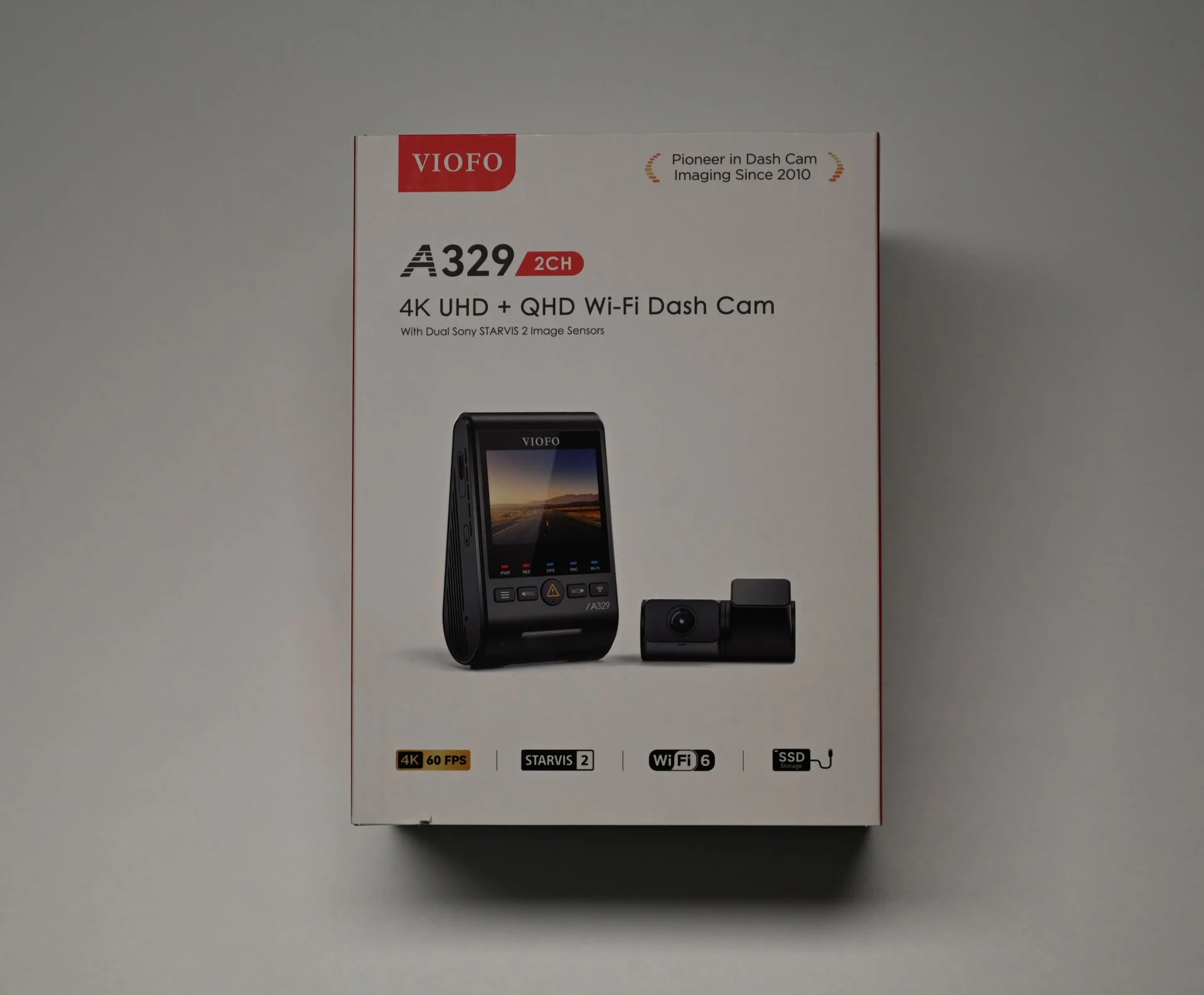
I know I’m a little late to the A329 party, but here I am!
I just got my hands on the A329 yesterday, and I’m ready to start my testing. I’ll be sharing my findings and experiences along the way to give you all a closer look at what this dashcam can do.

First up, I’ll be adding a few pictures to show what’s included when you order one, along with comparison shots next to the A229 Pro for a better sense of its design and build.
Video footage will be coming within the next few days, so you’ll get to see how it performs on the roads in Europe or to be precise in Germany.
The A229 Pro already did a great job of catching plates even at night. From what I saw here on the forum the A329 should be even a little bit better.

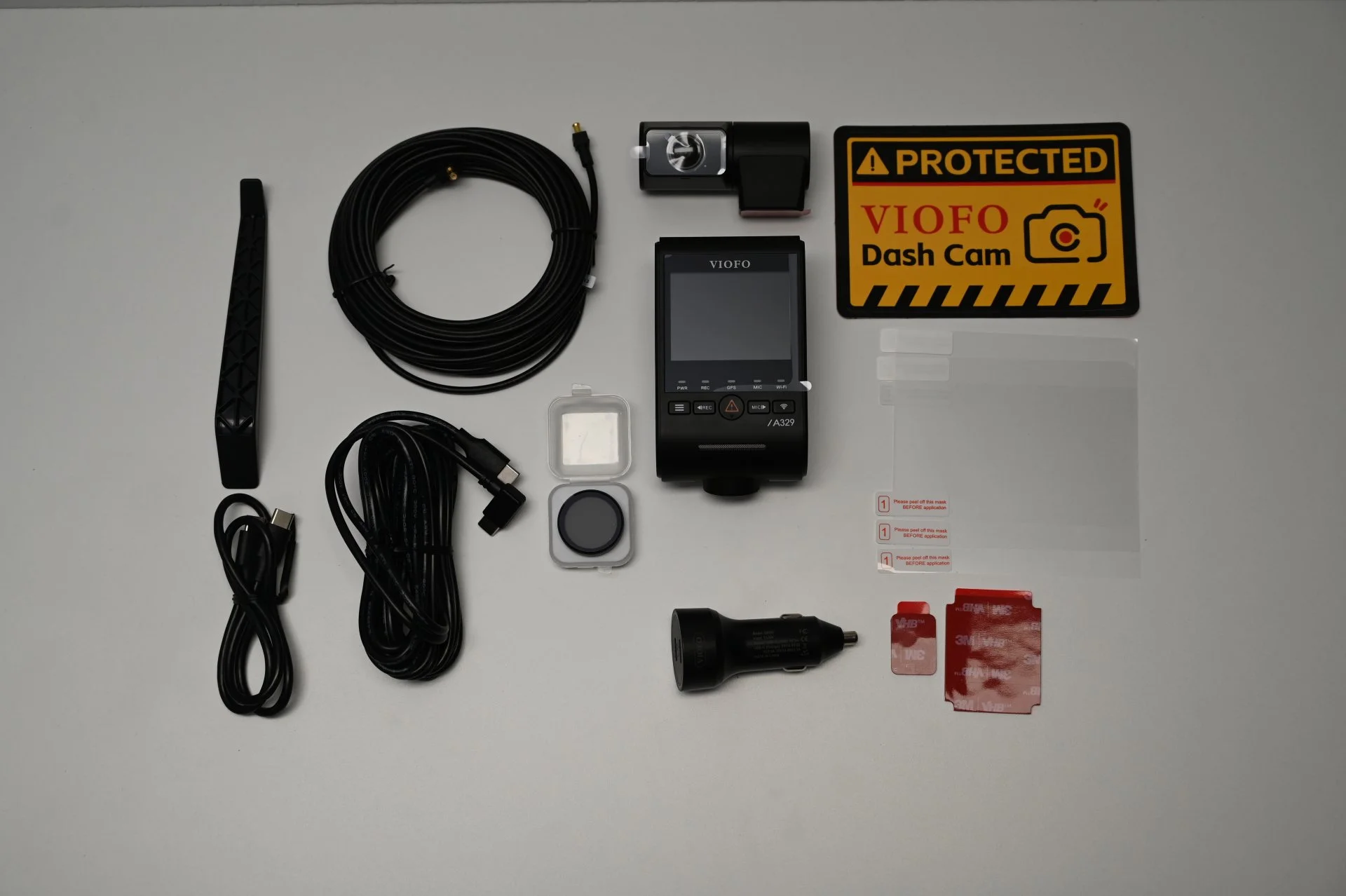
First of here are some pictures of the included accessories.
DSC_1690.webp


The USB C cable that was included with the A229 Pro has now been changed to a much thinner Coax cable. Similar to the A139/A139 Pro.
This will make installing and hiding the cable easier again.
DSC_1693.webp


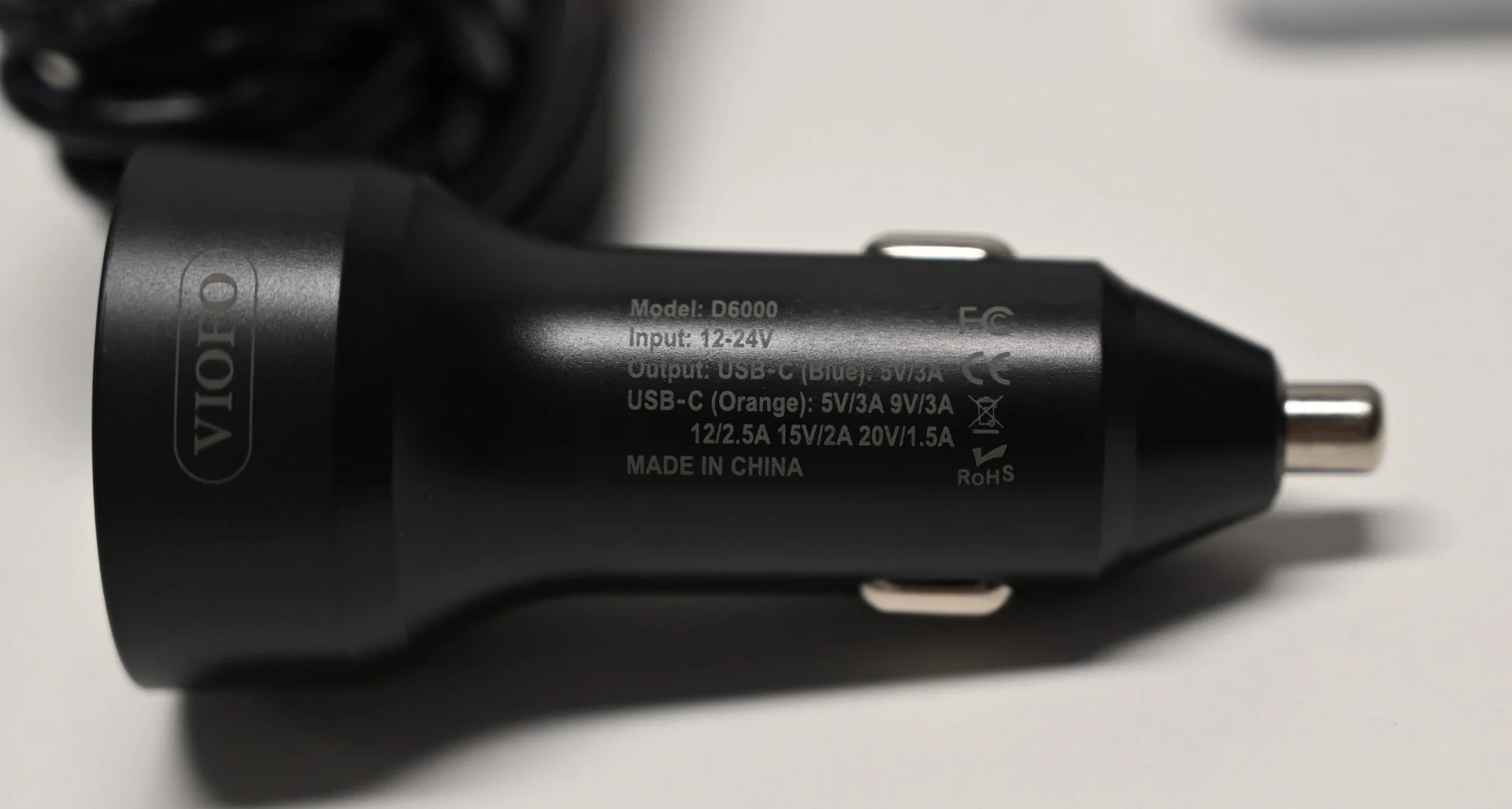
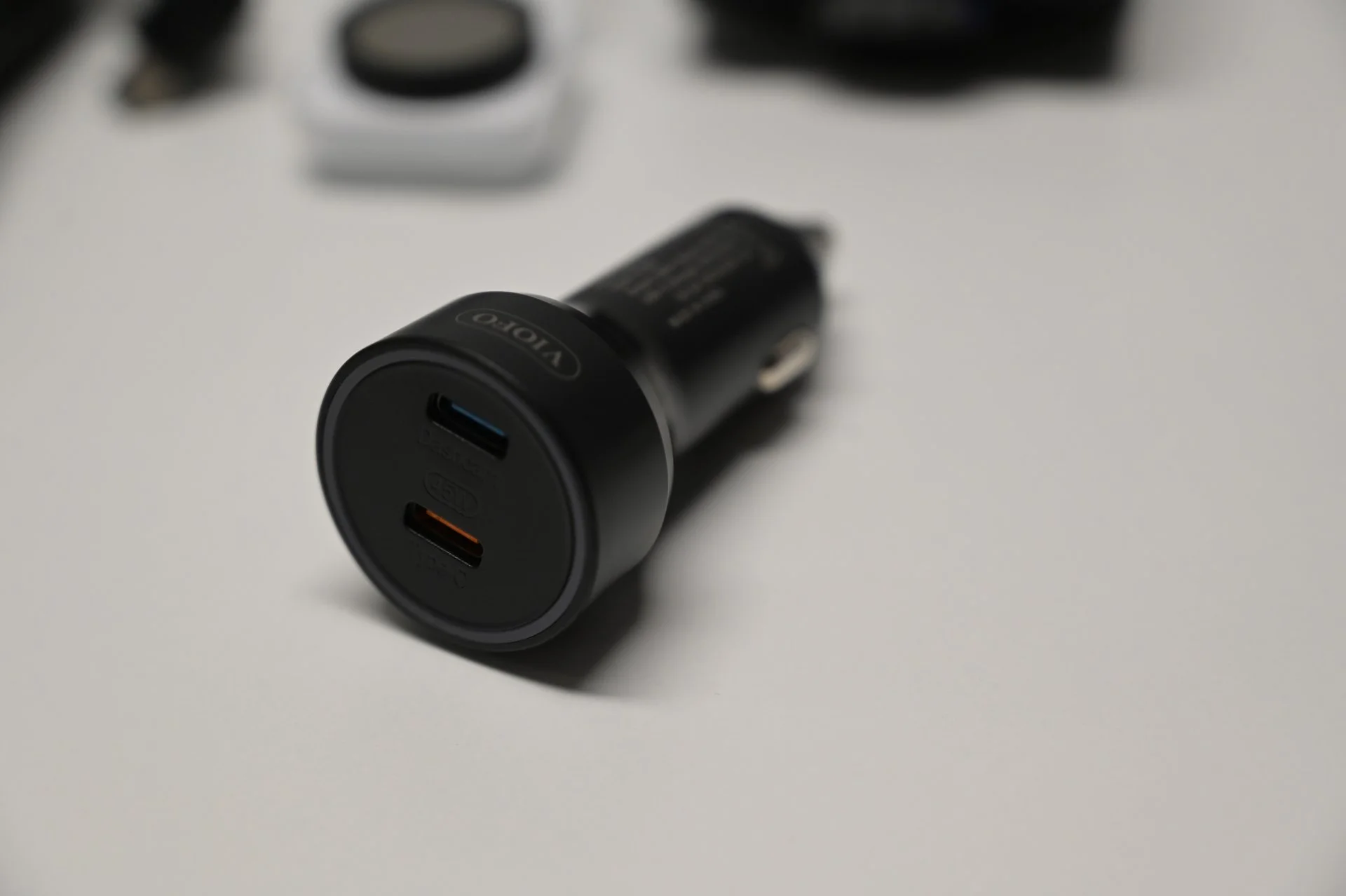
I will test the included 12V Charger for its output. The results will be here soon.
DSC_1694.webp


DSC_1697.webp


DSC_1701.webp


DSC_1704.webp


DSC_1705.webp


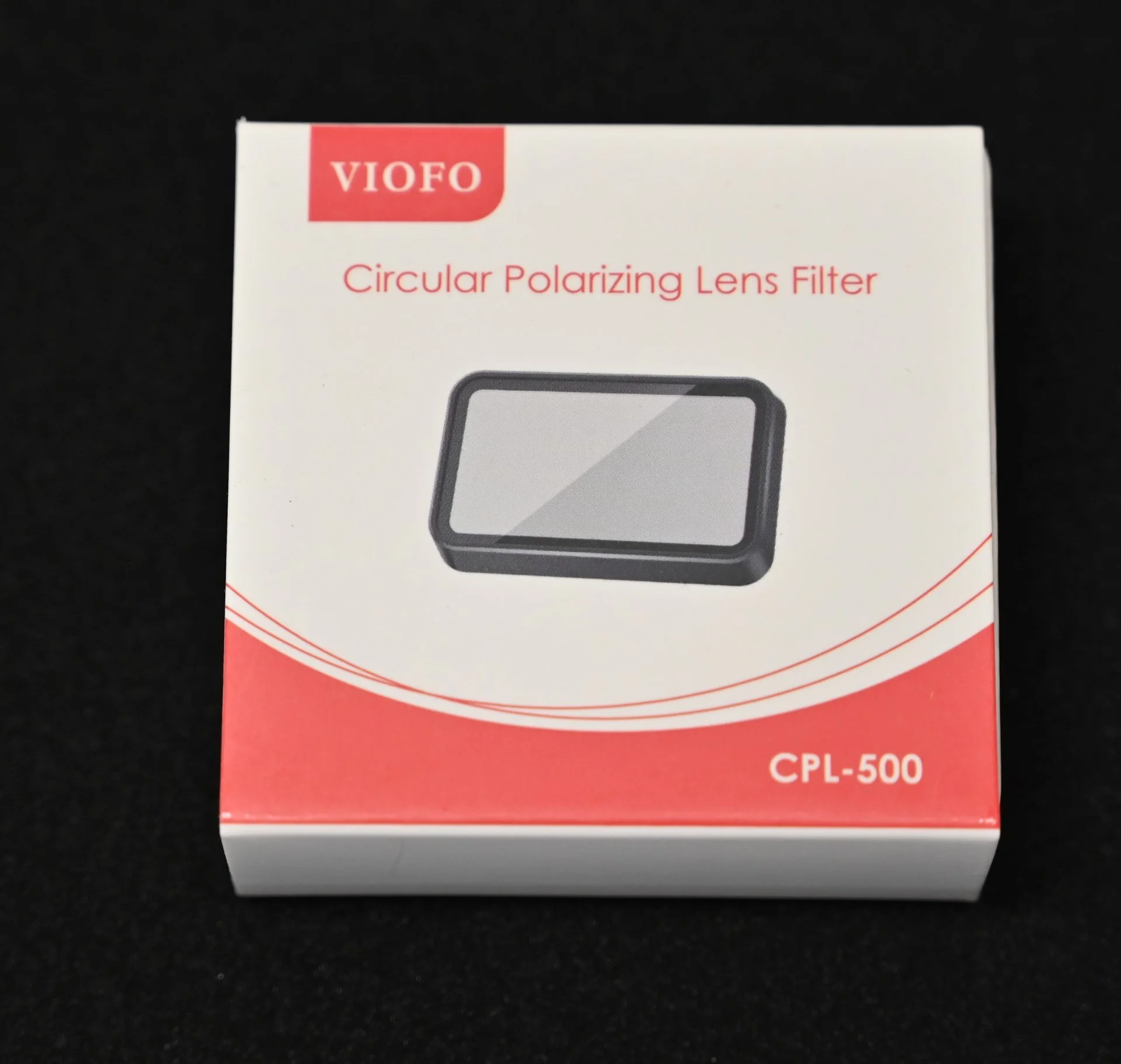
Optional Rear CPL Filter.
DSC_1716.webp


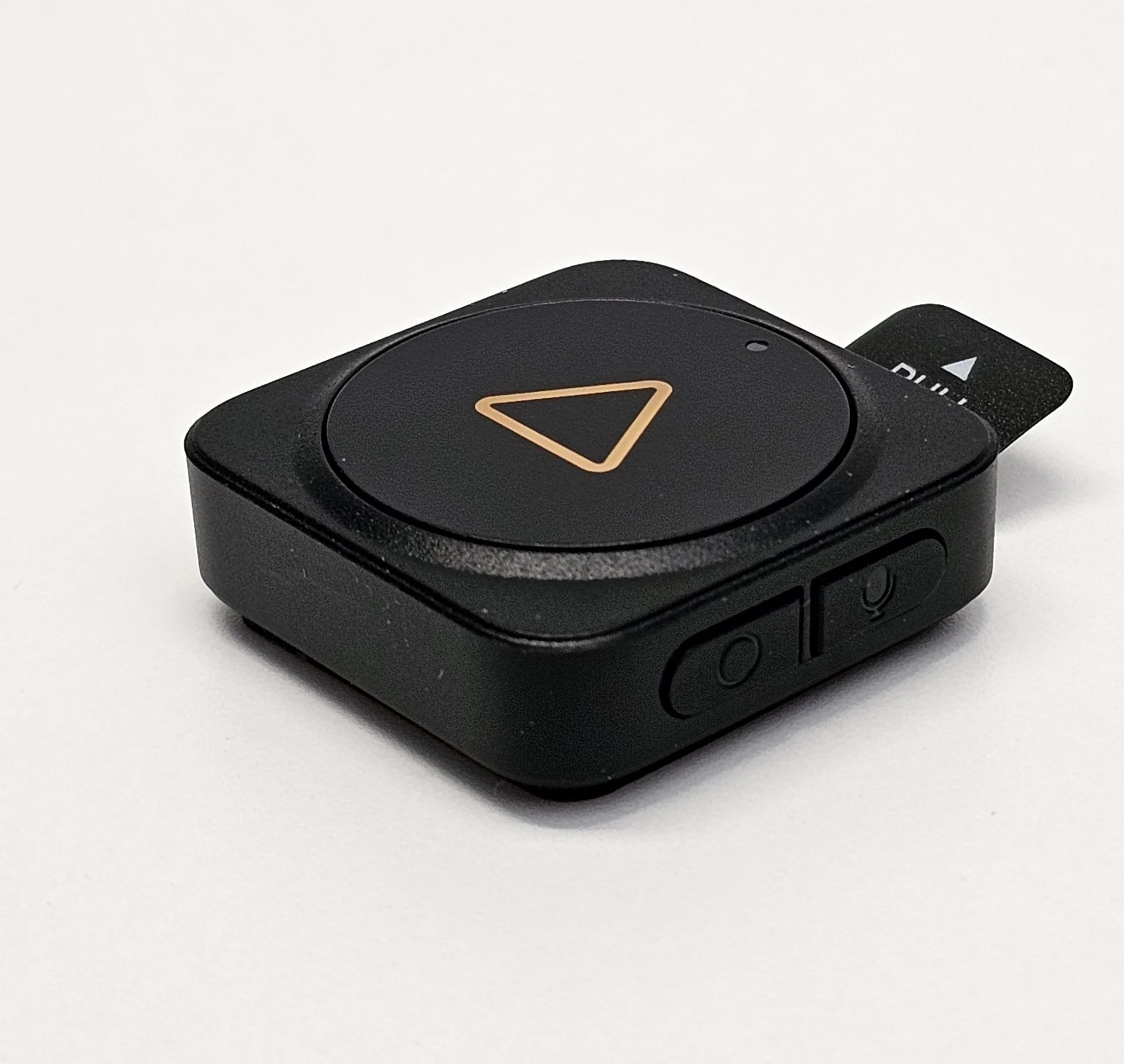
Optional Remote Control with configurable buttons.
DSC_1721.webp


20241113_203618.webp
 
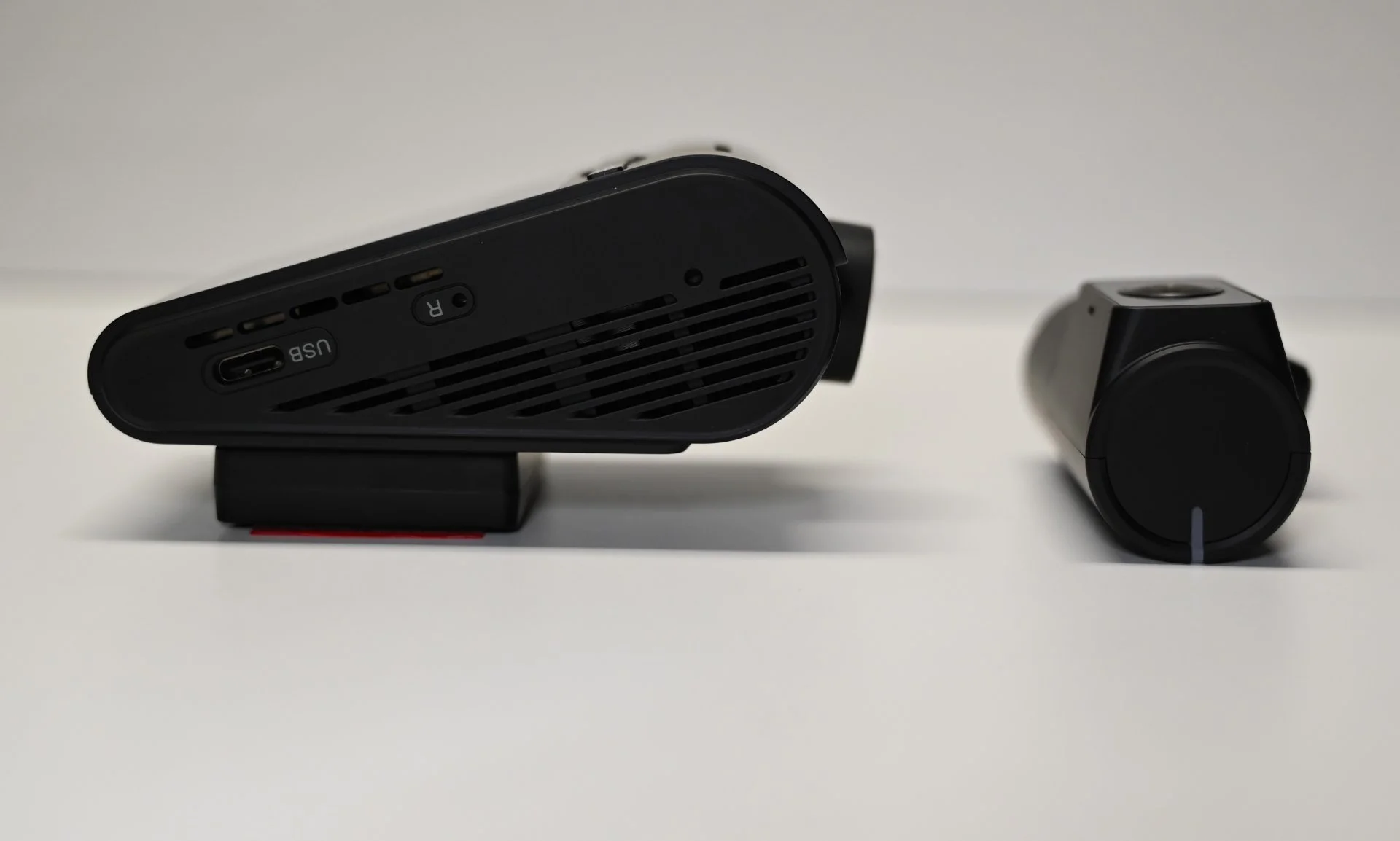
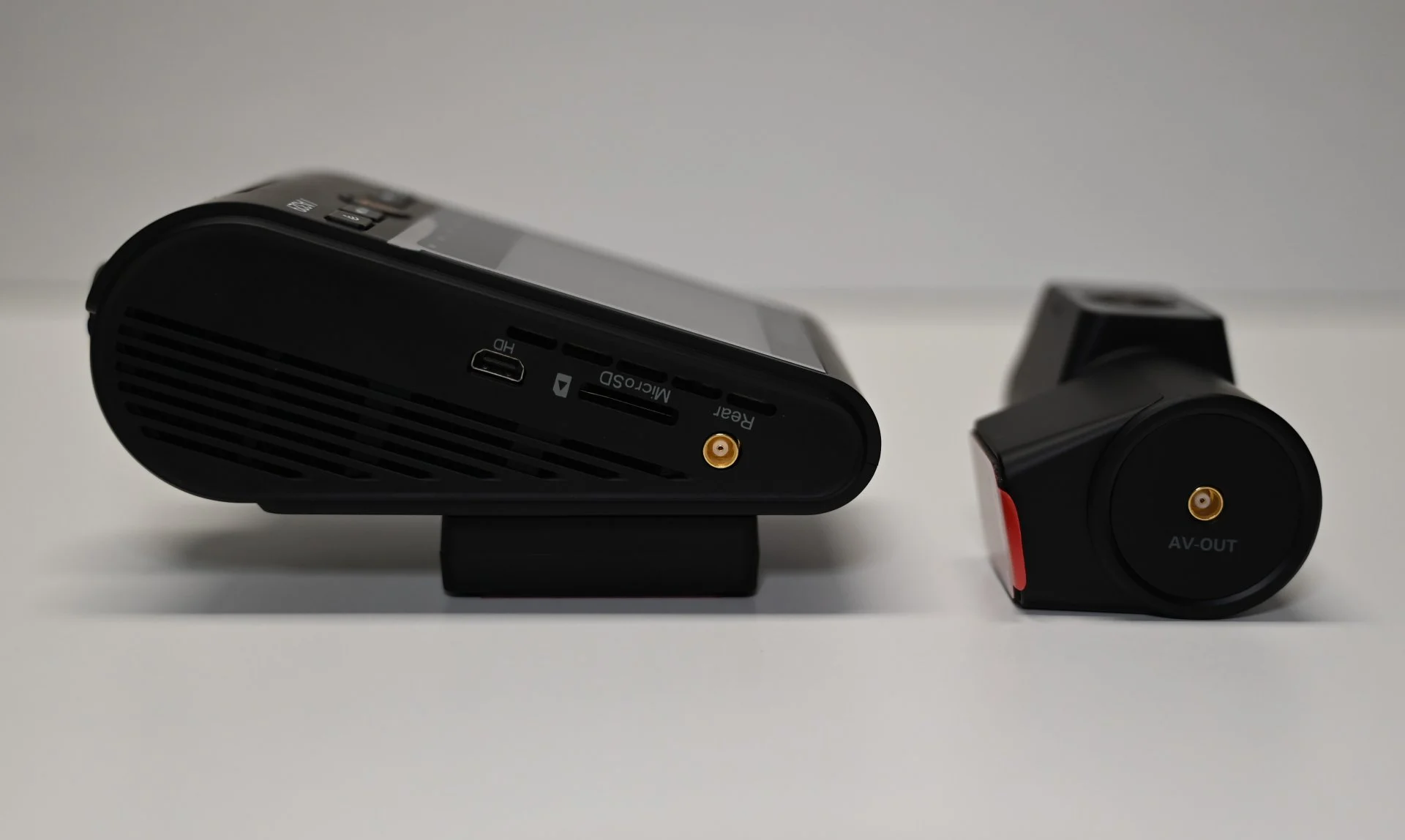
Here is a direct comparison with the A229 Pro.
On the left side is the A329 and on the right the A229 Pro.

A little bit different front design.
DSC_1711.webp


Much different design on both sides with way more vents.

DSC_1707.webp


DSC_1708.webp


DSC_1709.webp


The A329 even has 3 vents near the lens.

DSC_1715.webp


DSC_1714.webp
 
Yesterday there was a discussion about using small USB type C card readers to move the heat out of the camera.
I had doubts about the performance of these cheap card readers.
Here are my results with writing speed and power consumption.

Recording when measuring the power was done at 1ch, 4k30fps. HDR on, Wifi off.

I used a new Samsung 256GB Pro Plus micro SD card.

DSC_1729.JPG


Read and write speeds when used with a good card reader: (I did 3 runs and every run was similar)

USB A. Run3.png


Read and write speeds when used with the cheap USB C card reader directly into the mainboard of my PC:

USB C Run3.png


Read and write speeds when used with another cheap USB C card reader directly into the mainboard of my PC:

USB C 2 Run1.png


This cheap one has USB A and C. I also tested the USB A side with the following speeds:

USB C-A 2 Run1.png


Here is the power consumption when using the SD card internally. Like any normal dashcam.

20241113_180123.jpg


Here is the power consumption when using the card reader with the USB C port of the dashcam.


20241113_181021.jpg


The min, max, and average values can be seen at the bottom.
There is obviously a difference with the card reader using about 0,42W more power.

DSC_1731.JPG


Knowing that the A329 writes about 65MB/s I wouldn't recommend doing this with cheap card readers if you want the camera to run reliable.
@Agie
@Panzer Platform

Since I don't have a fancy thermal camera we need to wait for @Panzer Platform to see thermal results.

These results are all based on my cheap card readers. Results may vary with other higher quality readers.
This is meant as a PSA to NOT buy cheap card readers.
 
Last edited:
Yesterday there was a discussion about using small USB type C card readers to move the heat out of the camera.
I had doubts about the performance of these cheap card readers.
Here are my results with writing speed and power consumption.

Recording when measuring the power was done at 1ch, 4k30fps. HDR on, Wifi off.

I used a new Samsung 256GB Pro Plus micro SD card.

View attachment 75144

Read and write speeds when used with a good card reader: (I did 3 runs and every run was similar)

View attachment 75145

Read and write speeds when used with the cheap USB C card reader directly into the mainboard of my PC:

View attachment 75146


Read and write speeds when used with another cheap USB C card reader directly into the mainboard of my PC:

View attachment 75147

This cheap one has USB A and C. I also tested the USB A side with the following speeds:

View attachment 75148

Here is the power consumption of first using the SD card internally.

View attachment 75149

Here is the power consumption when using the card reader with the dashcam.


View attachment 75150

The min, max, and average values can be seen at the bottom.
There is obviously a difference with the card reader using about 0,42W more power.

View attachment 75151

Knowing that the A329 writes about 65MB/s I wouldn't recommend doing this if you want the camera to run reliable.
@Agie
@Panzer Platform

Since I don't have a fancy thermal camera we need to wait for @Panzer Platform to see thermal results.

These results are all based on my cheap card readers. Results may vary with other higher quality readers.
This is meant as a PSA to NOT buy cheap card readers.
Looks like we were correct Julian, but boy oh boy what a delta in performance between the decent brand-name microSD card reader and the cheap no-name one.
 
Looks like we were correct Julian, but boy oh boy what a delta in performance between the decent brand-name microSD card reader and the cheap no-name one.
The results are just what I expected and feared. You get what you pay. In this case not much.
Maybe the higher quality readers can achieve a better performance.
At least now this is properly documented with numbers to prove it.
 
Knowing that the A329 writes about 65MB/s I wouldn't recommend doing this if you want the camera to run reliable.
Remember that the camera writes at 65Mbps, not 65MBps (bits, not bytes), so the 20MB/s reader may still be OK for the A329
 
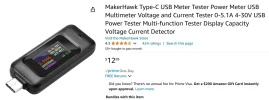
It might be interesting to measure the power consumption of just the card reader, if you have a suitable USB power meter, then we can calculate the power consumption of just the camera, if the camera uses less power internally when using the card reader than it should operate in higher temperatures, even if the total is higher.

I assume your power readings are with the fast reader, does the cheap reader work and give different readings?
 

Attachments

  • Screenshot 2024-11-14 10.48.44 AM.webp
    Screenshot 2024-11-14 10.48.44 AM.webp
    48.5 KB · Views: 133
Do you mean like this?
Yes, something like that, a very useful device for checking power consumption of USB devices, and also for measuring how much power goes into and comes out of USB batteries.
 
Remember that the camera writes at 65Mbps, not 65MBps (bits, not bytes), so the 20MB/s reader may still be OK for the A329
I'm gonna double check it this evening.
 
It might be interesting to measure the power consumption of just the card reader, if you have a suitable USB power meter, then we can calculate the power consumption of just the camera, if the camera uses less power internally when using the card reader than it should operate in higher temperatures, even if the total is higher.

I assume your power readings are with the fast reader, does the cheap reader work and give different readings?
Sure, I can check the consumption of the reader itself.

Yes, it was with the faster one. I can try that too.
 
It might be interesting to measure the power consumption of just the card reader, if you have a suitable USB power meter, then we can calculate the power consumption of just the camera, if the camera uses less power internally when using the card reader than it should operate in higher temperatures, even if the total is higher.

I assume your power readings are with the fast reader, does the cheap reader work and give different readings?
20241115_001248.webp


Here is the result of the power draw from the card reader when in use.
This is more or less the exact difference when using the USB port compared to the SD slot of the A329.
 
For parking mode in hot places, 0.4 W for the card reader is much better than the 2.3 W of an SSD. Presumably using a memory stick would give a similar result, although you can then get larger capacities.

Even if you are not in a hot place, it is not too bad unless you are trying to achieve 24/7 parking mode.

However, these figures suggest that it doesn't reduce the power consumption internal to the camera, so the camera isn't going to run any cooler... unless you measure coolness based on the temperature of the microSD card slot... presumably the power use has moved from there to the USB-C port controller.

So this might help in high temperatures, but only if the memory card is the problem and is better cooled when it is in the card reader than when it is in the camera, which may be true, but I doubt that it makes much difference, unless maybe you run an extension cable away from the heat near the roof and down to the coolness of the floor area.

Might do better to implement a 15 fps low bitrate parking mode, that would both reduce heat and power consumption!
 
For parking mode in hot places, 0.4 W for the card reader is much better than the 2.3 W of an SSD. Presumably using a memory stick would give a similar result, although you can then get larger capacities.

Even if you are not in a hot place, it is not too bad unless you are trying to achieve 24/7 parking mode.

However, these figures suggest that it doesn't reduce the power consumption internal to the camera, so the camera isn't going to run any cooler... unless you measure coolness based on the temperature of the microSD card slot... presumably the power use has moved from there to the USB-C port controller.

So this might help in high temperatures, but only if the memory card is the problem and is better cooled when it is in the card reader than when it is in the camera, which may be true, but I doubt that it makes much difference, unless maybe you run an extension cable away from the heat near the roof and down to the coolness of the floor area.

Might do better to implement a 15 fps low bitrate parking mode, that would both reduce heat and power consumption!
You ask and you shall receive.
I tested a normal USB 3.0 Stick when writing.
See the results below.
1731672301107.webp


While I was at it I also tested a 2,5" external HDD. (before anyone asks for it)
As expected much more since it's mechanical.
1731672322689.webp


It's a very good question when the increased power consumption creates more heat by the power draw than it reduces with the memory being external.
 
It's a very good question when the increased power consumption creates more heat by the power draw than it reduces with the memory being external.
Looking at Panzer’s thermal images, it appears that plugging in a USB cable sucks out more heat, by acting as a heat sink, than gets generated, so overall, a USB stick, maybe on a cable, will help in high temperatures, and looks a better option than an SSD, especially for parking mode.
 
A229 Pro has never been installed in a car?
It was installed since December 2023.
To make room for the A329, I slightly changed the position.
Since I had to remove it and replace the 3m tape, I took this opportunity to make side by side pictures.
Currently both cameras, front and rear are installed side by side.
 
Here are some screenshots from a drive 2 hours ago. I tried to pick the same spot and the best frame for each camera.
These are just random cars from today and not cherry picked clips that were collected for 2 weeks to get the best result.
The A329 has a little disadvantage since it is to the right of the A229 Pro.
Both cameras with the following settings: 4k30, HDR on, CPL on, highest bitrate.
The images are not edited, except for the partial plate blurring to comply with strict German privacy laws.

vlcsnap-2024-11-20-21h32m40s305.png
vlcsnap-2024-11-20-21h54m38s558.png


vlcsnap-2024-11-20-21h31m56s610.png
vlcsnap-2024-11-20-21h54m03s967.png


vlcsnap-2024-11-20-21h34m53s588.png
vlcsnap-2024-11-20-21h54m53s964.png


vlcsnap-2024-11-20-21h38m20s338.png
vlcsnap-2024-11-20-21h56m03s082.png


vlcsnap-2024-11-20-21h41m36s657.png
vlcsnap-2024-11-20-21h57m21s024.png
 
Last edited:
Some screenshots with daylight.
Cameras with the following settings:
-A329: front: 4k60, HDR off, CPL on, highest bitrate. Rear camera without CPL, HDR on. Firmware: V1.0_241009
-A229 Pro: front: 4k30, HDR off, CPL on, highest bitrate. Rear camera without CPL, HDR on Firmware: V1.3_240612

The images are not edited, except for the partial plate blurring to comply with strict German privacy laws.


vlcsnap-2024-11-20-22h09m35s751.png
vlcsnap-2024-11-20-22h13m20s763.png


vlcsnap-2024-11-20-22h06m56s946.png
vlcsnap-2024-11-20-22h14m49s695.png


vlcsnap-2024-11-20-22h09m05s216.png
vlcsnap-2024-11-20-22h15m59s425.png
 
Last edited:
While installing the dashcam and checking for the orientation, I plugged in the included charger.
Somehow the pin on the top got pushed inside.
I had to use a small screwdriver and slide it around the edge to get it to come out.
I tried it again if it would get stuck again and it did.
This shouldn't happen.
@viofo, @VIOFO-Support would you please check if this is just my unit?

20241120_142402.webp
20241120_142625.webp


Here is another picture of the charger when it's plugged in.
It has a nice blue ambient light. It's not too bright to be annoying.

20241120_170705.webp


The rear camera also has a small white LED that is illuminated when the camera is on.
It's not too bright or in any way annoying at night.

20241120_232134.webp
 
Both cameras with the following settings: 4k30, HDR on, CPL on, highest bitrate.
-A229 Pro: front: 4k30, HDR off, CPL on, highest bitrate. Rear camera without CPL, HDR on
Nice work.
1.) Can you add the firmware version of each camera?
2.) Just to confirm & verify is the A229 Pro Front camera operating with 60 Mbps, or 36 Mbps, (do you have the interior camera connected 3-CH)?
pin on the top got pushed inside.
Yikes, mine works OK, maybe you need a replacement.
 
Back
Top