Vueroid S1 4K Infinite 3CH - 4K+1080p+ 2K Unboxing, First Impressions & Testing

Julian23

Well-Known Member
Joined
Nov 16, 2016
Messages
1,315
Reaction score
1,914
Country
Germany
Dash Cam
Several brands :)
Having followed the development S1 4K, I was also in contact with Vueroid and was offered to try the new S1 4K.
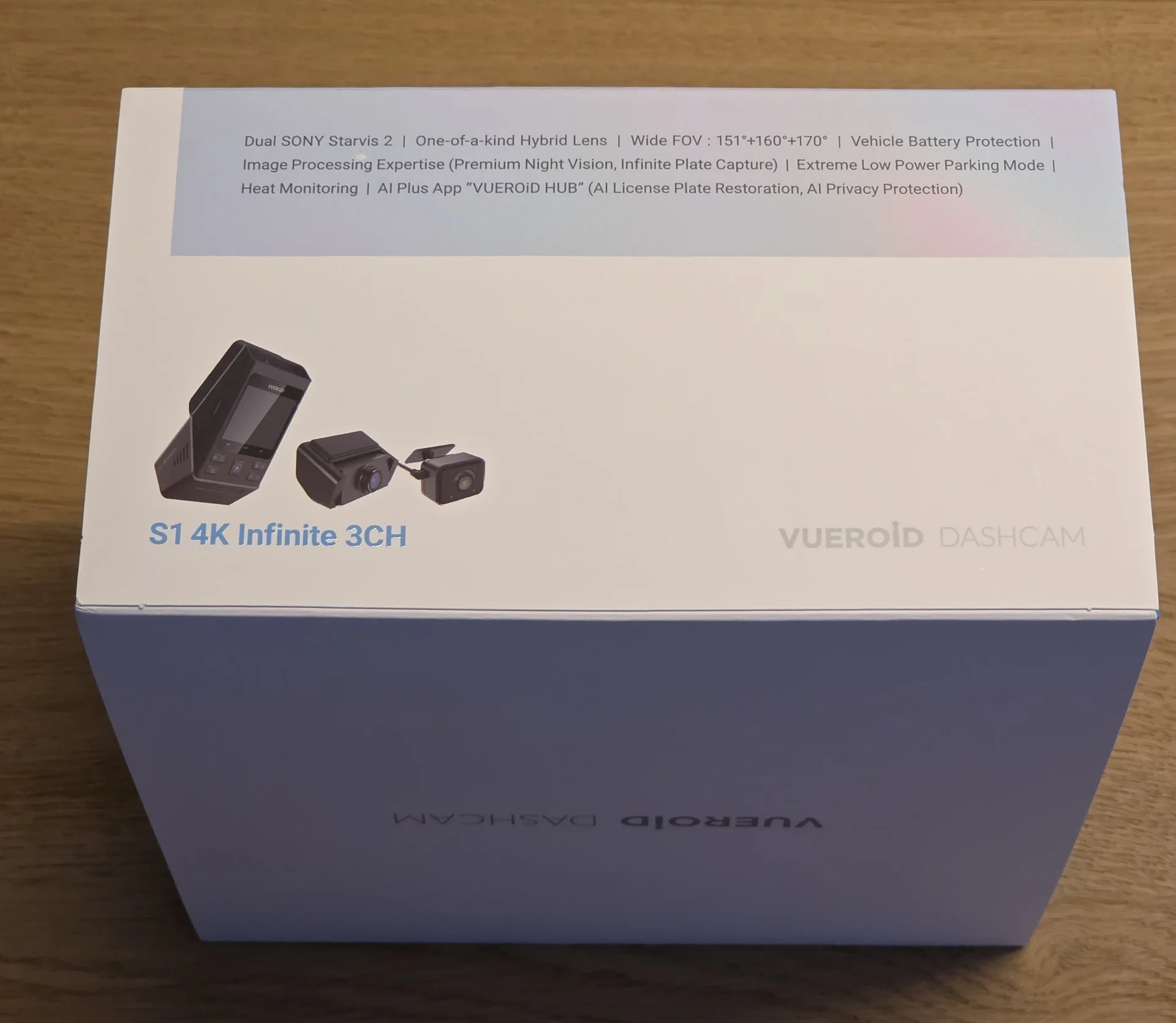
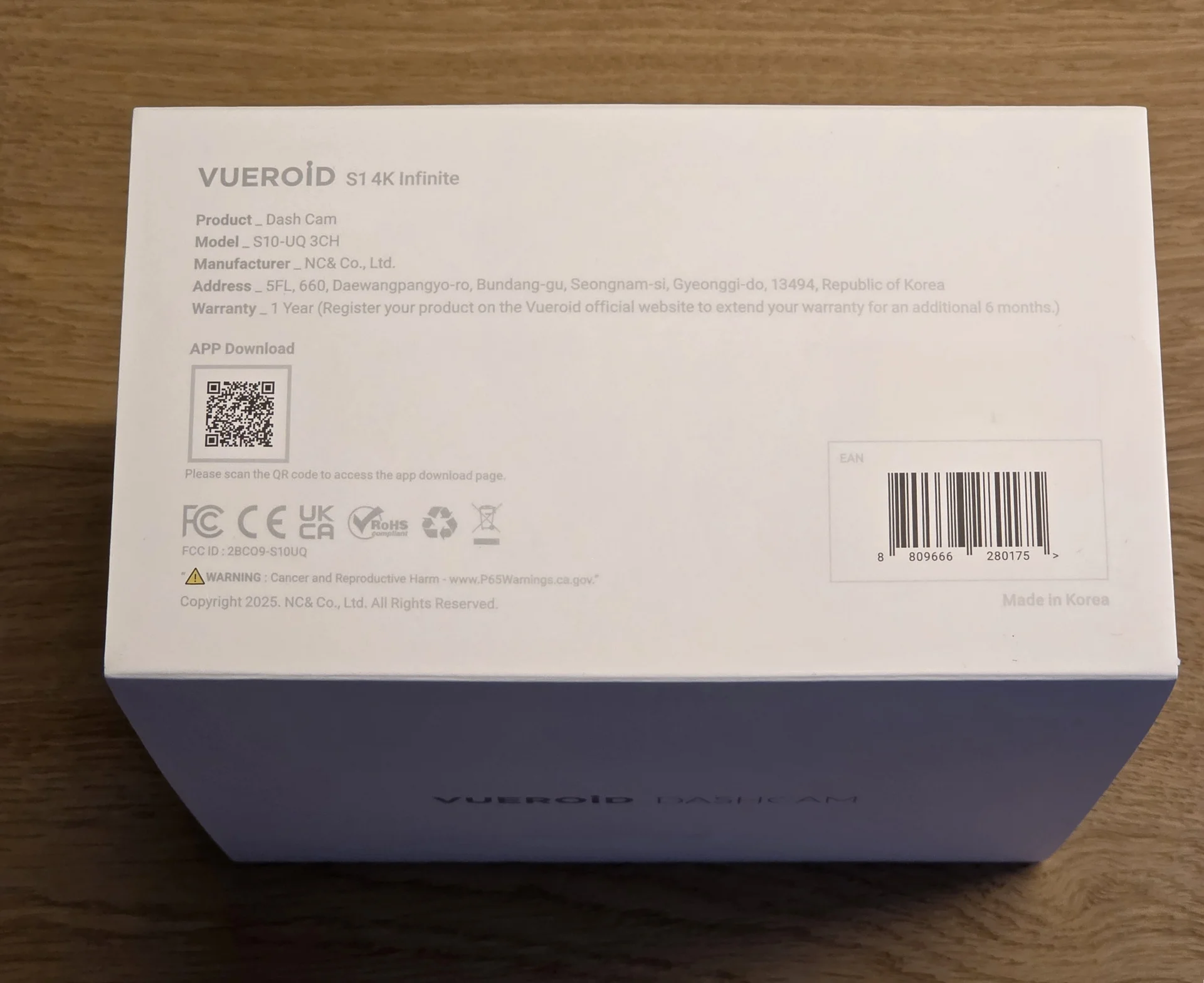
The Vueroid S1 4K Infinite 3CH caught my eye with its promising specifications, aiming to deliver all-around coverage with proven image sensors. This post is an initial unboxing and first impressions report, focusing on the packaging, included accessories, and the physical build quality of the system components.

Specifications:

Channels: 3-Channel System

Image Sensors:
  • Front Camera: SONY STARVIS 2 (IMX678)
  • Rear Camera: SONY STARVIS 2 (IMX675)
  • Interior Camera: SONY STARVIS (IMX307)
Resolutions:
  1. Front Camera: UHD (3,840 x 2,160) @ 30fps (Max. 60fps)
  2. Rear Camera: QHD (2560 x 1440) @ 30fps
  3. Interior Camera: FHD (1920 x 1080) @ 30fps
Field of View (FOV):
  • Front Camera: 151°
  • Rear Camera: 160°
  • Interior Camera: 170°
Image Modes & Features:
  • HDR: Front, Rear, Interior
  • Infinite Plate Capture Mode: Front
  • Premium Night Vision Mode: Front
  • AI License Plate Restoration & Privacy Protection
Connectivity:
  • Wi-Fi: Dual-band (2.4GHz & 5GHz)
  • GPS: Built-in
Display:
  • LCD Screen: 2.3 inches
Storage:
  • microSD Card Compatibility: Up to 512GB (Recommended 256GB or larger)
  • File System: TFF (Three Free File) System
Power:
  • Input: 12V via the GPS mount
  • or 5V (USB-C) on the side of the camera.
Parking Mode Features:
  • Extreme Low Power Mode
  • Impact & Motion Detection
  • Impact & Timelapse
  • Auto REC Off Zone Mode
  • Durashift Parking Mode
  • Battery Protection Mode (Cut-Off Voltage & Time)

Mount Type: Adhesive
Video Codec: H.264

Operating Temperature: -20℃ ~ 65℃ (-4℉ ~ 149℉)


Unboxing


1.webp
2.webp


3.webp
4.webp


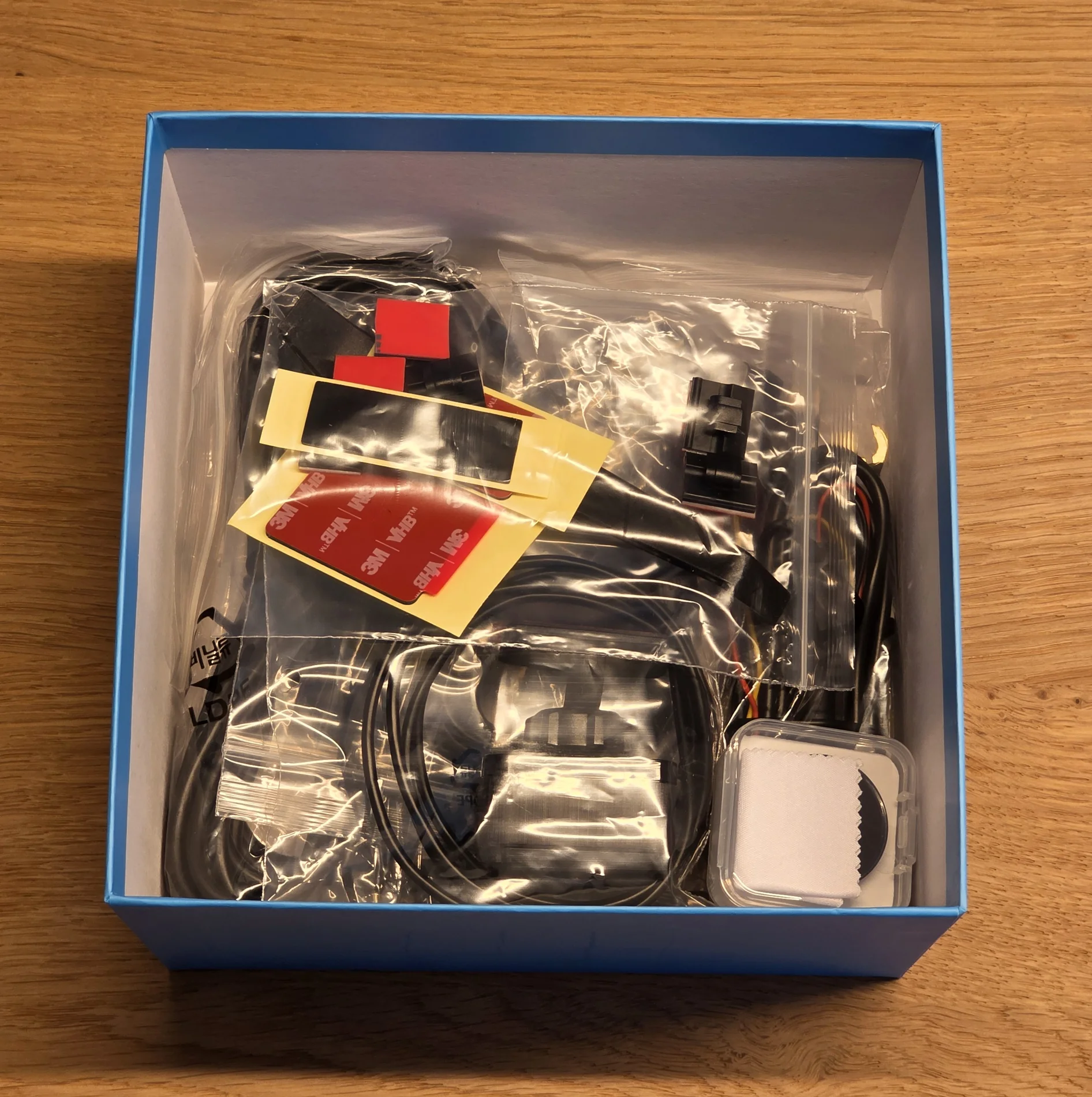
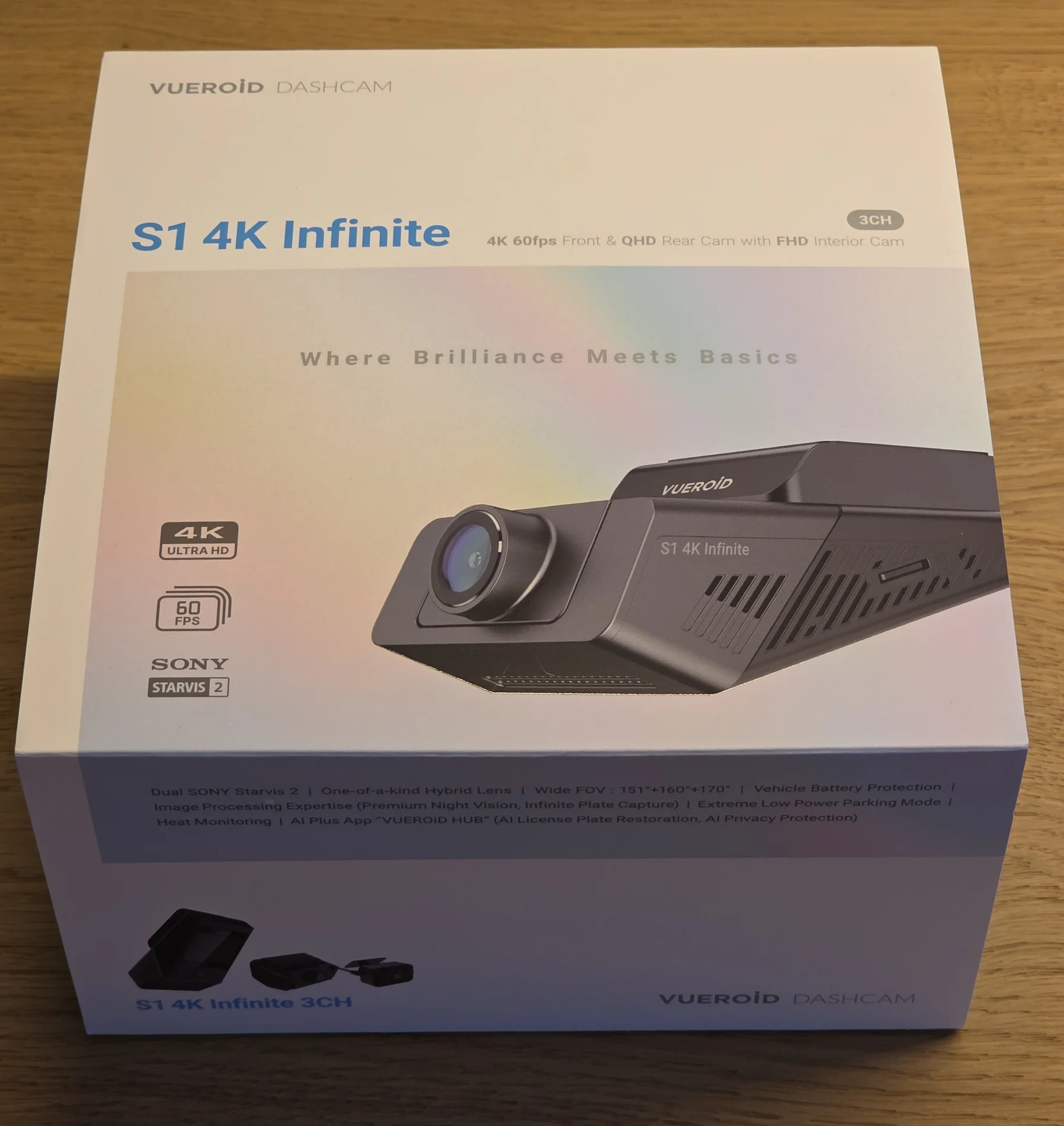
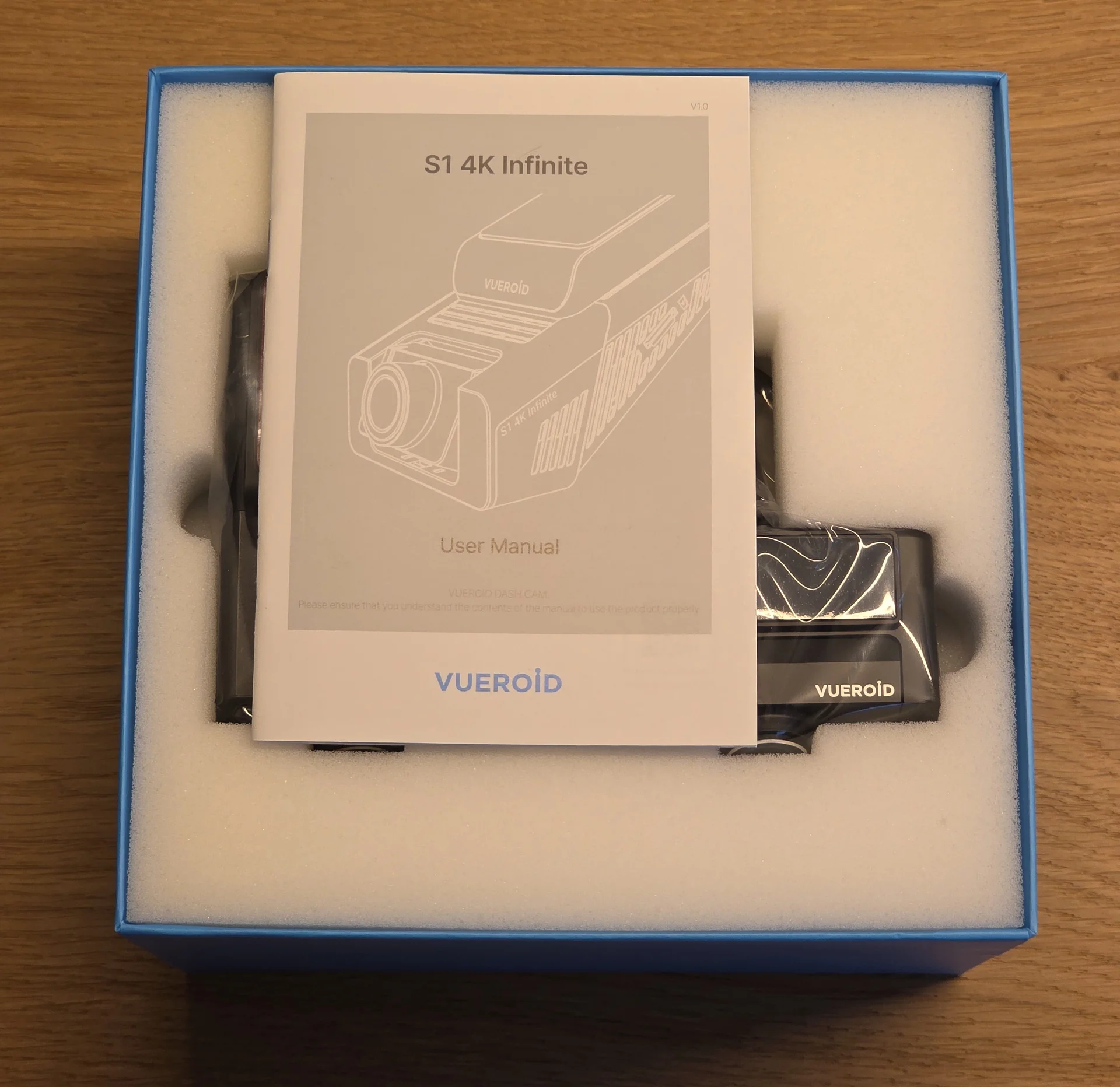
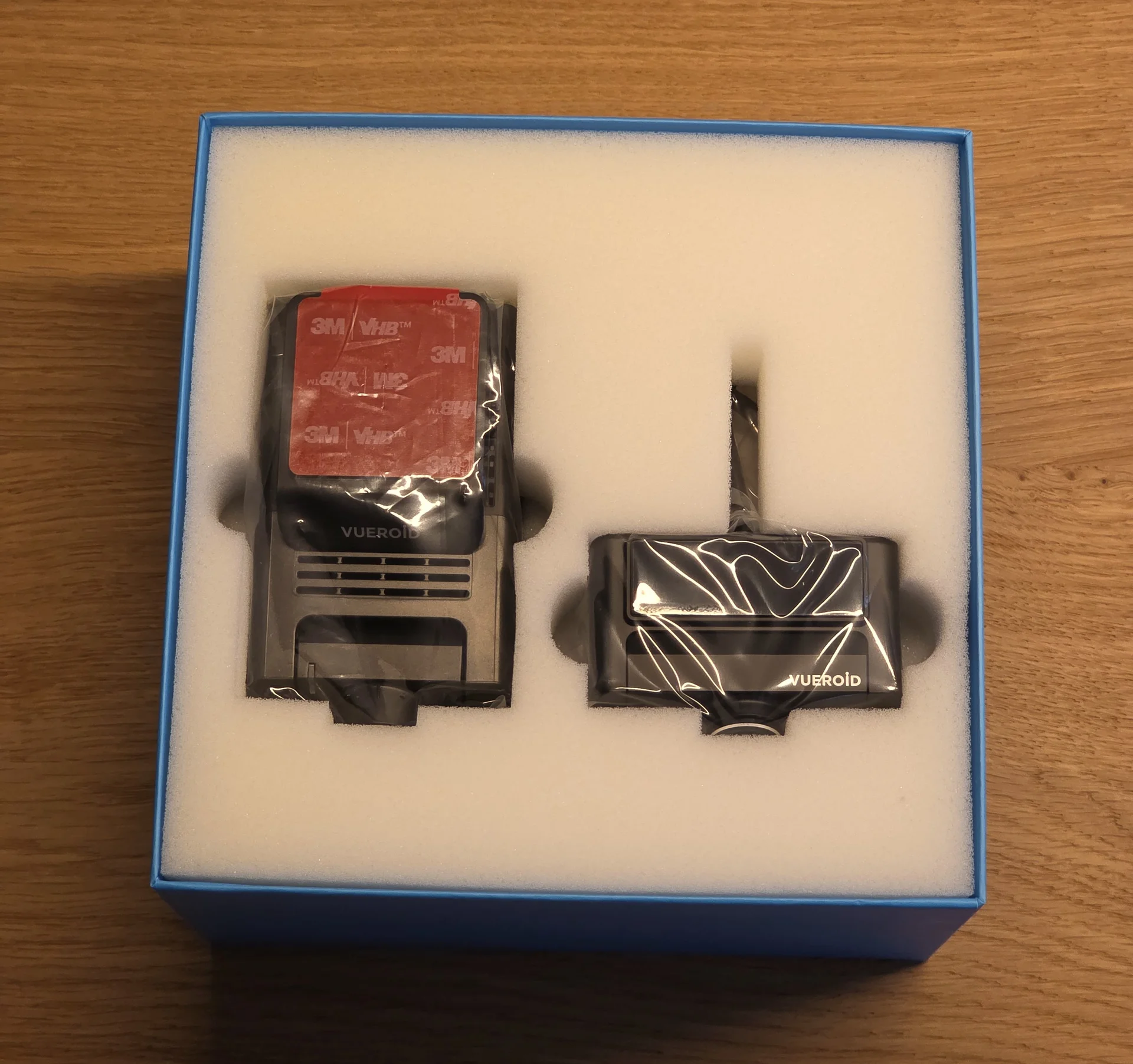
The Vueroid S1 4K Infinite 3CH arrived in a well-organized package. Upon opening, it's clear that this is a very complete kit, with virtually everything you need for installation included. The main unit and its companion cameras are stored securely, protected by foam inserts.
6.webp
7.webp


The accessories can be found under the front and rear cameras.
8.webp
9.webp


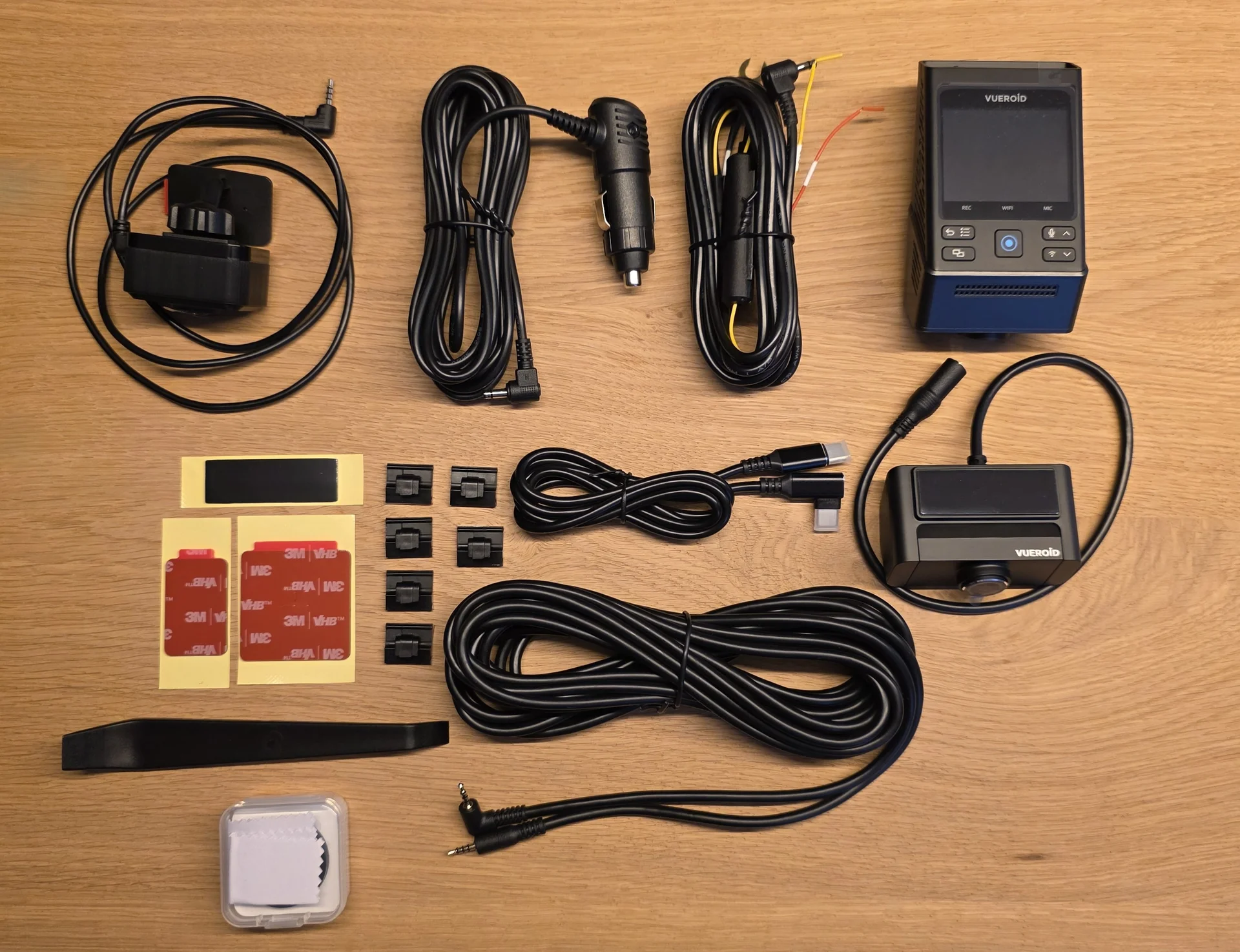
Everything that is included:

23.webp
22.webp


More in the next post.
 
Last edited:
Inside the box, I found:
- The Vueroid S1 main front camera unit.


24.webp
25.webp
26.webp


On/Off switch at the top
27.webp
28.webp


Lens adjustment
29.webp
30.webp


- The Vueroid S1 rear camera.

Lens adjustment (can't be aimed down)

31.webp
32.webp


34.webp


More in the next post
 
Last edited:
Continuing with the contents of the package:
- The Vueroid S1 interior (IR) camera.
18.webp
19.webp


The mount makes it one of the most flexible interior cameras when it comes to mounting and aiming it.
Very nice and worth mentioning it!

20.webp
21.webp


- A hardwire kit, which is a nice touch, comes with fuses directly installed for convenience and safety.

14.webp
13.webp


- A CPL (Circular Polarizing Lens) filter for the front camera. This is a crucial accessory for reducing glare and reflections, and its inclusion out of the box is a significant plus.

10.webp
11.webp


Make sure to remove BOTH! protective films before installing the CPL. I don't want to read another thread about this. 🤣

12.webp


- The necessary connecting cable for the rear camera.

17.webp


I'm running out of space. More in the next post!
 
Last edited:
Continuing with the contents of the package:
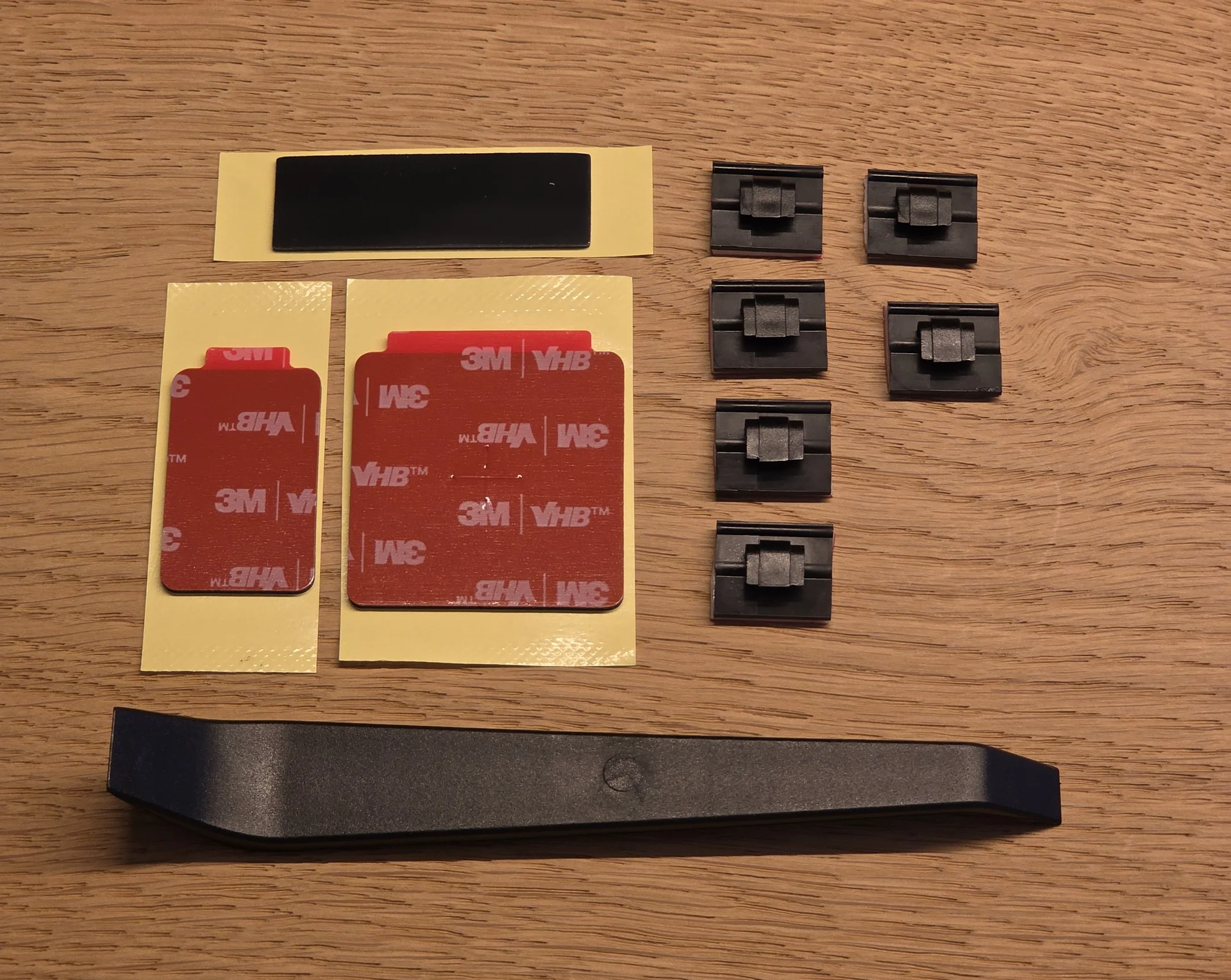
- A pry bar, a set of sticky cable clips, and extra 3M adhesive pads for installation.

22.webp


Vueroid also offers a Vueroid-branded microSD card for the best compatibility. (The SD card is sold separately)

35.webp


To make hardwiring the S1 4K easier, Vueroid also offers an OBD Hardwire Kit.

In addition to the OBD Hardwire cable, there is also a pry bar and sticky cable clips.

36.webp
37.webp

38.webp
39.webp


It makes using the parking mode so much easier. No need to search for the correct ACC and BAT fuse anymore.
Fuses are in line with the hardwire kit.
Plug and Play, and it's working.

The overall presentation is premium, and the comprehensive accessory list makes a strong first impression.

More in the next post.
 
Last edited:
First Impressions
Taking the Vueroid S1 main unit in hand, it feels solid and well-constructed. The wedge design we've seen from other cameras is fairly compact for a unit featuring a 2.3" LCD screen. The port labeling on the main unit is clear, which will help with the installation. The menu system, upon initial power-up, appears intuitive and easy to navigate directly on the device itself. A notable feature, even before installation, is the system's ability to restore video seamlessly after a power loss. Since the S1 4K does not have a capacitor, it will power down immediately.
The rear camera also has a high-quality feel to it. However, a significant observation regarding the rear camera is its mounting design. It appears to be intended for installation on angled rear glass. Mounting it on a flat headliner won't work, as it cannot tilt further down to capture the road properly. This is an important consideration for vehicles with specific interior layouts. Unfortunately, there is no CPL filter available for the rear camera, which would have been a welcome addition for managing glare from the rear window.

Setup


Upon the first startup, the S1 4K will prompt you to set everything up.

40.webp
43.webp


One of the standout features of the S1 4K is the lack of a capacitor or battery.
To ensure reliable functions, Vueroid allocates the memory in advance.
There are 4 different options to choose from. Each is prioritizing a different folder.

44.webp
45.webp


A small detail that I appreciate is the live view of the rear camera when mirroring or rotating the image.
46.webp
47.webp
48.webp


More in the next post.
 
Last edited:
APP

Connecting the S1 4K to the app is easy.
Pressing the bottom right button will enable the Wifi.

Screenshot_20251010_183044_VueroidHub.webp


The device has to be confirmed with the press of a button:

49.webp


The start page will show the camera, the current firmware and also quick access favorites at the bottom.

Screenshot_20251010_183242_VueroidHub.webp


Up to 3 favorites can be selected from several options.

Screenshot_20251010_183249_VueroidHub.webp
Screenshot_20251010_183307_VueroidHub.webp


The live view will also show the G-forces at the bottom.

Screenshot_20251010_183354_VueroidHub.webp


After disconnecting from the app and opening it again, the app will check for updates and download them.

Screenshot_20251010_183437_VueroidHub.webp
Screenshot_20251010_183508_VueroidHub.webp


Connecting to the camera will transfer the firmware, and the camera will install it.

Screenshot_20251010_183614_VueroidHub.webp


The settings are unfortunately hidden in the tab "More". I wish they were more present.

Closing
These initial observations show a promising picture of the Vueroid S1 4K Infinite 3CH. The complete package is impressive. I’ll follow up with testing on image quality, including day and night performance, parking mode functionality, and overall system stability, soon.
 
Here are some screenshots a short time before the camera switches to HDR.
Front unit, No CPL, HDR Off:


4.webp
7.webp


2.webp
8.webp


9.webp
17.webp


For these lighting conditions with HDR off, it's a very nice result. Plates can all be identified without issues.


Rear camera:
(Dirty rear window but still a very nice result for the little light)

13.webp
14.webp


Extremely sharp image at the edges as others already noticed.

15.webp
12.webp
 
I like the cable clips are there, IMO like CPL filter these things should be there with all dashcams.

And i say so even if it is actually rare i have used those clips, but i think i would have if i was a regular guy dashcam user / customer.
It is only due to frequent change in systems in my car that i have these half asses installs.

I can be pretty anal with wires, for many years building a new PC, i would shorten / lengthen wires from the PSU to hardware so it was tailored to just this case and this route.
What seem to be the norm of just cramming wires in between the motherboard tray,,,,,, well i have not been big on that

I think i would do the same with Dashcam wires if they was not appearing to be even more sensitive than PC wiring where you just have to use the correct wire gauge.


Pushing the German " Ordnung muss sein " to the limit.
 
It's definitely a nice add on to have. I used similar clear cable clips in the past to have a clean cable management on the windshield.
 
Here comes the next batch of pictures.
HDR is enabled. No CPL.
Full size image:
21.webp

Crop:
21.1.webp


22.webp
23.webp


Raining with drops on the windhield. Still a very clear result.

24.webp
25.webp


The first plate is very easy to read. The 2nd one not so much. With a bit of skipping through the frames, it can be read.
26.webp
27.webp


28.webp
 
Some more:


Very heavy rain, lots of glare and both care going between 60-70km/h. Total approach speed of 120-140km/h.
These five surprised me how good it was captured.

29.webp
30.webp


31.webp
32.webp


33.webp


Car in front
34.webp


35.webp
36.webp


This one is very hard to identify. Frame skipping didn't reveal much more either.

37.webp
42.webp
 
I still have more to share.

38.webp
39.webp


40.webp
41.webp


Again, very impressive capture in bad conditions.

43.webp
44.webp


45.webp
46.webp


HDR is even visible on the ground.

47.webp
 
This is the last one for today.

With a dirty and wet rear window, the plates can still be read when braking.
Frame skipping is required to make a reliable identification.

48.webp
49.webp


50.webp


Here, the plate is not ideally exposed. It can still be read if put in a photo editor.

51.webp


Very hard to identify/read.

53.webp


Not the best capture, but it can easily be read.

54.webp
 
Now let's talk about the images above.
It's very clear that Vueroid has spent a lot of time optimizing the HDR function. As seen above, it's performing very well.
For a relatively new player on the dashcam market, this is extremely impressive.
Even in the worst conditions, with heavy rain and lots of glare, the S1 4K was able to capture plates as if there wasn't any bad weather.

It is important to note that not every capture is perfect.
There are also misses, like with every other camera that's on the market.
If the car is too far to the left or right and moves too fast, the camera won't be able to capture it. But again, every camera will struggle with this.

55.webp


From the clips I checked, the S1 4K was able to capture most of the plates with the front camera.
The cars can be one lane to the left (oncoming traffic) or one lane to the right. Any further left or right, and the camera won't be able to pick it up.


Overall, the performance is very solid. Vueroid did their homework.
I will check HDR+IPC in the following days.
 
Sadly i dont think these low light captures would be possible in my car, due to its light pattern, i would probably also have to " cheat " and use the high beam to get enough light into oncoming lane a bit further out.

But by the looks of it there is no doubt Vueroid have done their home work with this product.
 
Sadly i dont think these low light captures would be possible in my car, due to its light pattern, i would probably also have to " cheat " and use the high beam to get enough light into oncoming lane a bit further out.

But by the looks of it there is no doubt Vueroid have done their home work with this product.
The car is over 10 years old and doesn't have LED headlights.
It's just Xenon.
Compared to other cars I've driven it's not that bright.
 
I know.
I do not think it is a matter of the amount of light, my H4 55 W bulbs are plenty strong i think, but the light from them in low beam only go into the other lane up to 5 M or so in front of the car, i simply can not capture plates with S1pro Max or T 800.
But if i put on high beam and adjust those all the way down so i at least do not fry the retina on oncoming drivers i am catching plates just fine, even have several frames to choose from, Okay the light of the high beam are stronger alright, but i think more important it is thrown into the oncoming lane some 15 M and further out ahead.

If i was younger and more fit i would load several 100 kilos of stuff into the boot of my car to get the low beams higher up to test if that made a change.
 
Last edited:
The car is over 10 years old and doesn't have LED headlights.
It's just Xenon.
Compared to other cars I've driven it's not that bright.

My car is 13 years old, and about once a year I have to remove the lens oxidation, clean, buff out, and seal the headlamp lens. Doing that increases the projected light on the road. I have been told that later-model automobiles use a different plastic that does not fog over like mine does.
 
Back
Top