Augustus
Well-Known Member
- Joined
- Aug 19, 2016
- Messages
- 4,206
- Reaction score
- 2,694
- Location
- Perth, Australia
- Country
- Australia
- Dash Cam
- Viofo, Vantrue, 70mai, Wolfbox
Very nice photos and nice install , sleek and tidy. The CPL filter barely adds any bulk to the body so that will be just fine when it arrivesToday, I hardwired the E1 Pro camera in my daughter's Camry. I wanted to put the E360 in her car for better coverage, but given the physical configuration of the windshield and the rear view mirror, it was challenging to place it in a position that she didn't balk at. Darn kids... So she got the E1 Pro instead. Installation was pretty straight forward. This tiny camera fits just about anywhere!
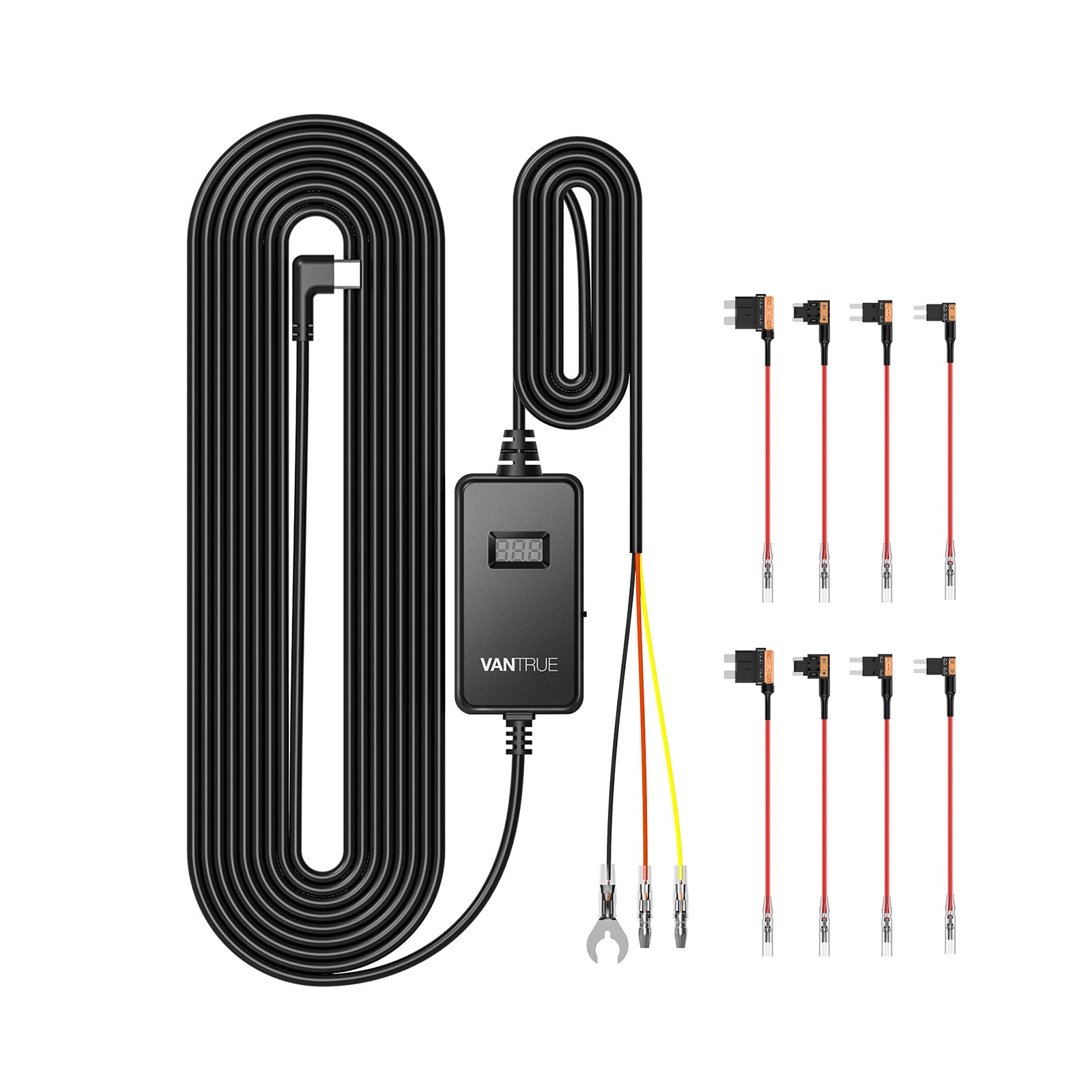
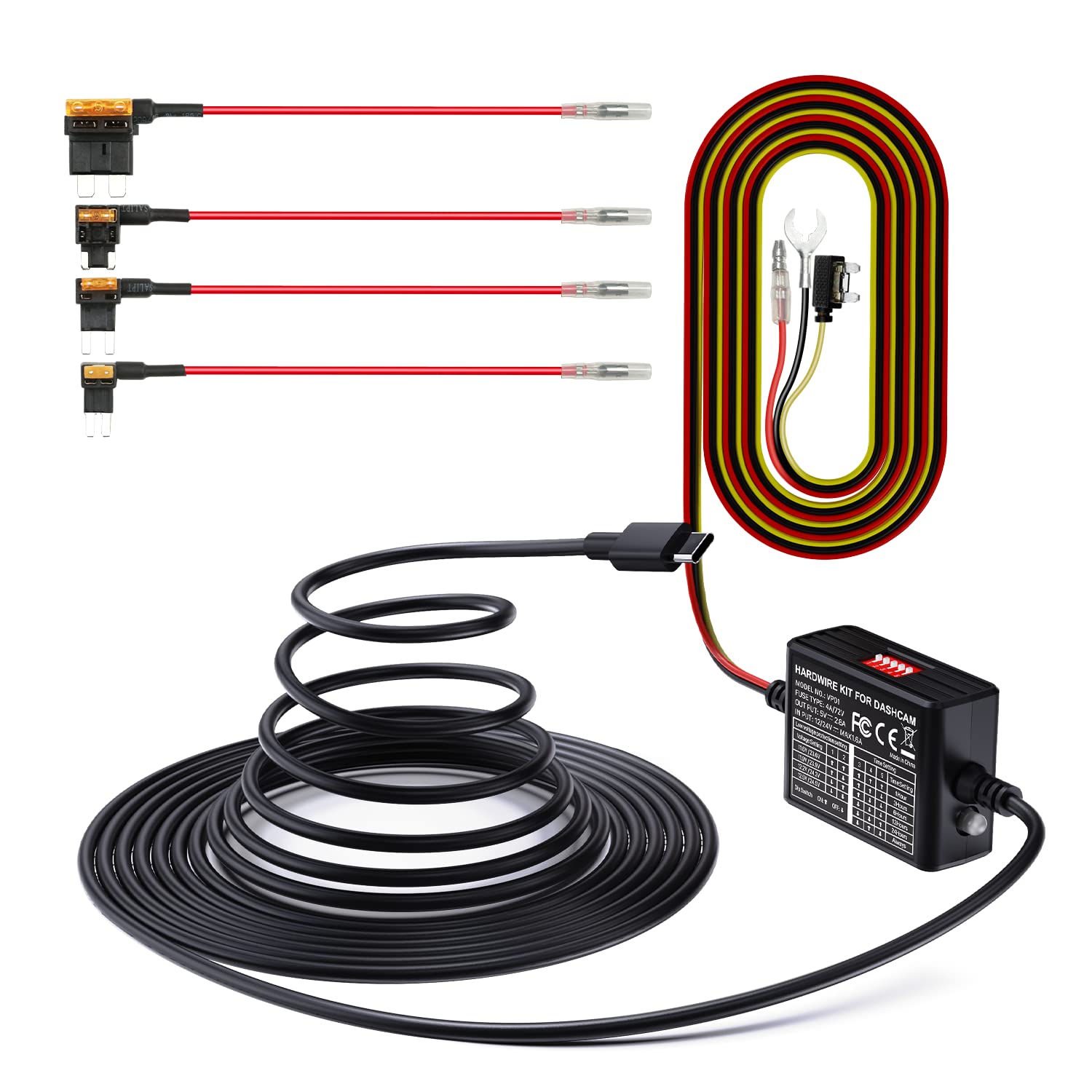
Since her sparse driving pattern isn't super conducive to using parking mode, I altered one of the fuse taps instead of altering the hardwire kit so the camera would turn on and off with the ignition and not occupy the 12v utility port in her dash. I figured altering the add-a-fuse and making it a Y cable preserves future flexibility for reinstalling the hardwire kit in a different car or using it with parking mode later on.
View attachment 78577
The Camry fusebox is by the driver's left foot, under the dash. I nearly had to stand on my head in the footwell in order to see what I was doing. That was fun. Much to my excitement, there were two open slots in the fusebox, both of which were actually live. SCORE! A variety of cars have empty fusebox slots but those same slots aren't actually wired, so you can't tap power from them. I used the empty slot (indicated by the rectangle with the diagonal line through it at the bottom of the center row.
View attachment 78579
The Camry uses low profile fuses that are covered with a cap that fits snugly and directly on top of the fuses, so once I installed the add-a-fuse adapter, there was no getting the fuse cover back in place afterward. Bummer... The fusebox had the usual convenient screw at the end of the row of fuses that hits the chassis, so this was a perfect grounding place. The split ring on the hardwire kit's grounding lug was perfect to slip around the grounding screw without having to fully remove it. Awesome! The completed wiring job is shown below. You can also see the 12v to 5v regulator that I mounted to the side of the fusebox. I used a few zip ties to bundle up the excess wire and keep everything out of way.
View attachment 78578
The next step was to test the functionality of the power supply. Success! Power goes on and off with the ignition exactly as I intended. It's surprisingly hard to get an image of this LED voltage meter as the individual segments flicker at a fairly high rate, so I kept getting images of a partially lit LCD panel until I slowed down the shutter speed a bit.
View attachment 78580
Once I verified the functionality of the power supply, I pulled the side panel of the dash to feed the cable up along the dashboard. The Camry requires you to pull the door trim off before you are able to remove the A-pillar trim piece. Just go gently and pull it straight down from the car body. Once you get it started, it separates more easily.
View attachment 78588
Getting the A-pillar trim piece off was a bit of a trick (more details below). Once this is off, the rest is easy. The black wire just above the blue-wrapped wire is for the dashcam.
View attachment 78581
Again, to my pleasant surprise, there are three wire clips that readily accepted the dashcam's power cord, keeping it safely out of the way of the side curtain airbag. This is VERY important when hardwiring. You don't want the dashcam wire to interfere with the side curtain airbag unrolling during an accident!!
View attachment 78582
From there, I used the orange trim tool to lift the headliner away from the inner windshield so I could tuck the wire in and run it across the top of the windshield. At first, I was thinking the cord wouldn't be long enough to reach from the fusebox, up the dash, then the A-pillar, then across to the rearview mirror. As it turns out, this wasn't a concern at all, it reached exactly where I needed it to and I have a few feet left over. Cool!
The A-pillar cover on the Camry has this really annoying black rotating clip that I presume is intended to allow the airbag to deploy but still hold the trim piece in place and keep it from flying at the driver during an accident. This is annoying for working on it, but this is a good thing during an accident! You can see the black clip in the image below. You start removing the A-pillar cover at the top, it will pull out about an inch and then you have to stick your fingers under the cover and rotate that darn clip 90 degrees so the T-shaped part passes through the rectangular slot in the pillar cover. Then you can pull the cover the rest of the way off. This was the hardest part of the whole process.
View attachment 78583
So here is the camera, tucked behind the rearview mirror. The 3M VHB sticks to the little back dot texture just fine and the camera peeks out beneath the dots through the clear part of the windshield. This is the view from the driver's position. Super clean install! It's nearly invisible. I might have been able to move the camera down anouther 1/2 or so, but this works well.
View attachment 78584
And below is the view from the passenger seat.
View attachment 78585
Overall, this is a barely noticeable install. The memory card slot is still easily accessible. I have to pick up a circular polarizer next. My pre-production model didn't come with one. Now let's see how many times I need to edit this post to fix all of my typos and missing words 🤪
Only thing I'd change is to use electrostatic stickers instead of the 3m straight-on method, but you've installed on the black dots so no way the electrostatic stickers would hold 🙁