GoodOutcome
New Member
So I guess I have the updated lens?
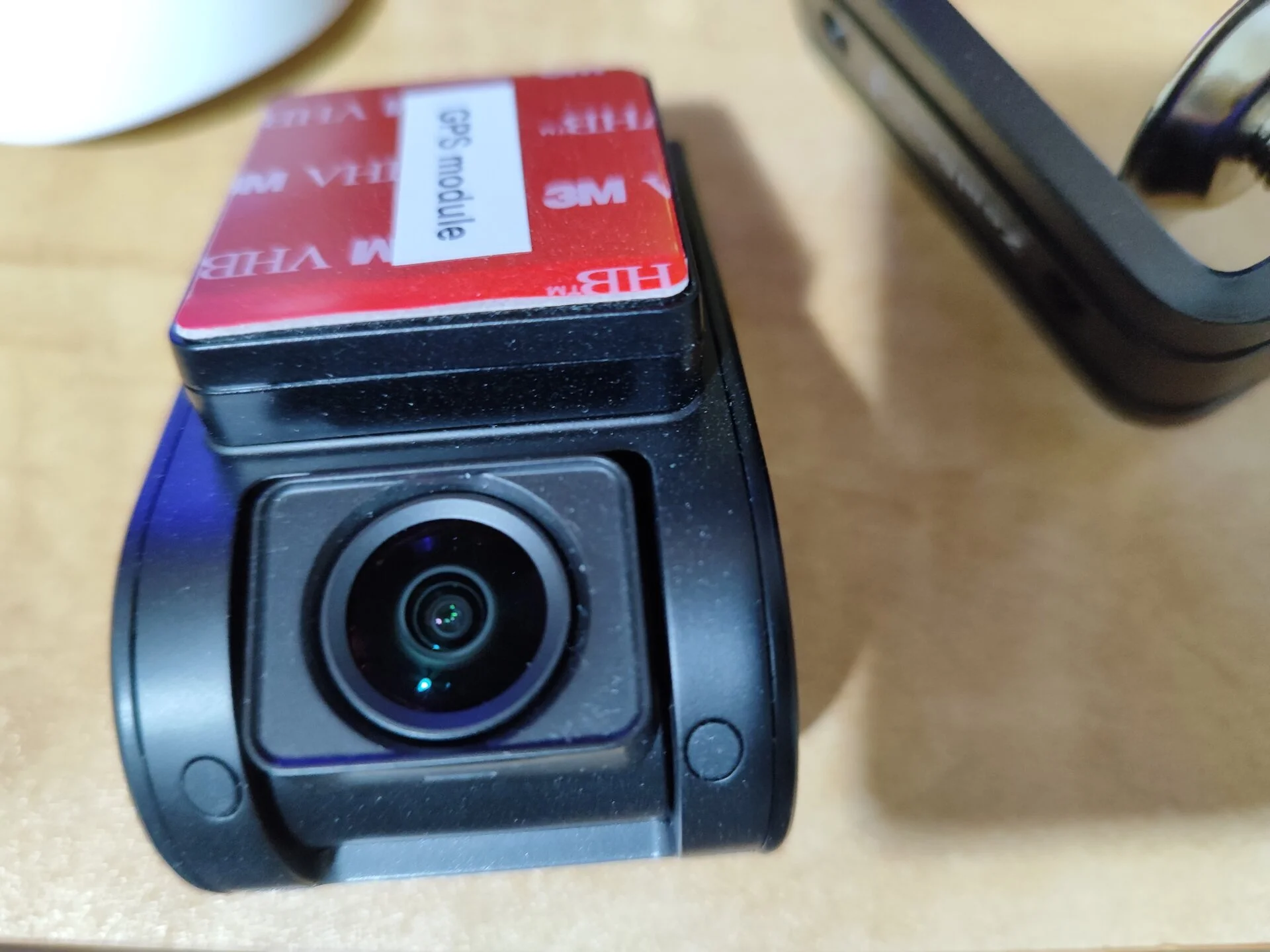


Yes, it looks like you do have an A119 Mini 2 with the updated lens.So I guess I have the updated lens?

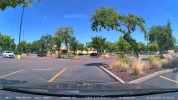

In both cases, u had the cam set to capture in 1920 x 1080 16:9? As opposed to 2K (2560 x 1440 16:9).I was reviewing some of my older A119 Mini 2 footage and some footage from last week. The older footage was captured with an A119 Mini 2 with the original lens. Last week's footage was captured with an A119 Mini 2 with the updated lens. I noticed that the field of view is wider with the updated lens. I park my car in a particular parking spot in this parking lot. That allows me to compare the video from different dates with only a small margin of error. The alignment of the lenses seems to be similar since the objects that are in the middle of the line of sight are positioned in almost identical locations.
The screenshot from the A119 Mini 2 with the updated lens shows more on the edges (more of the dashboard, the upper parts of the trees/sky and items on the left/right). The FOV value for the updated lens must larger than the original lens. I was told that the updated lens for the A119 Mini 2 was the lens used in the A129 Plus. Both dash cameras are stated as having a FOV of 140 degrees.
Original Lens / Updated Lens
View attachment 68212 View attachment 68213
No, both A119 Mini 2 dash cameras were set to 2560x1440 30fps resolution. Screenshots larger than 1920x1080 get auto downsized to 1920x1080 by the DCT website software (at least for my user account). My screenshots are at the full 2560x1440 video resolution.In both cases, u had the cam set to capture in 1920 x 1080 16:9? As opposed to 2K (2560 x 1440 16:9).
For sure, the new lens is wider angle. But if both models mentioned are advertised to be the same, 140, then, something is up.
Either original lens was less than 140, or the new lens is more than 140.
Anyway to measure it? Maybe compare it in this same way to the A129 Plus see if they match?
Slightly somewhat related topic....resolution/aspect ratio
I notice, when using 2560 x 1440 16:9, it has a tad wider angle, with a bit of a "fisheye" look.
When changing to 2560 x 1080 2.40:1 (ultrawide), it crops it, but also is not as fisheye looking.
Maybe? what yall think?
Below is 2560 x 1440 16:9
View attachment 68214
Below is 2560 x 1080 2.40:1 (ultrawide)
View attachment 68215

Well that’s just great. LolThe FOV value for the updated lens must larger than the original lens.
Oh. Didn't realize that... quite annoying Forum board software must be a bit old then. Have not had that happen on other forms i frequent, they use Discourse though.No, both A119 Mini 2 dash cameras were set to 2560x1440 30fps resolution. Screenshots larger than 1920x1080 get auto downside to 1920x1080 by the DCT website software (at least for my user account). My screenshots are at the full 2560x1440 video resolution.

A129 Plus ≈ 112°(horizontal)The screenshot from the A119 Mini 2 with the updated lens shows more on the edges (more of the dashboard, the upper parts of the trees/sky and items on the left/right). The FOV value for the updated lens must larger than the original lens. I was told that the updated lens for the A119 Mini 2 was the lens used in the A129 Plus. Both dash cameras are stated as having a FOV of 140 degrees.
Confirmed.Has anyone else noticed this change in behavior?
 drive.google.com
Thanks for checking. I'm wondering if there was a change log entry stating this change in behavior.Confirmed.

I'm just questioning why it wasn't listed as a change log entry (unless I missed that change log).@rcg530 @Panzer Platform
If the low quality bitrate parking mode is selected, recording at a lower resolution was a solution I suggested for the a129 pro @viofo @VIOFO-Support
This is because 4k parking mode means unnecessary extra heat, data and energy since the bitrate is already quite low. Since lower resolution would be more efficient, FHD was tried first and then it was decided to use 2k. because FHD recording on a 4k sensor caused bad images.
a119 mini 2 FHD image recording is sufficient. In my opinion, having FHD parking mode instead of 2k is better in terms of functionality.
Since it has not reached me yet, I ask you to try it for a229 pro and plus as well. If the resolution of the front camera drops in parking mode, this means that the recommendation continues.
Models with different rear camera processors require extra processing and this is overlooked.QHD kamera park modunda QHD çözünürlükte kalırken, ön UHD kamera park modunda QHD'ye düşüyor. Arka kameranın QHD çözünürlükte kaldığını tahmin ediyorum çünkü ön kamera işlemcisi tarafından değil arka kamera işlemcisi tarafından işleniyor (?).

 dashcamtalk.com
I finally uploaded and made public my A119 Mini 2 review video on my YouTube channel. I created a thread in the reviews forum for that video.
VIOFO A119 Mini 2 - Review Video - October 2023
This is my review of the VIOFO A119 Mini 2 QHD dash camera. I delayed this review until October 2023 to present the resolution to a heat related lens focus problem that I encountered while reviewing this dash camera.

Ultra wide is great for 4K, but doesn't work so well for the 2K cameras that have narrower fields of view.Seen some posts on this form, saying that Ultra wide is "better" for overall picture quality.
I only have one A119 Mini 2 installed in my car that the moment. I've been prepping for an A229 Pro / A229 Plus / A139 Pro video comparison, but my A229 Plus firmware testing has been encountering problems that are preventing me from completing my power consumption testing. I'll see if I can temporarily install a second A119 Mini 2 again.Would it be possible, if u still have the 2x A119 Mini2's setup, to do a direct compare of 16:9 vs 21:9 (ultra Wide).
That is one cam set to 2560x1440 60fps and the other 2560x1080 60fps.